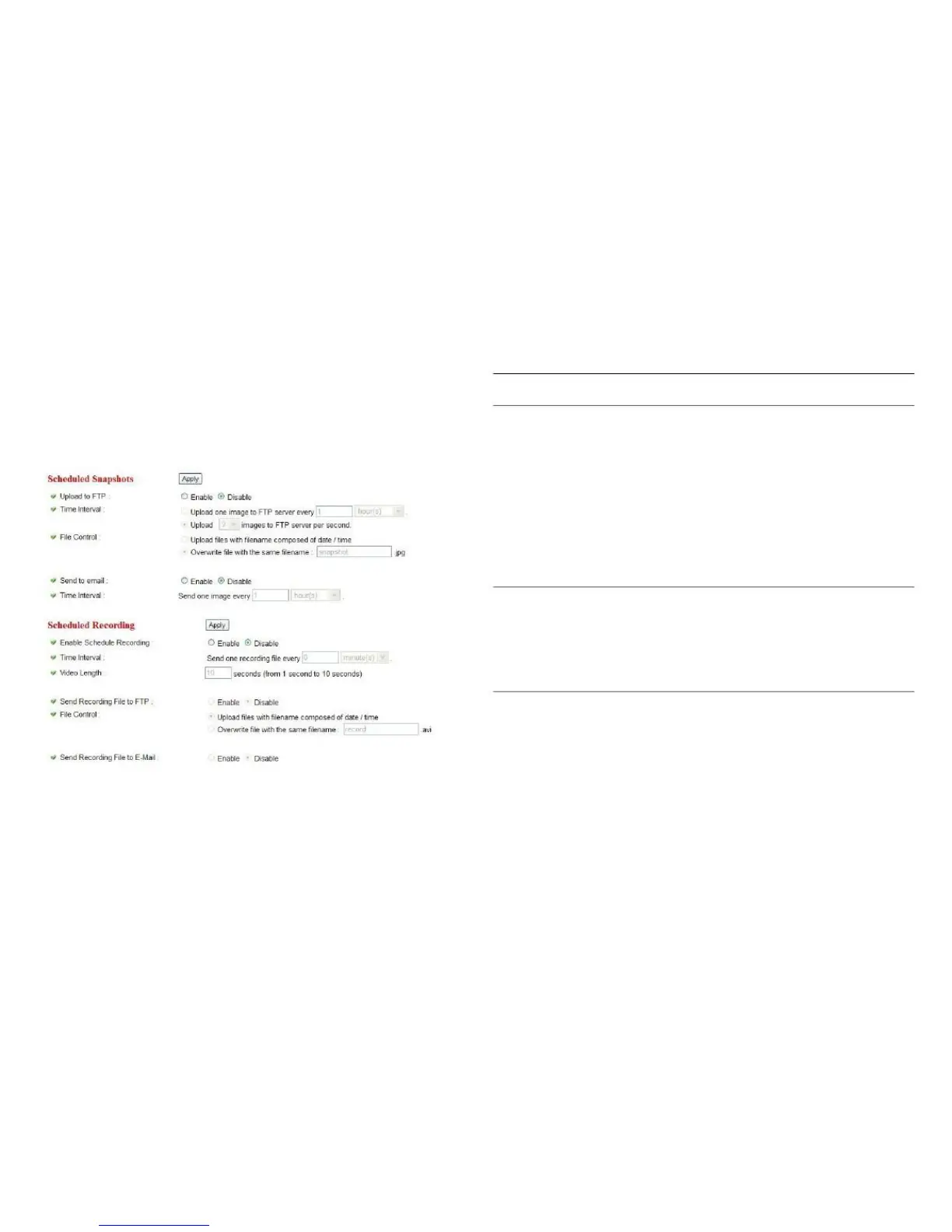
Select Enable to send the scheduled
snapshot to the appointed FTP server,
or select Disable to disable this fea-
ture. You have to configure the FTP
server parameters in the FTP Set-
tings menu before this feature will
take effect. The FTP Settings menu
is found under the Motion Detec-
tion menu.
You can choose to upload individual
images to the FTP server according to
the chosen time interval, or choose to
upload a certain number of images to
the FTP server every second.



 To Next Page