CONFIGURING THE SURVEILLANCE SOFTWARE
Select Enable to show the current date
on the camera‟s display image or Dis-
able to hide it.
Select Enable to show the current time
on the camera‟s display image or Dis-
able to hide it.
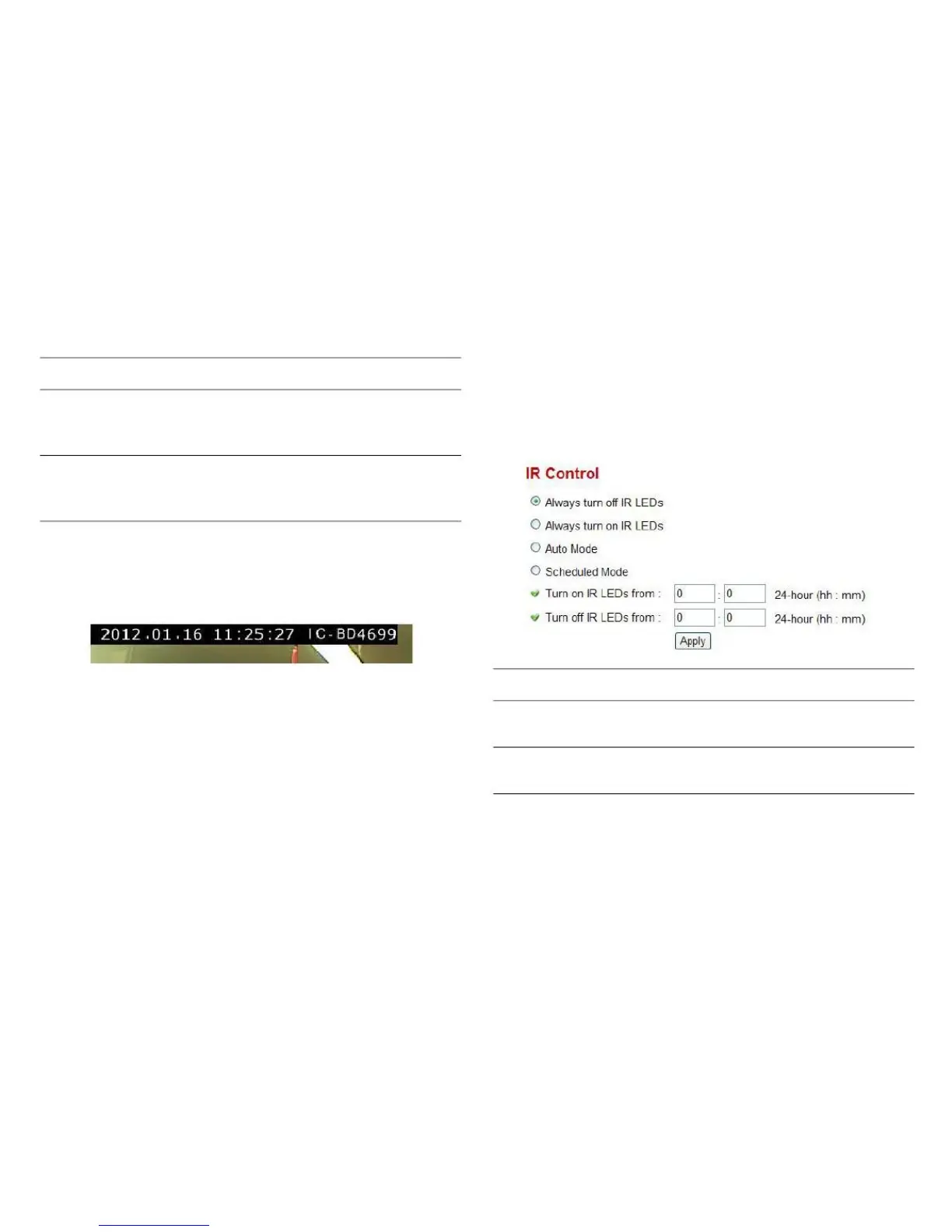
The camera is equipped with 9 IR LEDs to enhance video
quality in low-light environments.
Click Apply for settings to take effect.
OSD items are displayed similar to the following image.
Do not use IR LEDs, even when it‟s
very dark.
Turn IR LEDs on, even when it‟s very
bright.



 To Next Page