CONFIGURING THE SURVEILLANCE SOFTWARE
CONFIGURING MOTION DETECTION
Motion Detec-
tion Schedule
Click and hold the mouse button on a
time line to set a schedule start time.
Drag the mouse to a desired schedule
stop time and release the button.
Repeat this process for the remaining
timelines.
Note:
More than one schedule can be set on
a single timeline.
Click Save to save changes to the time-
lines).
Click Select All to select all the
timeline schedules.
Click Delete All to delete all the
timeline schedules.
Click Delete to delete selected time-
line schedule.
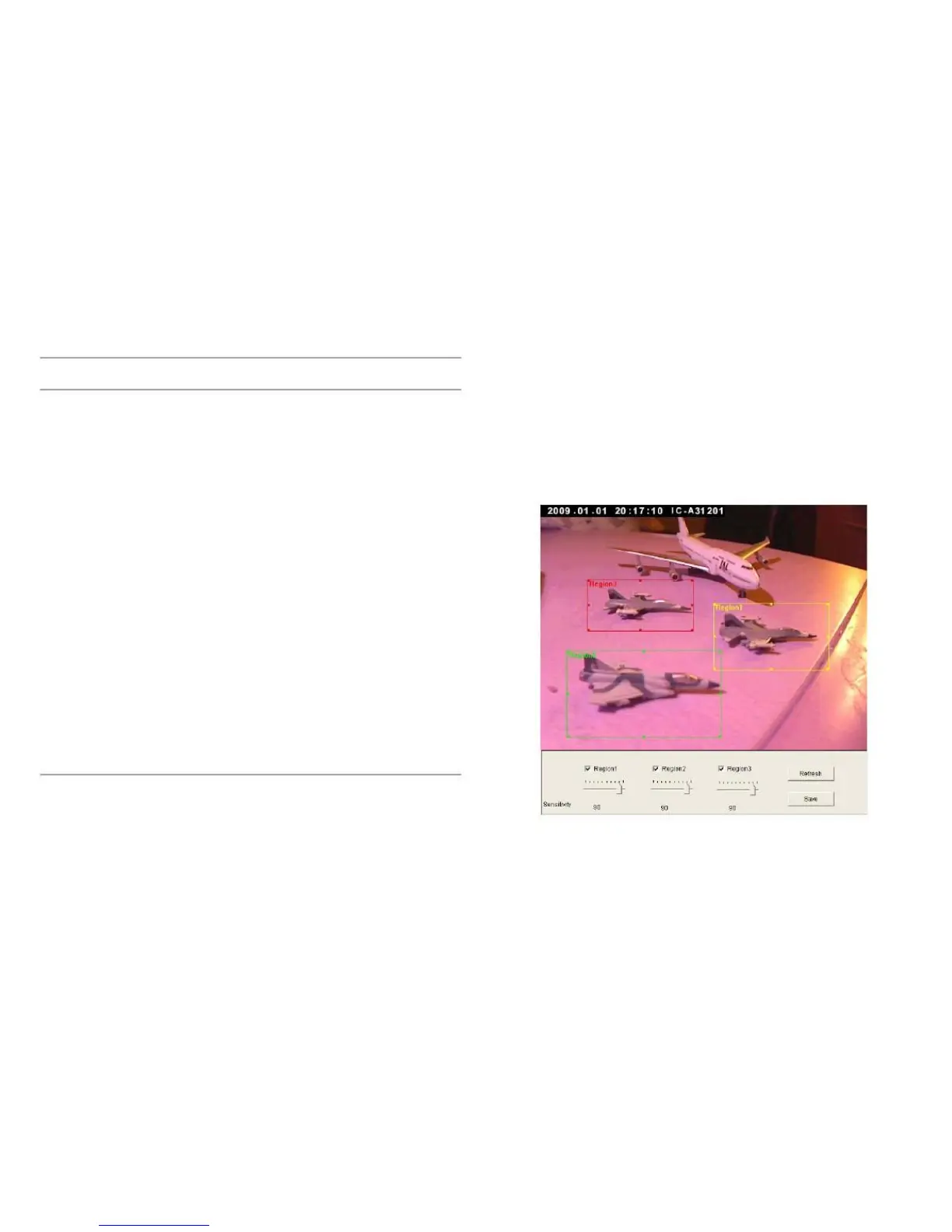
You can define the motion detection region within the image
that the camera captures, so this camera will ignore motions
which are not covered by the motion region setting, and
reduce the chances of false alarms.
Click Apply to save the settings.



 To Next Page