CONFIGURING THE SURVEILLANCE SOFTWARE
CONFIGURING MOTION DETECTION
Check the box to enable motion detec-
tion region 1 to 3. You can check multi-
ple boxes to enable multiple motion
detection regions. When you check a
box, a new region (and region number)
will be displayed on the captured
image.
Move the slide bar to change the
motion detection sensitivity setting:
Drag the slide to the right to increase
sensitivity (camera will detect minor
changes in the image), and drag the
slide to the left to decrease sensitivity
(camera will only detect major changes
in the image).
If the objects in the image captured by
the camera have moved, click this but-
ton to reload the image captured by the
camera, so you can define the motion
detection region more precisely.
Save motion detection region settings.
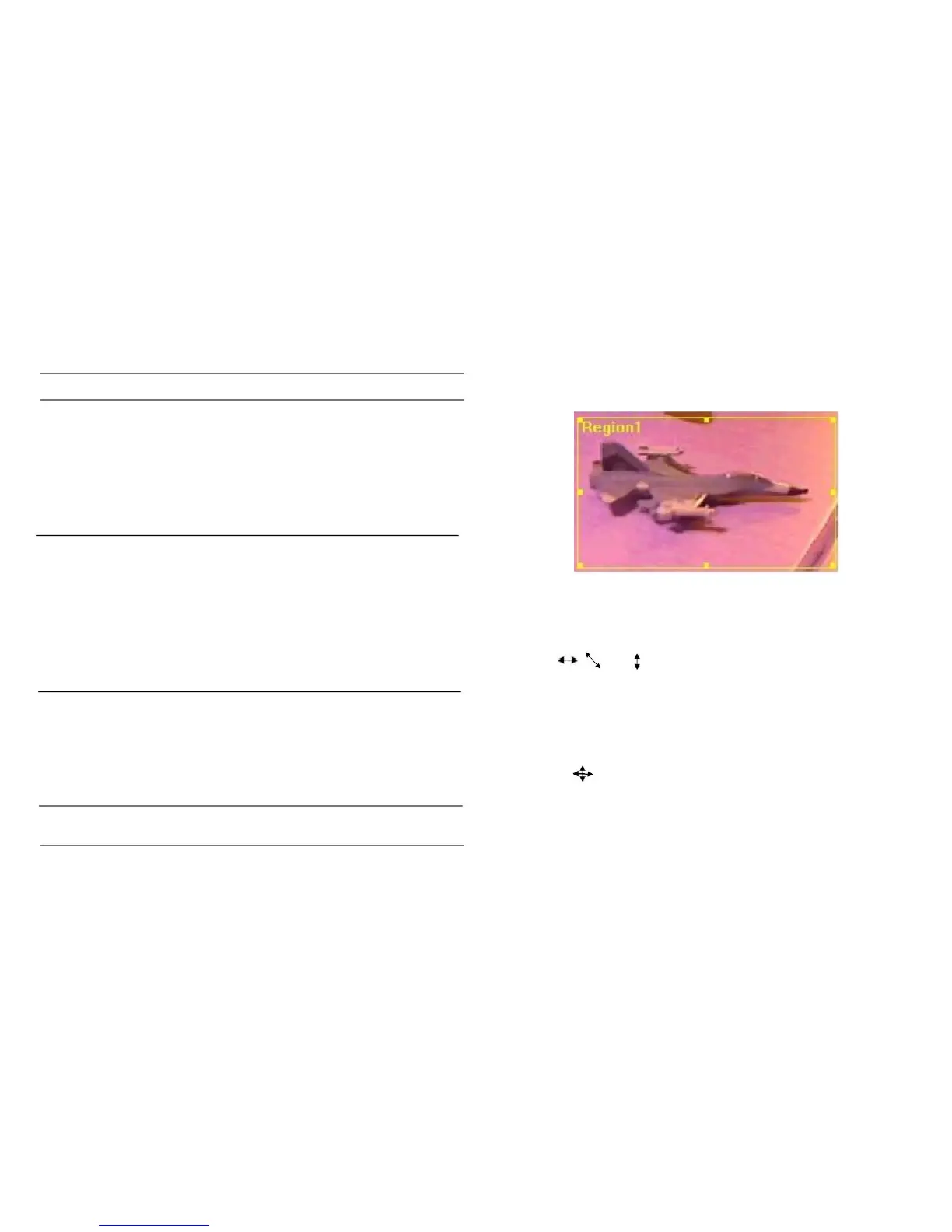
To change the motion detection region, you can „resize‟ and
„reposition‟ it:
Move the mouse cursor to the eight dots located at the bor-
der of motion detection region, and the mouse cursor will
switch to , , or . Click and hold the mouse button
and move the mouse to resize the motion detection region.
To reposition the motion detection region, move the mouse
to within the motion detection region, and the mouse cursor
will switch to . Click and hold the mouse button and
move the mouse to resize the motion detection region.



 To Next Page