CONFIGURING THE SURVEILLANCE SOFTWARE
GENERAL CONFIGURATION OPTIONS
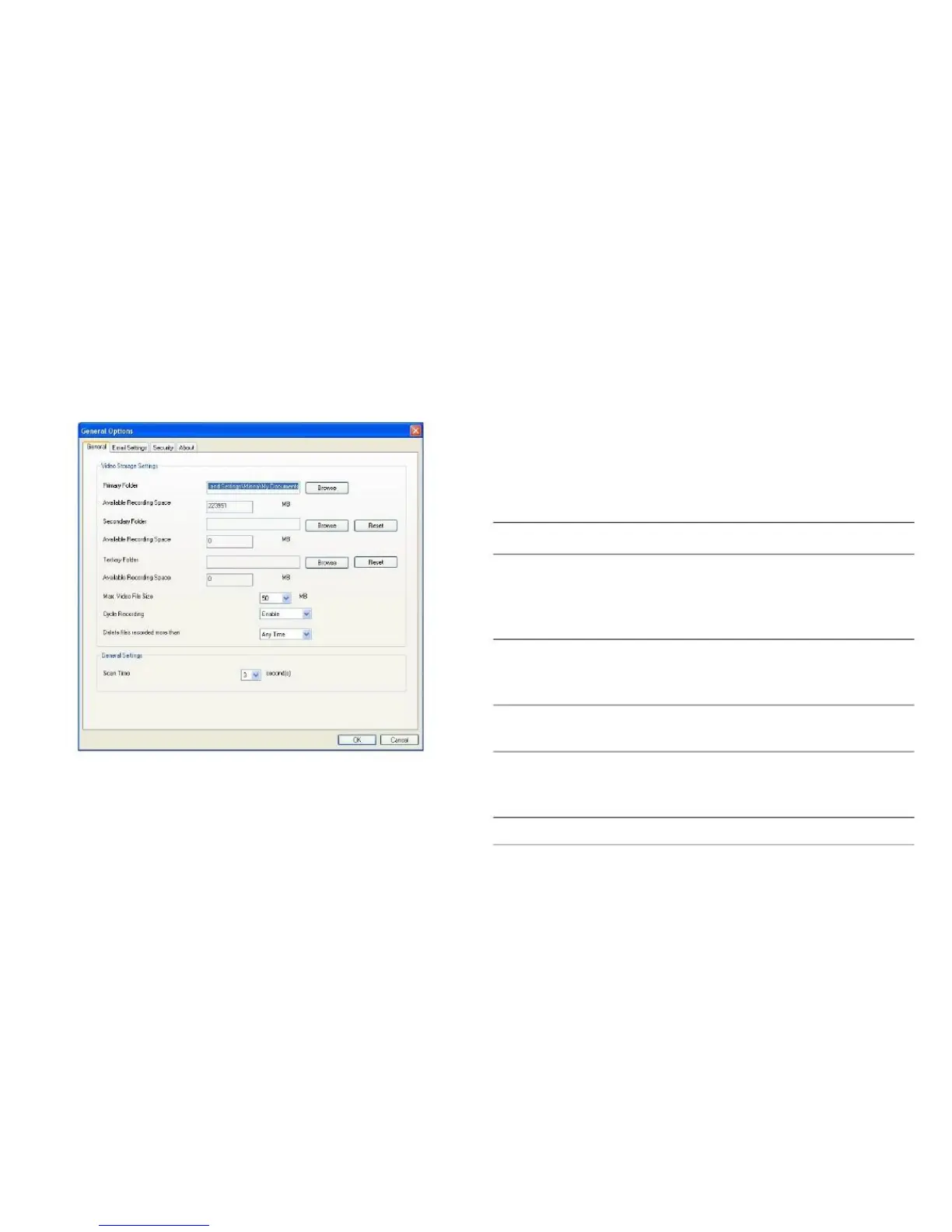
3.4.4 General Configuration Options
General settings like file storage directory and recording
spaces are set here.
Set the directory you wish to store the
recorded videos and captured images.
Click the Browse button to pick a direc-
tory on your hard disk.
Displays remaining storage space.
Available
Recording
Space
You can set the system-wide settings of the network camera
surveillance software in this menu.
Available
Recording
Space
Set the secondary folder.
Displays remaining storage space.



 To Next Page