USING THE SURVEILLANCE SOFTWARE
USING THE SURVEILLANCE SOFTWARE ON IOS
4.5 Using the Surveillance Software on iOS
To show the EdiView menu buttons, press the menu button
on the iOS device.
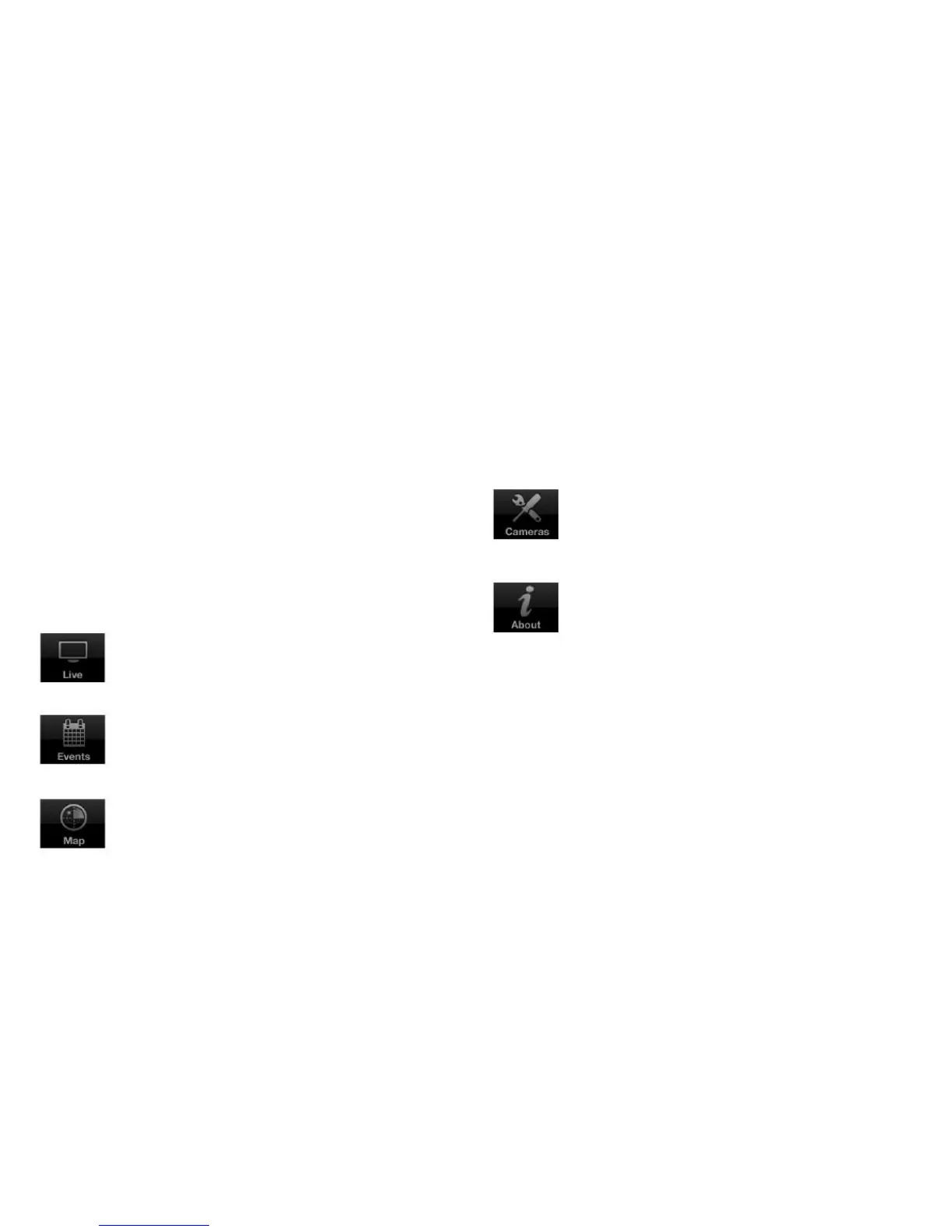
The EdiView menu buttons perform the following functions:
Show information about the EdiView application.
View live images of network camera.
Show a list of available network cameras.
Add a new network camera to the camera list.
View a list of events, or movements, for a net-
work camera.
Use Google Maps to locate network camera.



 To Next Page