CONFIGURING THE SURVEILLANCE SOFTWARE
CONFIGURING NETWORK SETTINGS
When the UPnP feature is activated, all UPnP-compatible
computers and network devices on the same network will be
able to discover this network camera automatically.
This feature is useful since you do not have to remember
the IP address of this network camera. Simply open Net-
work neighborhood and it‟s there.
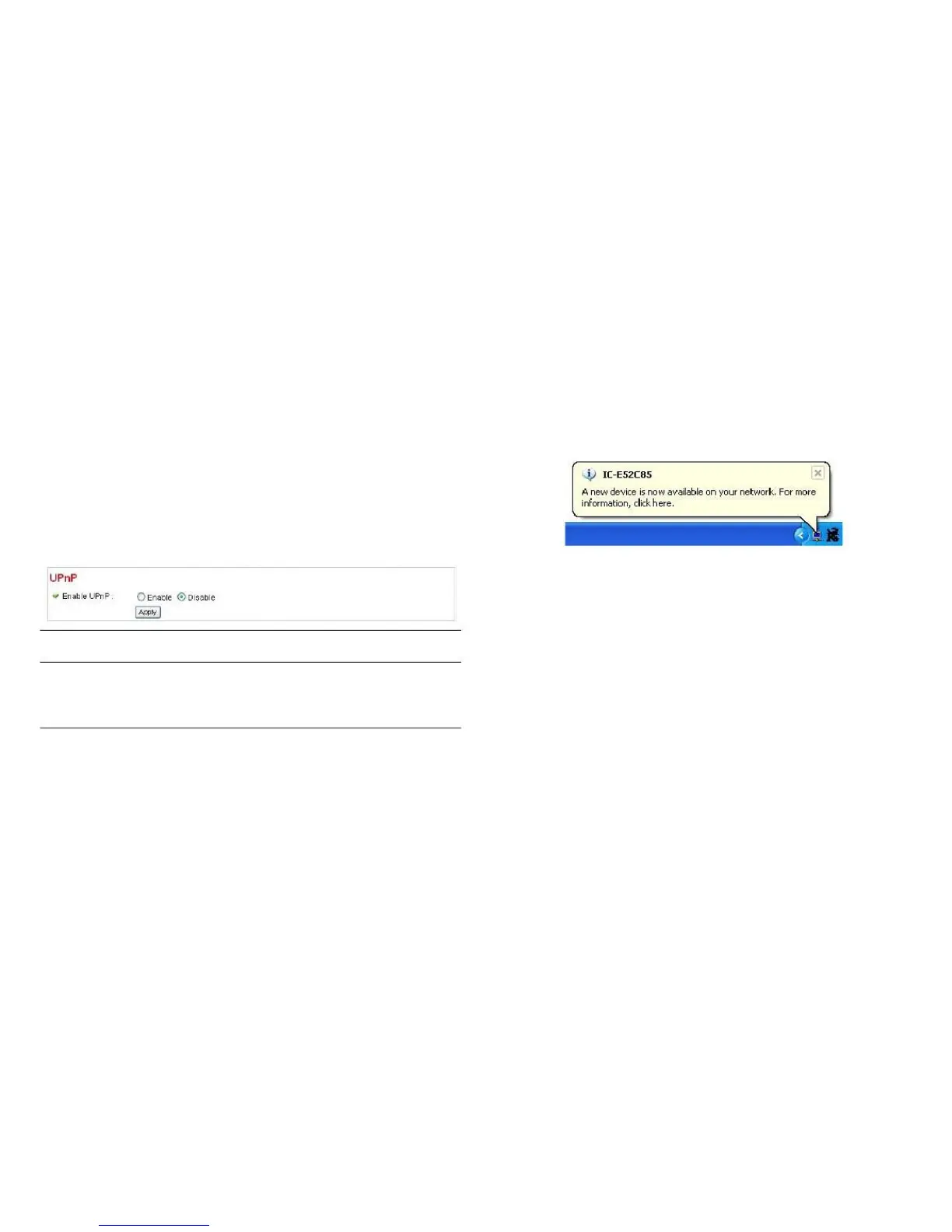
After the UPnP feature is activated, a popup message will
appear.
Select Enable to activate the UPnP
feature of this network camera, select
Disable to disable it.
Click Apply to save the settings.



 To Next Page