CONFIGURING THE SURVEILLANCE SOFTWARE
Changes video quality. There are five
levels of video quality from lowest to
highest. Selecting a higher value will
provide better video quality but requires
more network bandwidth.
Changes video frame rate. Available
options are from 1 to 30, which indicate
how many video frames this camera will
transmit every second. A higher frame
rate provides a smoother viewing expe-
rience, but requires more network
bandwidth. If you are using this video
camera on a low bandwidth network, a
lower frame rate value is recom-
mended.
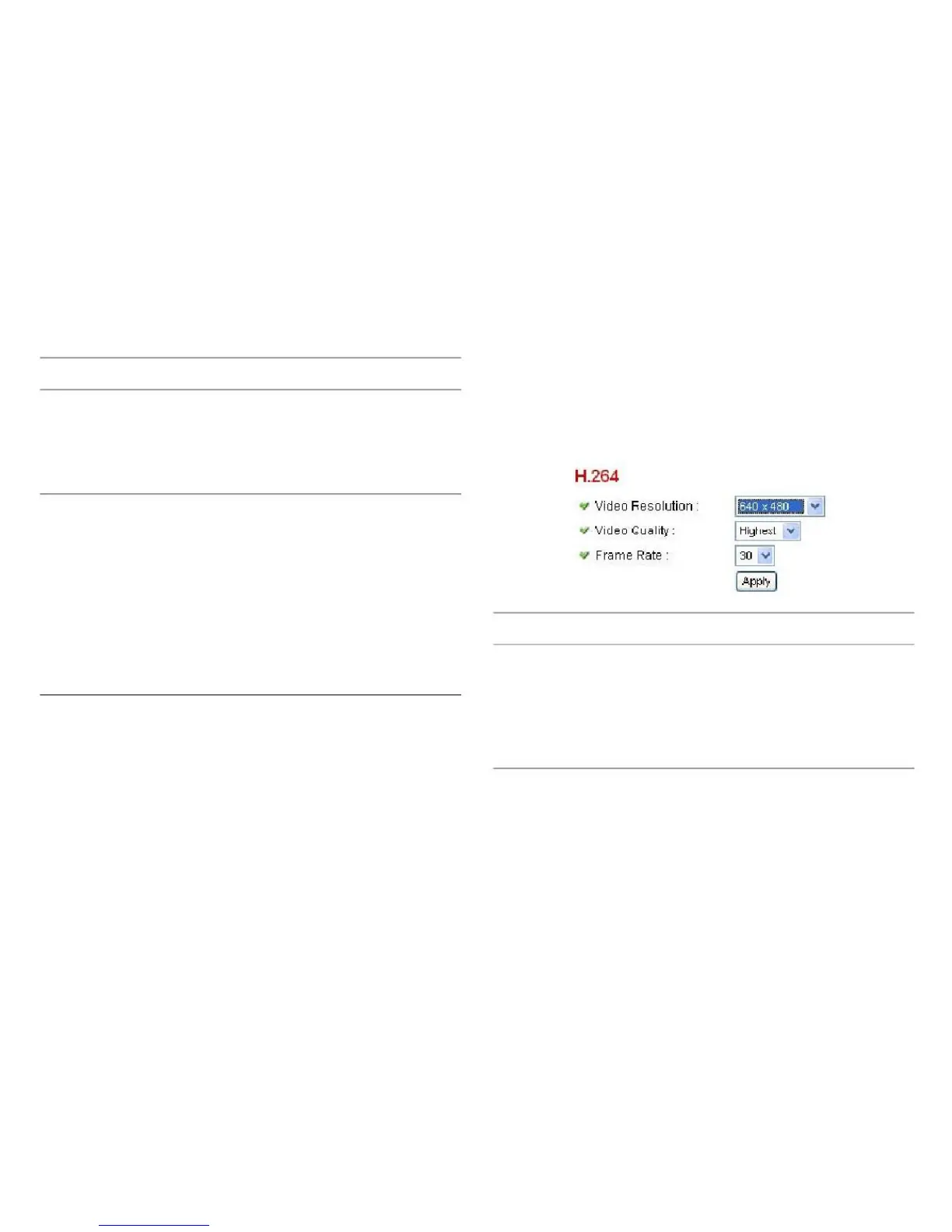
Adjust the video resolution, quality and frame rate settings
on the H.264 configuration screen.
Changes the resolution of video. Avail-
able options are 1280 x 1024, 640 x
480, and 320 x 240. Higher resolution
provides better video quality and more
detail, but requires more network band-
width.
Click Apply for settings to take effect.



 To Next Page