USING THE SURVEILLANCE SOFTWARE
USING THE WEB-BASED MANAGEMENT INTERFACE
Press this button to record the dis-
played image as a video file in AVI for-
mat, which can be played back in
Windows Media Player. To stop record-
ing, press the Stop Recording but-
ton. You can also change the directory
used to save video files.
You can transmit the audio received by
your computer‟s microphone to the
camera‟s external speaker. Press and
hold this button, then speak into the
microphone. Please note that an exter-
nal speaker must be connected to this
camera.
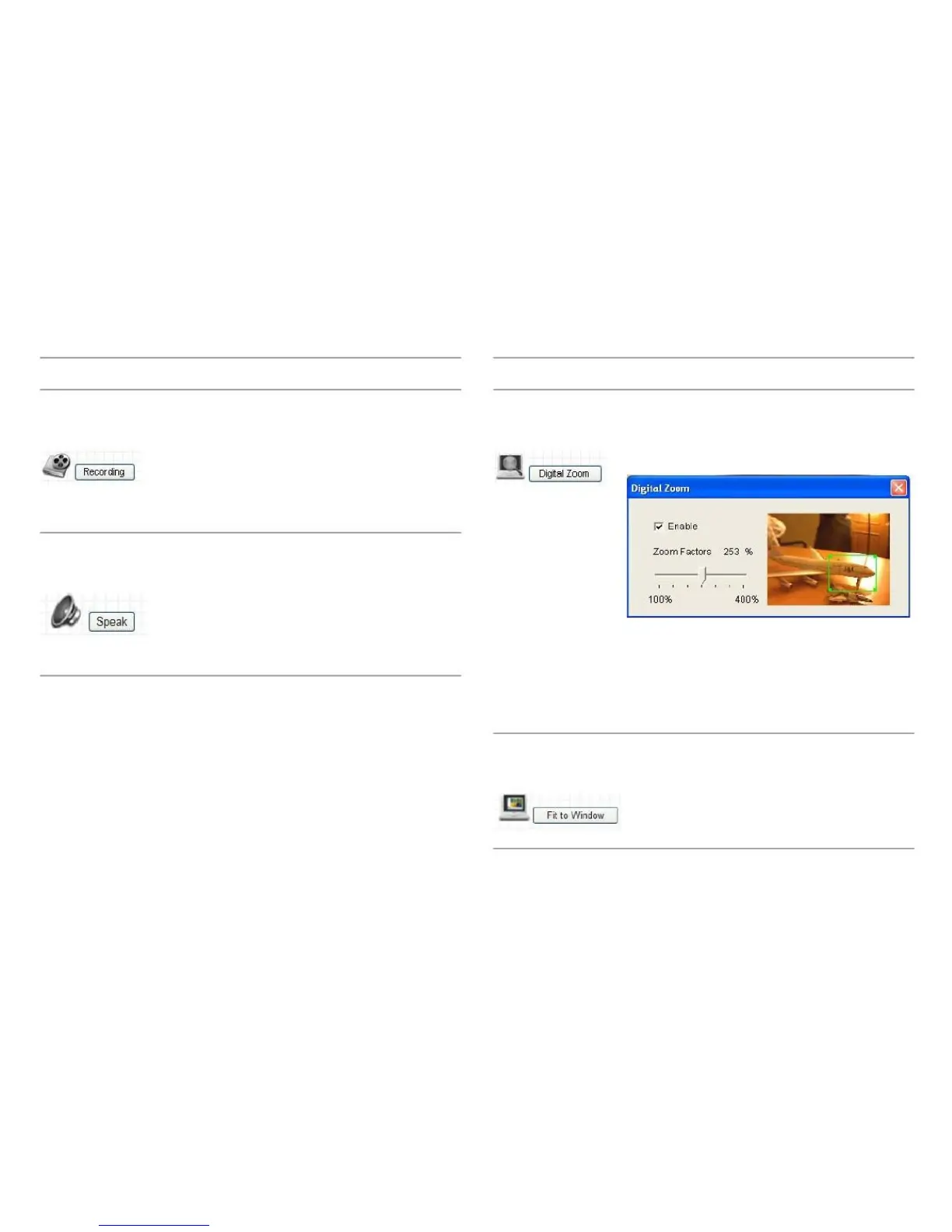
If you wish to enlarge certain portions of
the captured image, you can click this
button to set digital zoom.
Click Enable to enable the digital zoom
feature and drag the slide bar to adjust
the zoom ratio. You can also reposition
the zoom area by dragging it with your
mouse.
Click this button and the image size will
be adjusted to fit the size of the browser
window.



 To Next Page