USING THE SURVEILLANCE SOFTWARE
Using the Android device indoors may hinder the ser-
vice‟s ability to find the device location. To manually
find the device‟s location, drag a finger over the map in
a direction until the desired location is found.
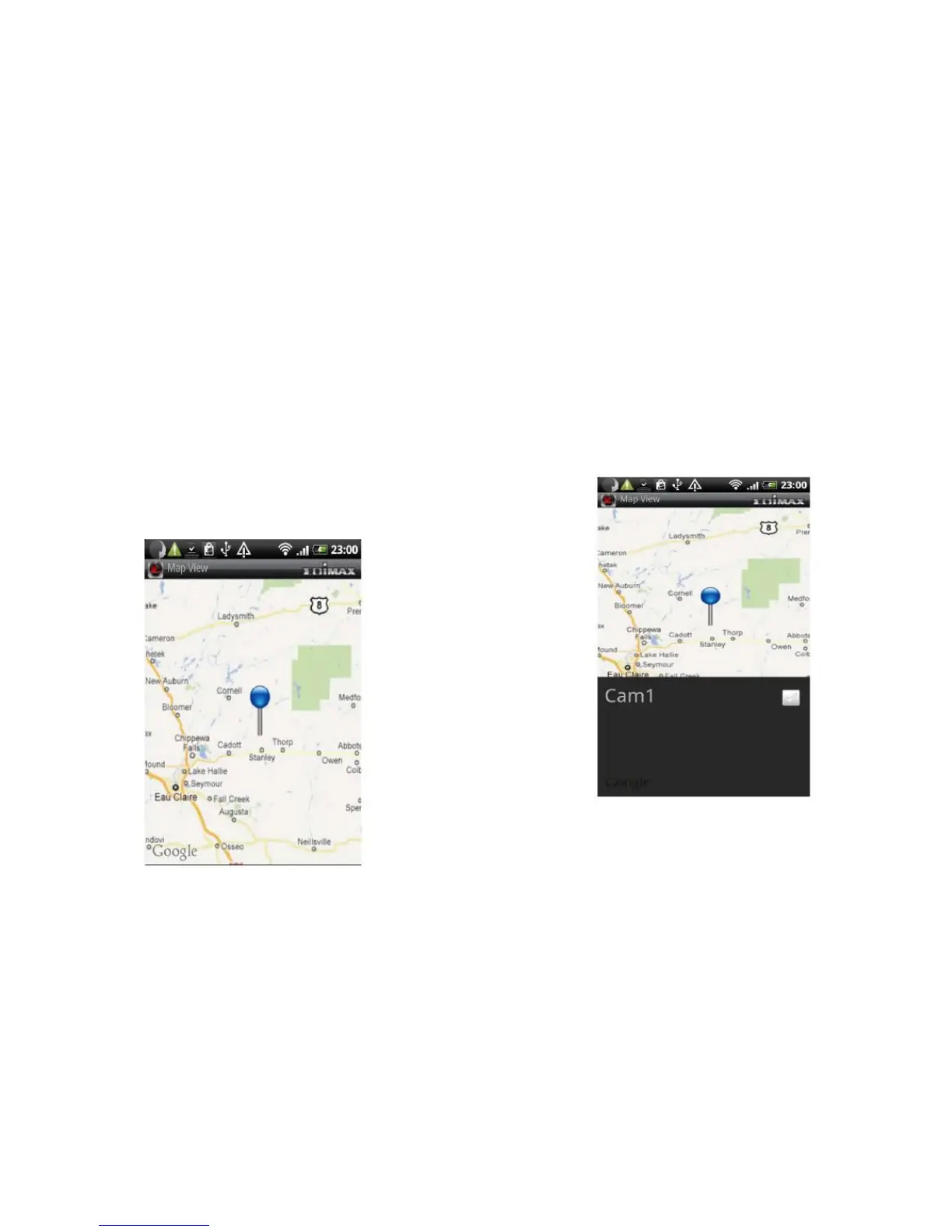
A blue pin is placed at the center of the map to mark the
location of the network camera.
When you find the location where a network camera is
installed, press the Menu button on your Android device and
tap Locate and a camera list is shown.
Select the network camera you wish to mark on the map.



 To Next Page