USING THE SURVEILLANCE SOFTWARE
Google Maps attempts to locate the iOS device‟s current
location by GPS and the network.
Using the iOS device indoors may hinder the service‟s
ability to find the device location. To manually find the
device location, drag a finger over the map in a direc-
tion until the desired location is found.
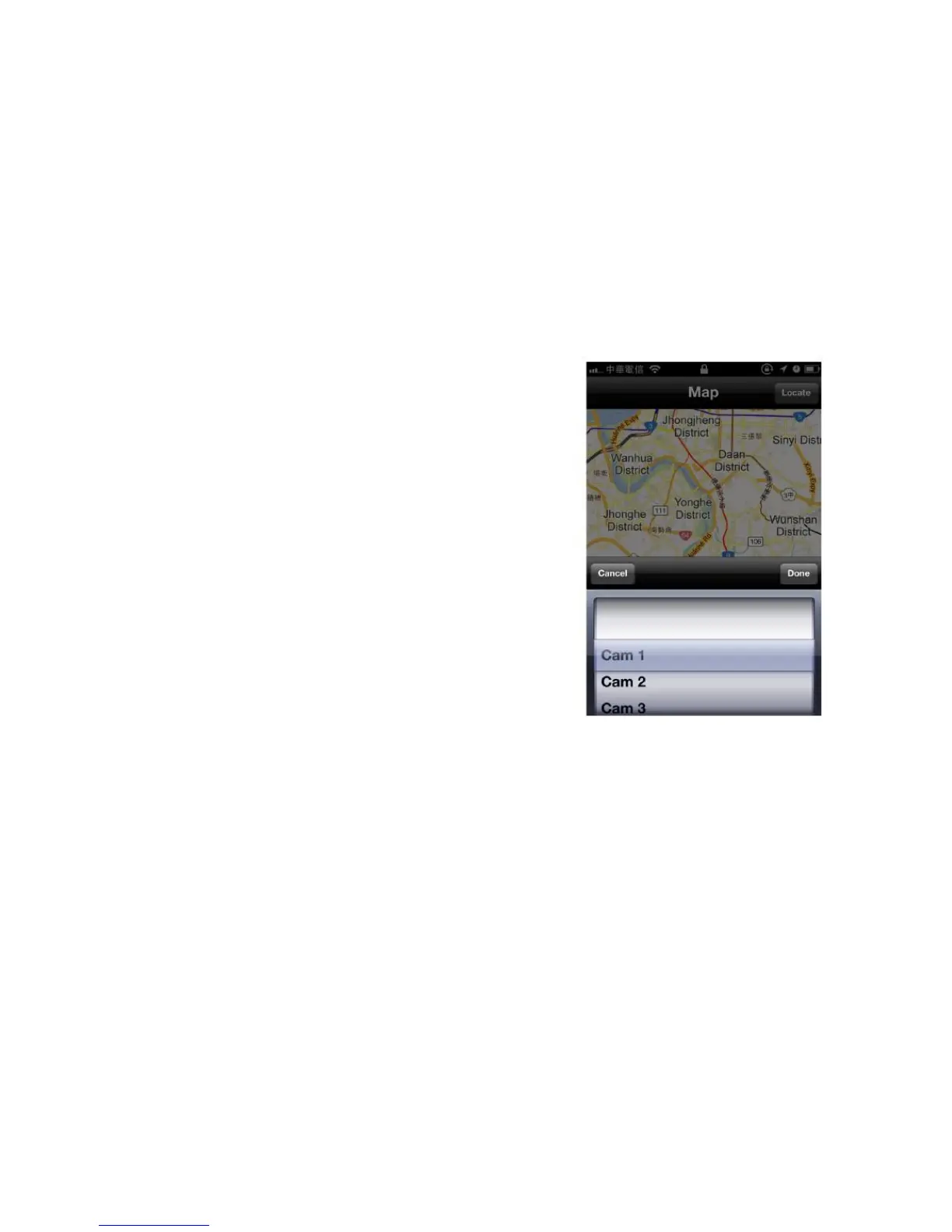
A red pin indicating the location of the network camera
is placed at the center of the map.
When you have found the location where the network cam-
era is installed, tap the Locate button at the upper-right cor-
ner of your iOS device, and a camera list will be shown.
Select the network camera you wish to mark on the map,
and tap Done when done.



 To Next Page