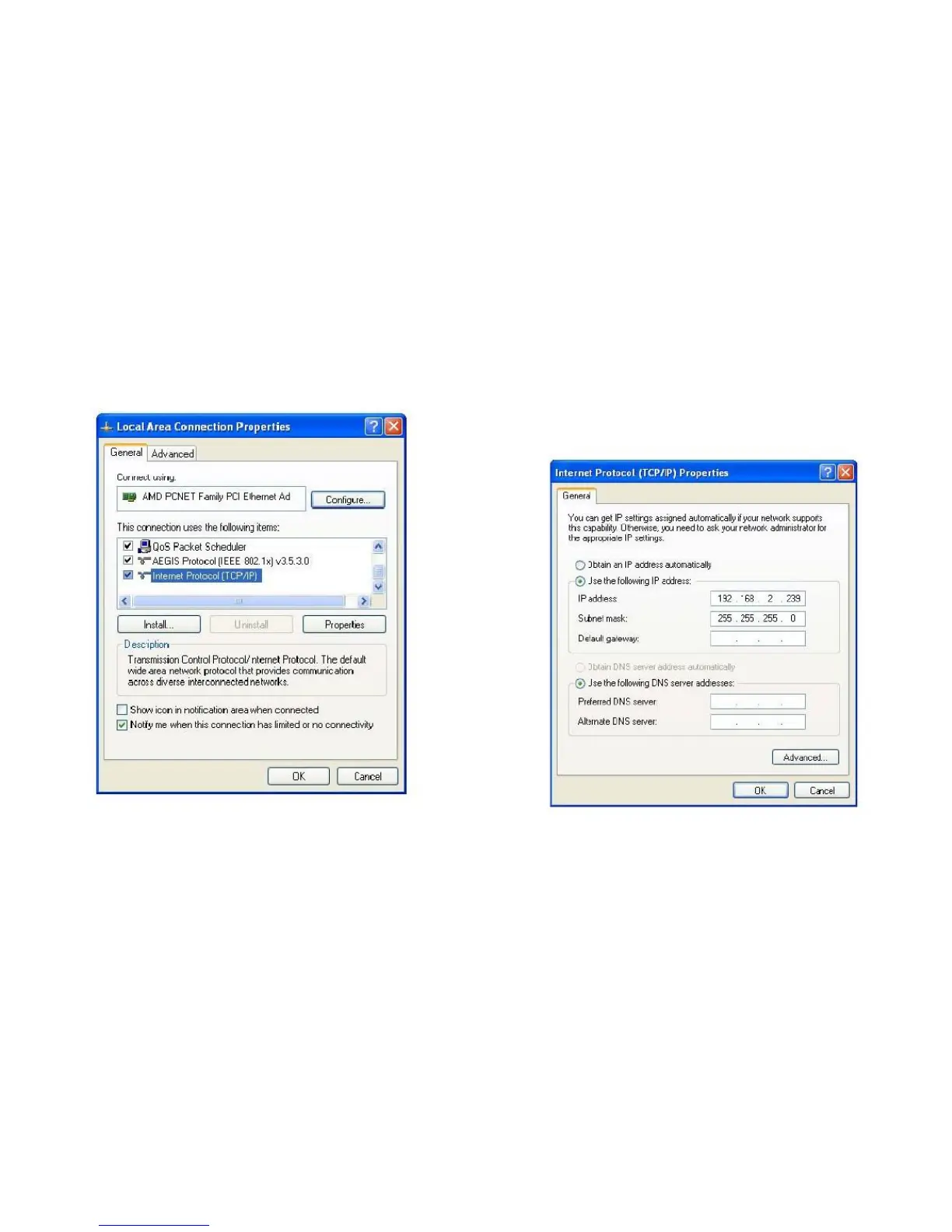
5. In the IP address field, enter an IP address begin-
ning with 192.168.2, and ending with a value greater
than 2 and less than 254, for example 192.168.2.339.
In the Subnet mask field, enter 255.255.255.0. Keep
all other fields empty and click OK.
If you changed the IP address of this network camera and
you forget it, there are two methods to recover it:



 To Next Page