RUNNING EDIVIEW FINDER FOR THE FIRST TIME
Note:
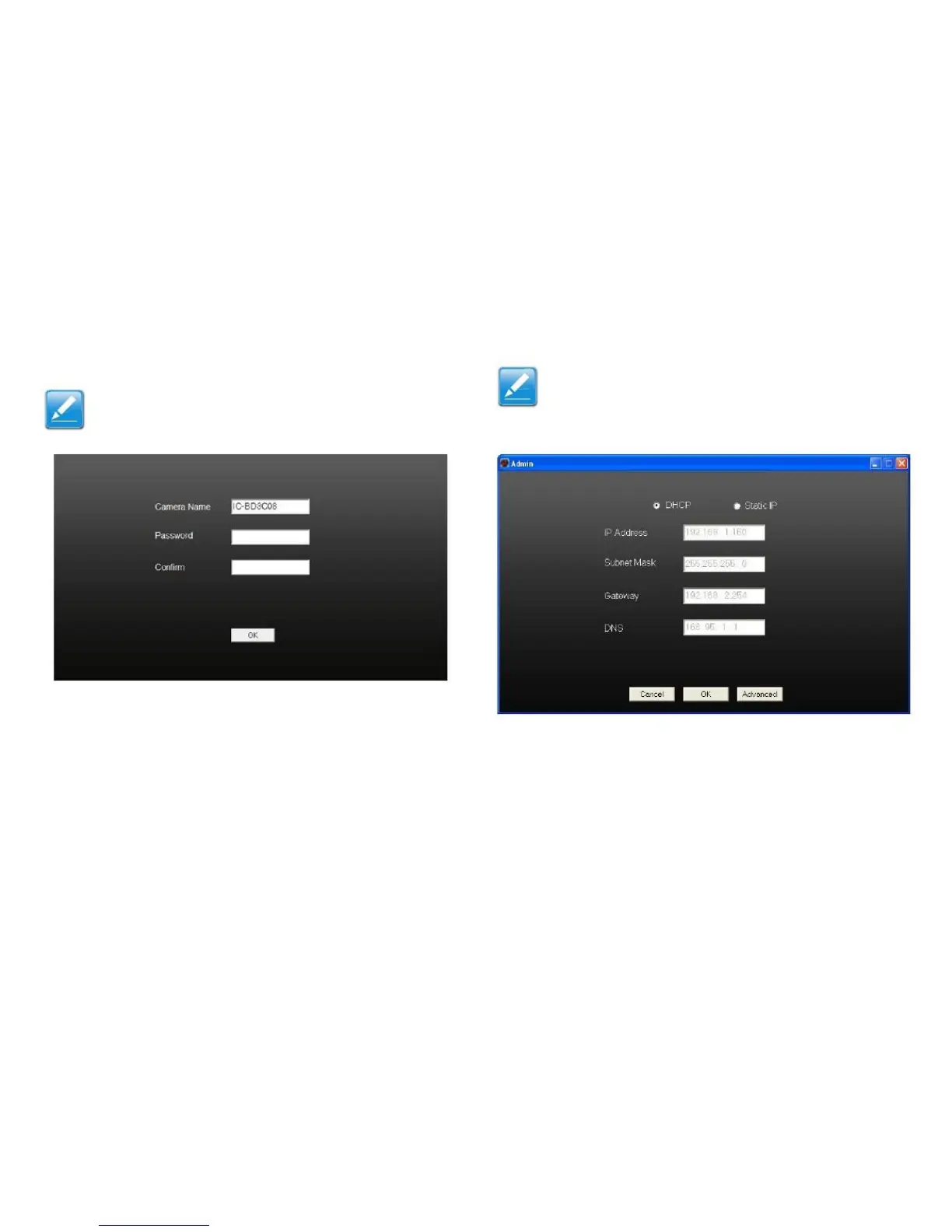
If no password is entered, the default 1234 is used.
Note:
See Configuring the Web-Based Management
Interface (page 3-4) for a detailed explanation on
configuring the advanced settings.
5. Enter a password twice. Once to create it and a second
time to confirm it.
7. Select DHCP to set the camera to automatically obtain
an IP address from a DHCP server on the LAN, or
select Static IP to enter the IP address information
manually.
8. Click OK to save the settings, Cancel to discard
changes or Advanced to show the web management
interface.



 To Next Page