CONFIGURING THE SURVEILLANCE SOFTWARE
INSTALLING THE WEB-BASED MANAGEMENT INTERFACE
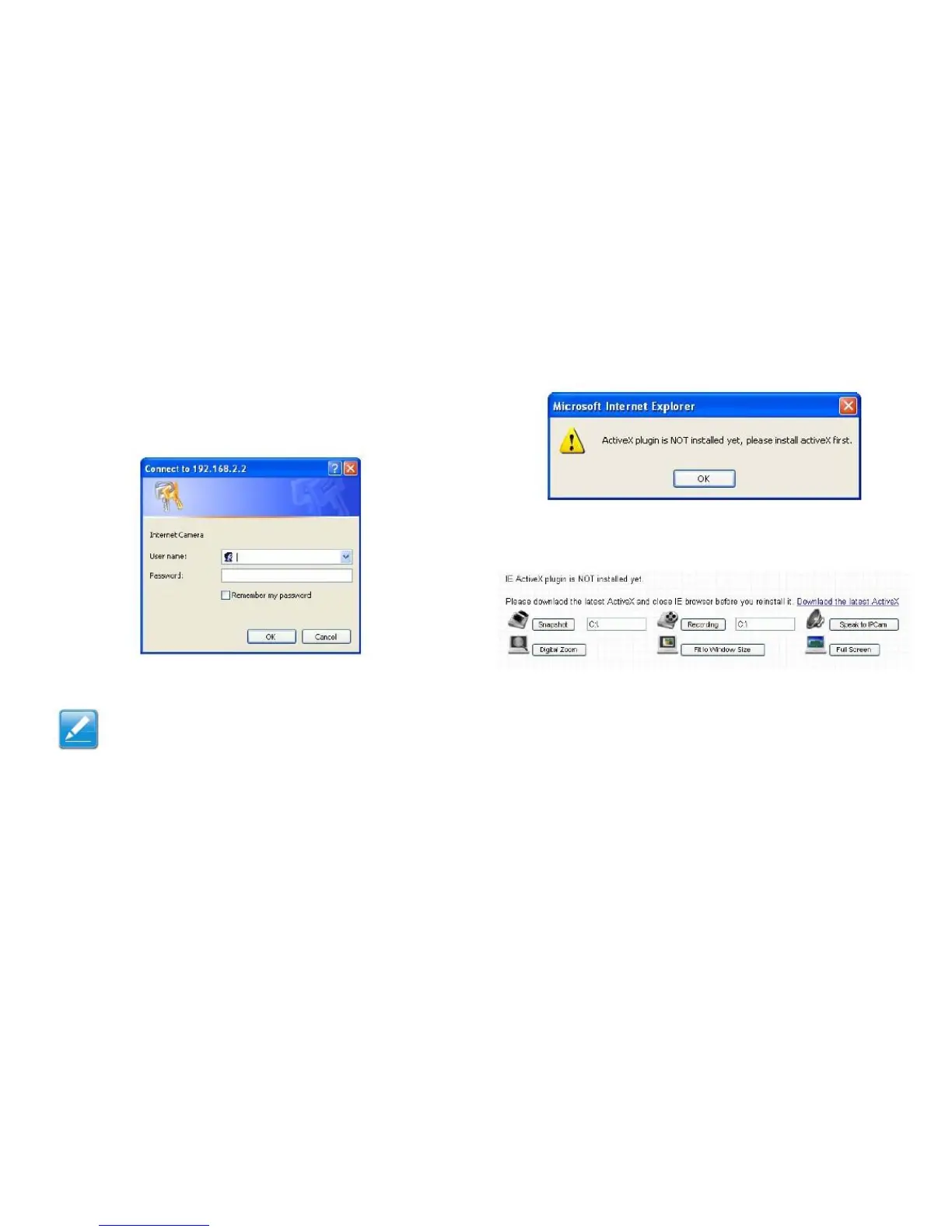
1. Launch IE and type the IP address of the network
camera in the address bar.
2. Enter the username and password. The default user-
name is admin, and the default password is 1234.
4. If the following prompt is displayed, click OK.
5. Click Download the latest ActiveX link to down-
load the plugin.
3. Click OK to continue or Cancel to stop the installation.
Note:
If this is the first time logging into the web man-
agement interface, you will be prompted to
install the ActiveX plugin.



 To Next Page