3. Installation
TEC 2000 Installation & Operation Manual E2K-405-0902
3-16
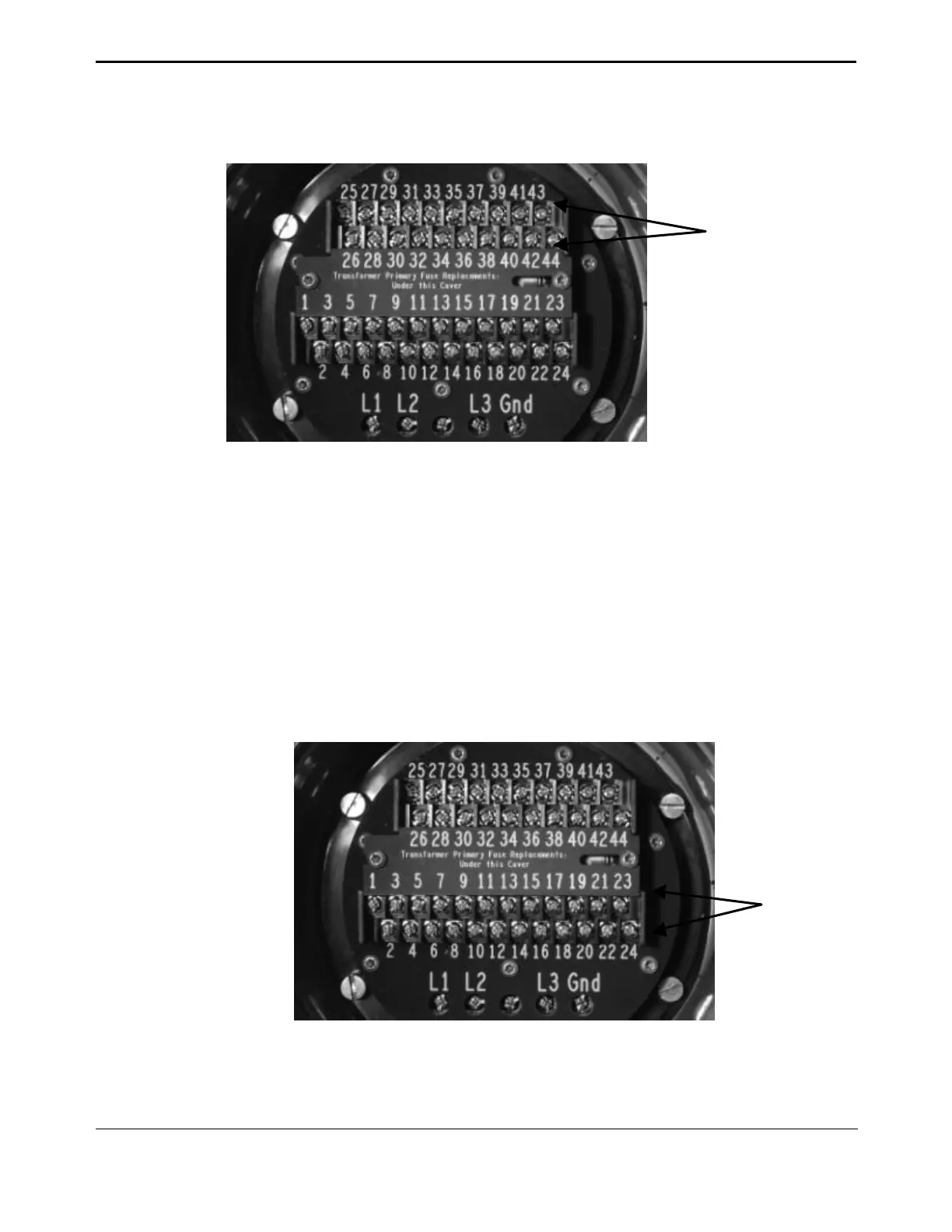
Figure 3-17 ARM Wiring Connections
3.8. Remote Display Module (RDM) Connection to the Actuator –
Optional
Connect the RDM to the actuator as shown in Figure 3-18 and in accordance with Section
3.8.1, 24Vdc Power Source, or Section 3.8.2, 115/230Vac Power Source, depending on
the power source. Each RDM can be powered from the actuator, or it can be powered from
an external source. If more than one RDM is used, one can receive power from the actuator
and the other can receive power from an external source. See Section 3.3, Electrical
Connections for general electrical connection requirements.
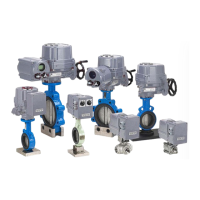
Figure 3-18 Connecting RDM Cables to the STC
ARM Wiring
Terminals 39-44
RDM Wiring
Terminals 21-26


 To Next Page