CHART OPTIONS
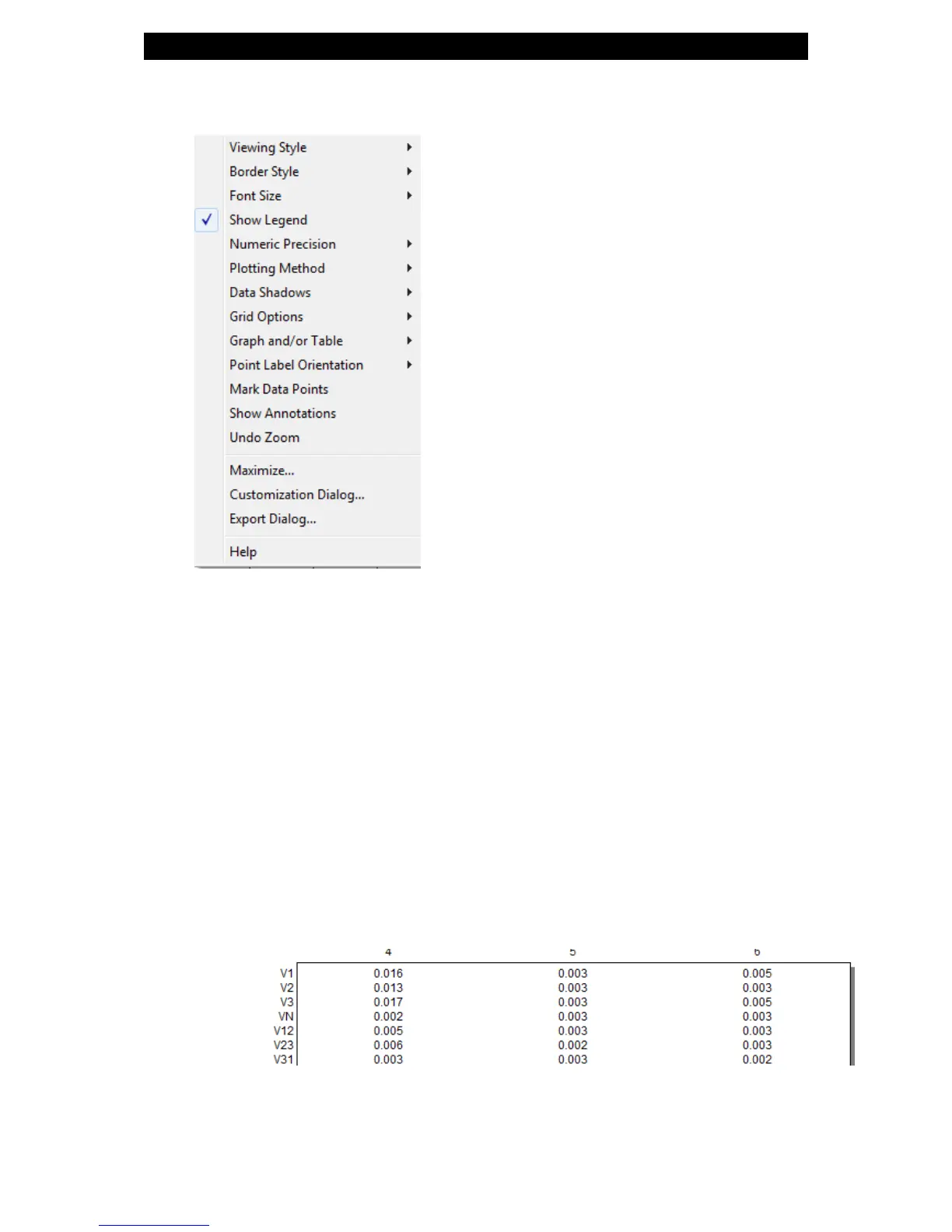
By right-clicking on the chart you have various chart options & capabilities
available to you:
Viewing Style: Different styling options Color / Monochrome (B&W)
with/without Symbols / Bitmap etc. By selecting the option you can
view on screen the different styles available to you
Border Style: No Border, Thin Line, Shadow / Inset
Font Size: Large / Medium / Small
Display / Not display Legend
Numeric Precision: No up to 3 Decimals
Plotting Method: From Line / Bar / Point / Area / Spline /
Combinations
Data Shadows: Off / Shadow / 3D
Grid Options: Various grid options ranging from dots / lines /
different axis etc.
Graph & Table: Display either the graph / table / both:
Point Label Orientation: Auto / Vertical / Horizontal / Slanted
Mark Data Points: Displays data points on graph
Show Annotations: Displays annotations data descriptions
www.GlobalTestSupply.com
Find Quality Products Online at: sales@GlobalTestSupply.com



 To Next Page