292
ELSPEC
G
G
4
4
K
K
F
F
i
i
x
x
e
e
d
d
P
P
o
o
w
w
e
e
r
r
Q
Q
u
u
a
a
l
l
i
i
t
t
y
y
A
A
n
n
a
a
l
l
y
y
z
z
e
e
r
r
U
U
S
S
E
E
R
R
&
&
I
I
N
N
S
S
T
T
A
A
L
L
L
L
A
A
T
T
I
I
O
O
N
N
G
G
U
U
I
I
D
D
E
E
Limitations of Elspec's Search Utility
Elspec's Search u tility can operate o nly as one s ingle instance at a t ime, since it
uses a single and fixed UDP port. S hould you choose to open a new Search Utility
window, only the initial Search Utility window will function properly.
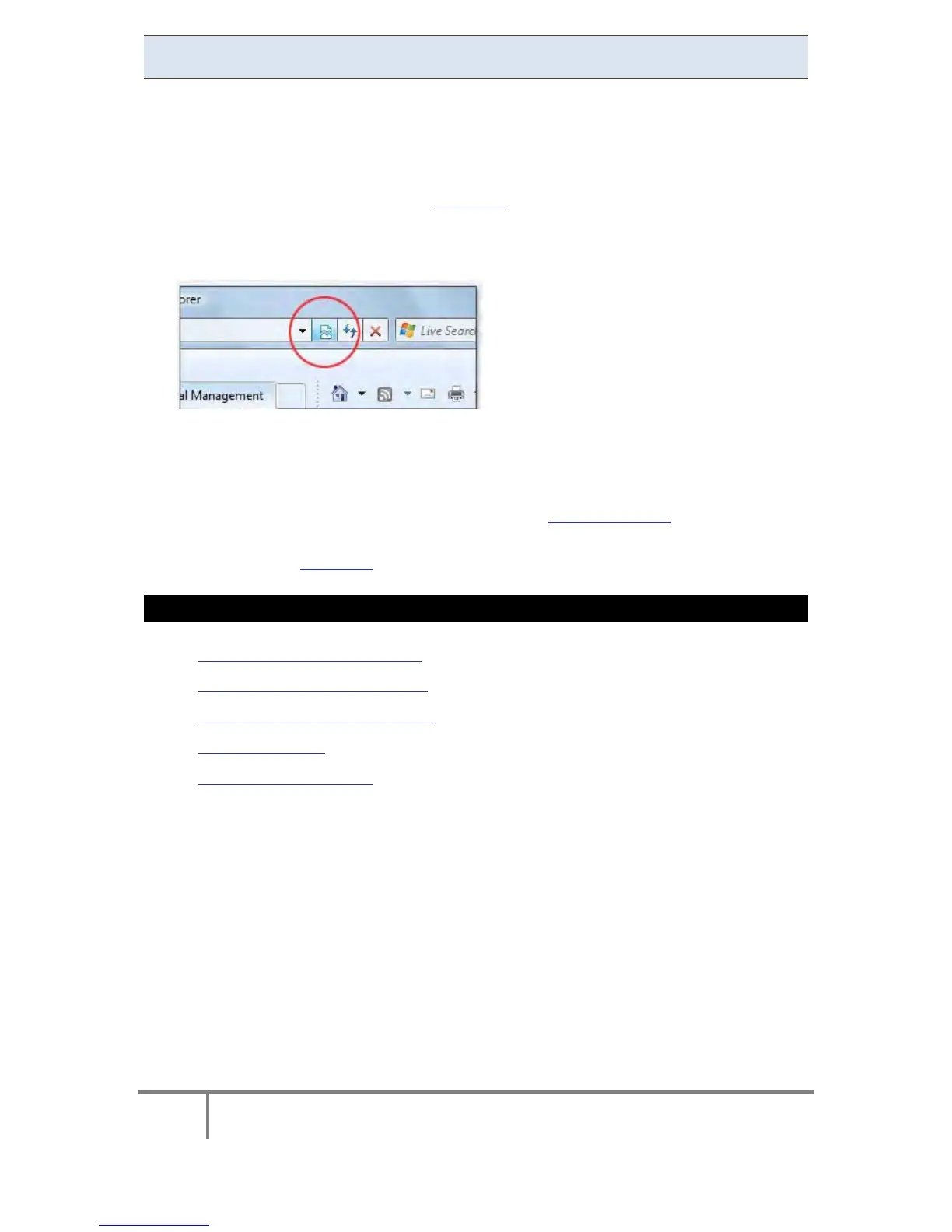
When accessing t he device via the Web Li nk ensure tha t the Internet Explorer is
running i n Compatibility View, as so me web b rowser ap plications can l imit the
functionality and/or show an incorrect layout:
For local networking, the browser should be configured as working without a proxy
server. Refer to Disable Proxy Server in Internet Explorer.
Should you be running Skype simultaneously with Elspec’s Search, you will not be
able to access the device via the Web Link. Close Skype & access Elspec’s Search
again to follow the Web Link.
SEE ALSO
About Elspec's Search Utility
Obtain Elspec's Search Utility
Use the Elspec's Search Utility
G4K Unit Access
New Device Indication
www.GlobalTestSupply.com
Find Quality Products Online at: sales@GlobalTestSupply.com



 To Next Page