Confirm Operation
Confirm that your G4K Device is operating & that all the connections are working
with the following indicators:
Turn on the power supplying the unit
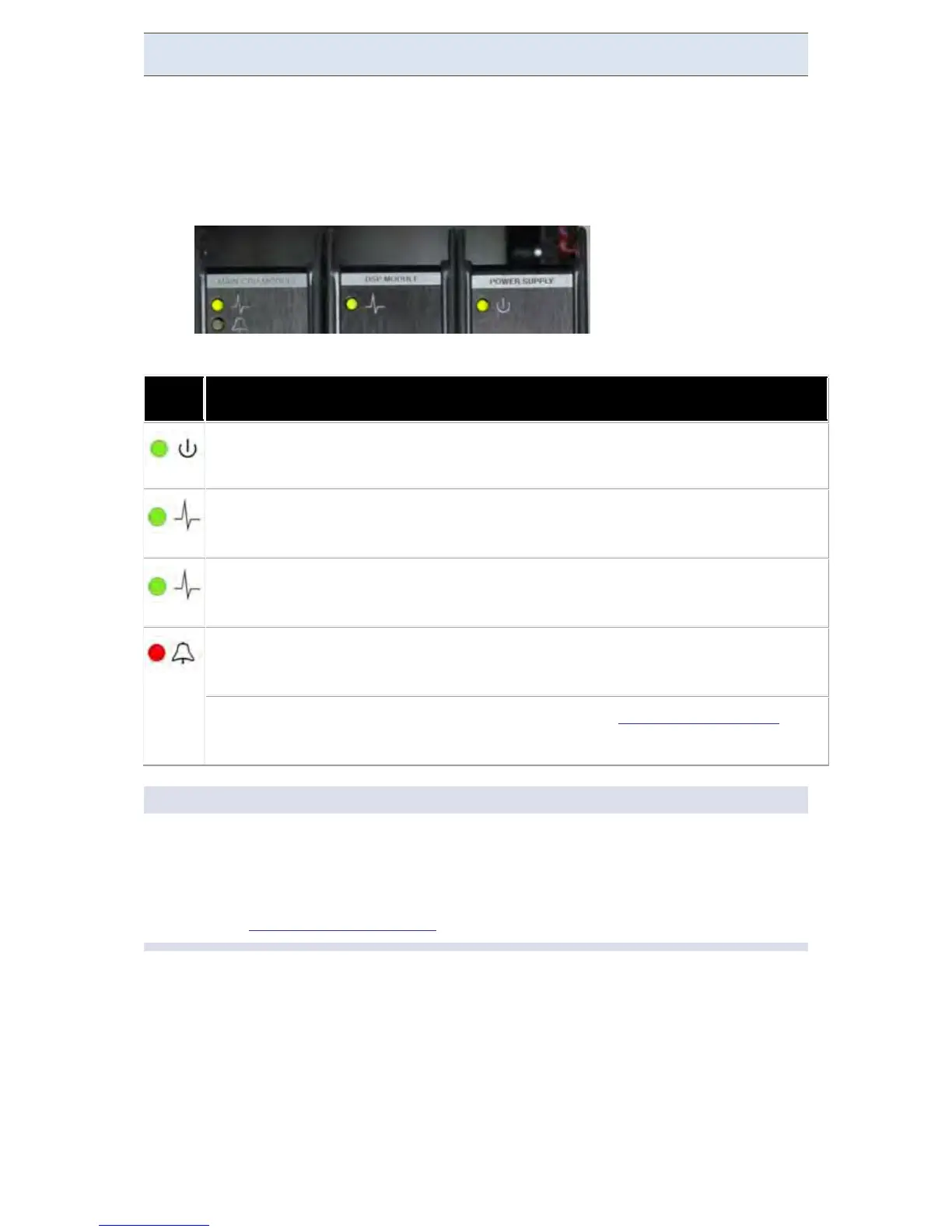
The LEDs on the power supply light up:
Verify the unit is operating correctly with reference to the following table:
LED DESCRIPTION
G4K PS Module:
Green si gnals t hat external p ower exists. R ed si gnals
external power is out; unit will soon cease to function (25 seconds max.)
G4K DSP Module: Blinking green signals normal operation and system boot
G4K Main CPU Module: Green signals normal operation
Blinking Red: During Shutdown process
Constant Red: While Alarm i s ac tive (based o n Alarm Configuration
signal malfunction.
NOTE NOTE NOTE ...
After powering up, wait at least one minute until the startup process is
complete
The red indicator light will remain on until the PQZIP is enabled by the user.
See Also: Enable PQZIP Recording
www.GlobalTestSupply.com
Find Quality Products Online at: sales@GlobalTestSupply.com



 To Next Page