191
ELSPEC
G
G
4
4
K
K
F
F
i
i
x
x
e
e
d
d
P
P
o
o
w
w
e
e
r
r
Q
Q
u
u
a
a
l
l
i
i
t
t
y
y
A
A
n
n
a
a
l
l
y
y
z
z
e
e
r
r
U
U
S
S
E
E
R
R
&
&
I
I
N
N
S
S
T
T
A
A
L
L
L
L
A
A
T
T
I
I
O
O
N
N
G
G
U
U
I
I
D
D
E
E
Currents
The Current Window defines all the Current values. In this window you will be able
to:
Configure all the Primary & Secondary Current Transformer Values
Define Nominal Current Values
Toggle the Current Polarity without rewiring
Configure Calculated Current Channels
OPEN THE CURRENTS WINDOW
Access the G4K Device Configuration via Elspec's Web Interface log on as
the Administrator (Manufacturer’s Default Password is: 12345) select
the Configuration Tab
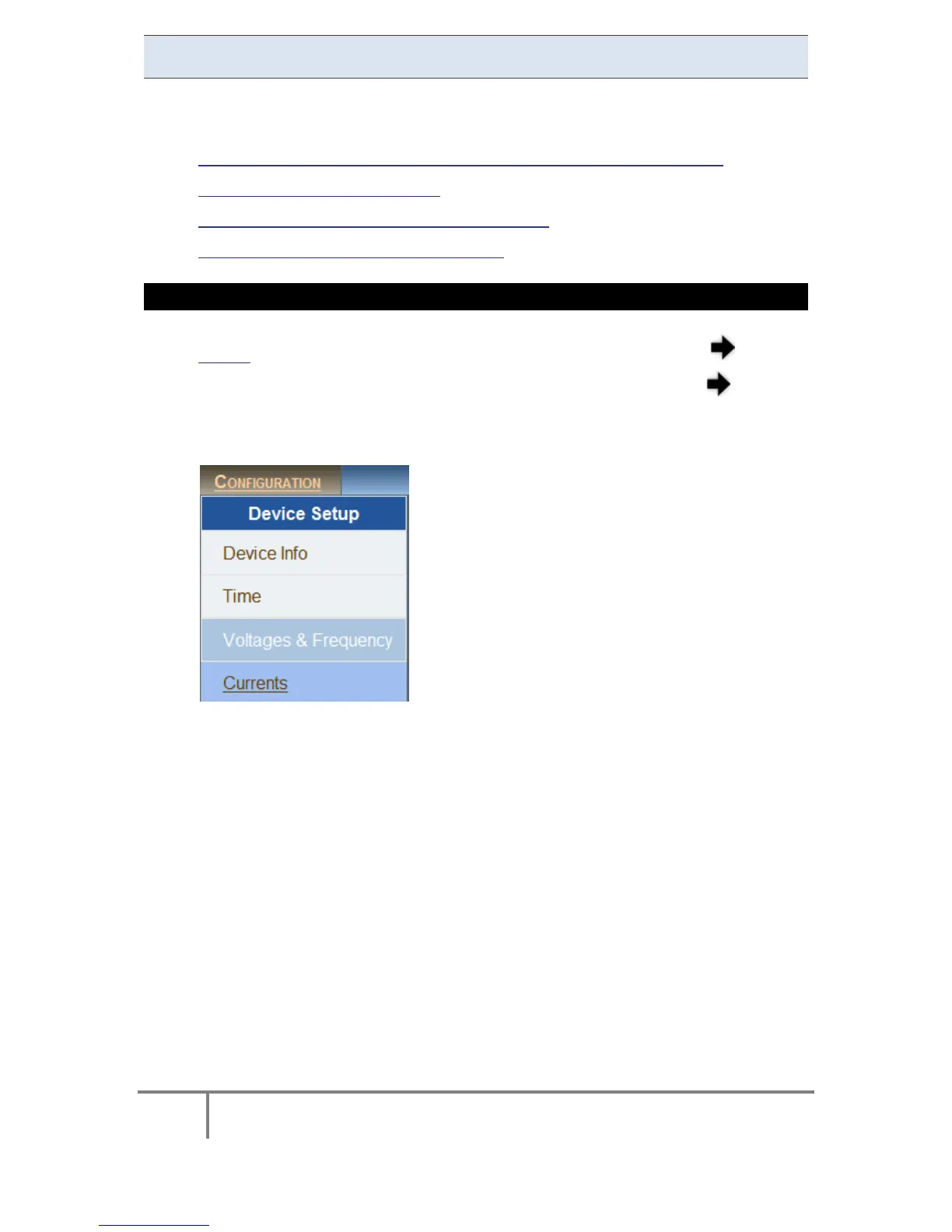
Under Device Setup select the Currents Tab:
The Currents Window will now open:
www.GlobalTestSupply.com
Find Quality Products Online at: sales@GlobalTestSupply.com



 To Next Page