171
ELSPEC
G
G
4
4
K
K
F
F
i
i
x
x
e
e
d
d
P
P
o
o
w
w
e
e
r
r
Q
Q
u
u
a
a
l
l
i
i
t
t
y
y
A
A
n
n
a
a
l
l
y
y
z
z
e
e
r
r
U
U
S
S
E
E
R
R
&
&
I
I
N
N
S
S
T
T
A
A
L
L
L
L
A
A
T
T
I
I
O
O
N
N
G
G
U
U
I
I
D
D
E
E
Device - Info G4K Unit Configuration
Within this window you will be able to:
Configure your G4K Unit
View Hardware & Software Information for your G4K
View all the Details Regarding Power System
Enable/Disable the PoE Output
Configure Alarm Settings
CONFIGURE YOUR G4K UNIT
Access y our G4K D evice via Elspec's Web Interface log o n a s t he
Administrator (Manufacturer’s D efault P assword is : 12345) select t he
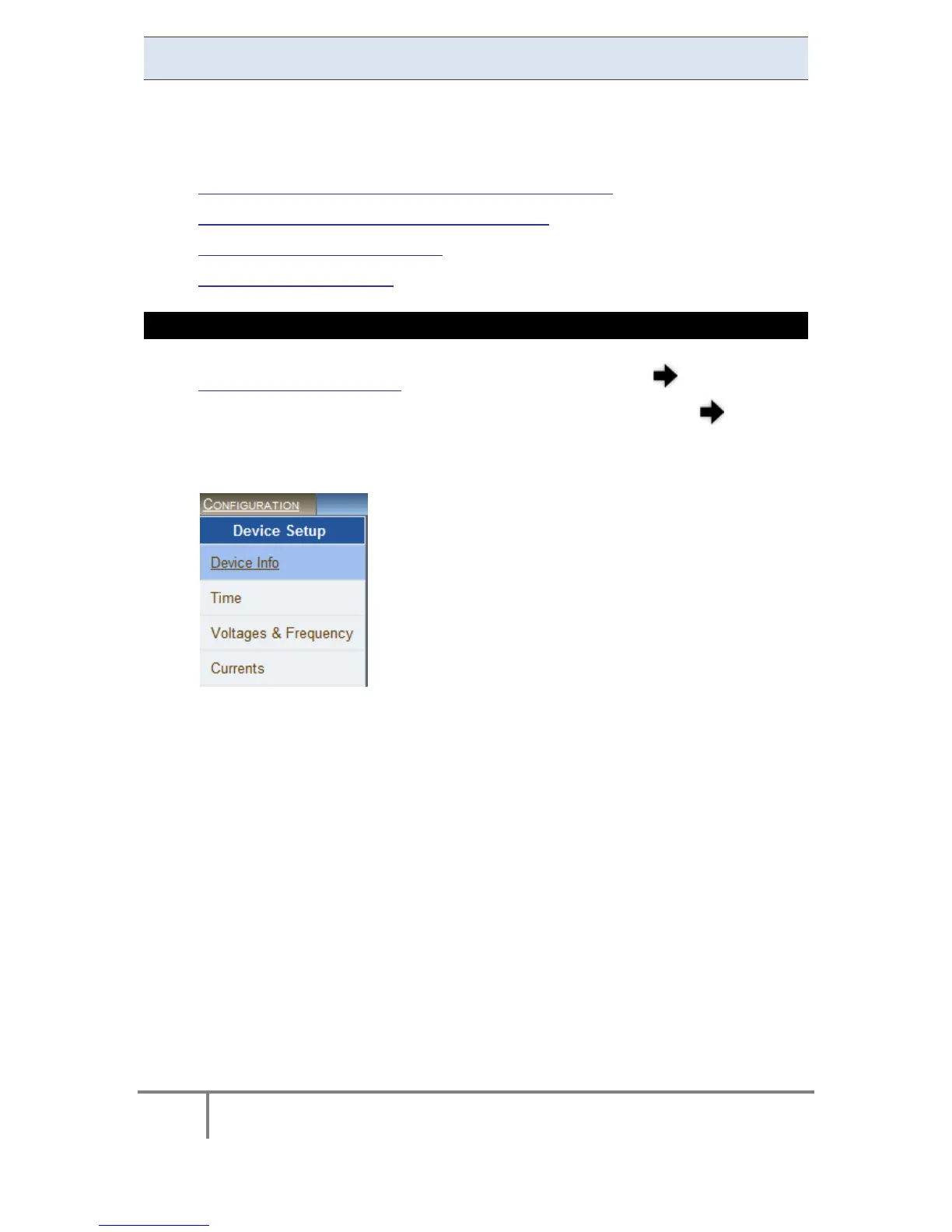
Configuration Tab
Under Device Setup select the Device Info Tab:
In the G4 Unit Configuration Section complete:
Site Name: Enables the us er to include a description o f the s ite
where the device is installed. This site description also appears in the
Elspec's S earch utility u nder U nit D escription when s earching f or
devices
Description: An additional text field for you to use optionally as you
see fit
Operator: A text field for inputting the operator/technician’s name
Company: A text field for inputting the company’s name
www.GlobalTestSupply.com
Find Quality Products Online at: sales@GlobalTestSupply.com



 To Next Page