Connect the AC/DC Supply Terminal
The AC terminal may be fed with either AC or DC voltage. The procedure to wire
both is the same and has the following limits:
AC: 80 to 260V @ 50/60Hz
DC: 110 to 300V / 35Watt
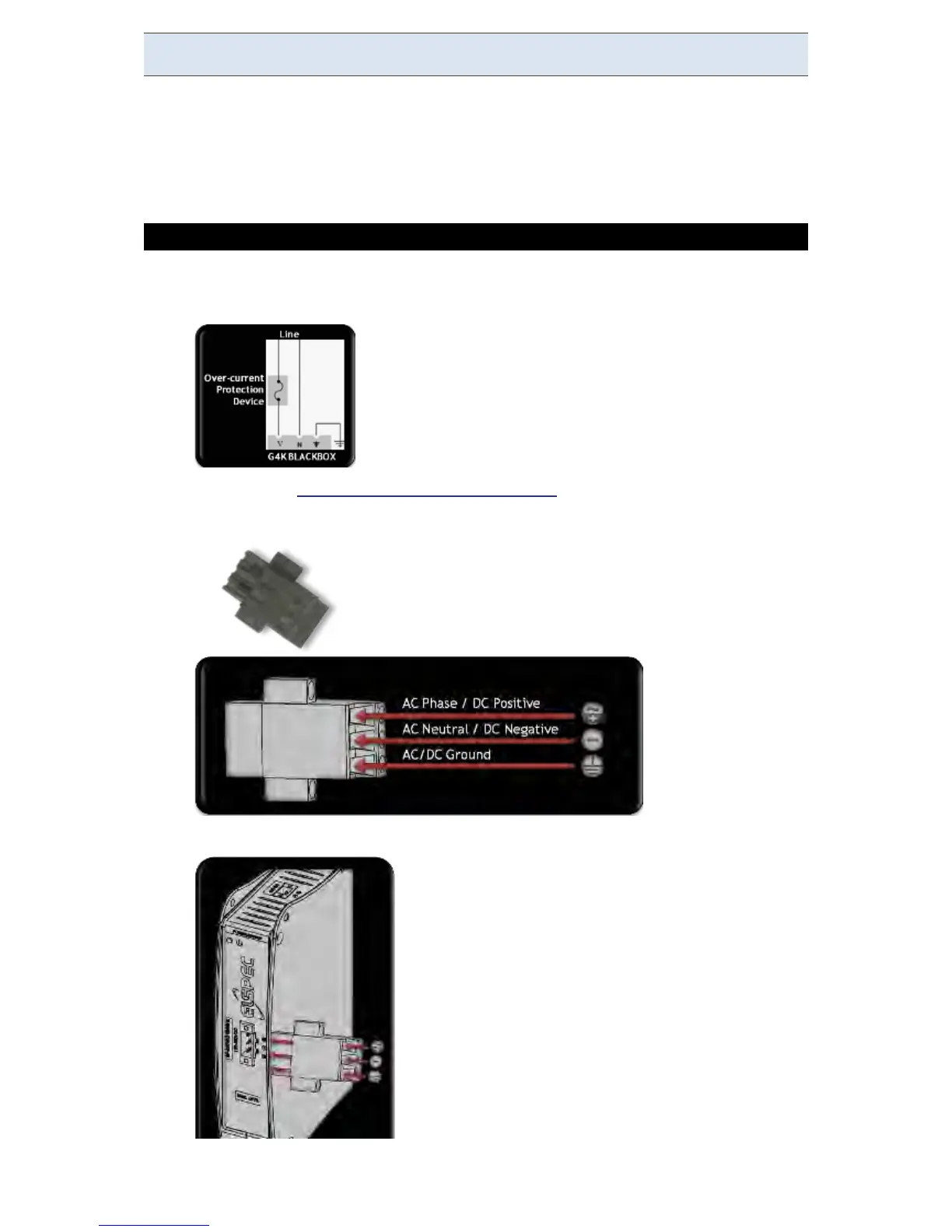
CONNECTING THE AC/DC SUPPLY TERMINAL:
Install an Over-current Protection device on the AC phase line side before
the unit:
Remove the AC/DC Terminal Block Connector provided with the G4K
BLACKBOX unit:
Insert the terminal block into the Power Supply Terminal:
www.GlobalTestSupply.com
Find Quality Products Online at: sales@GlobalTestSupply.com



 To Next Page