G4K Unit Access
Once you have Connected the Device for the 1st Time, you may access your G4K
Unit b y s imply c licking the W EB H yperlink b utton in y our Elspec's S earch U tility.
Alternatively y ou can s imply ac cess the d evice d irectly v ia I nternet E xplorer by
inserting t he D evice's I P ad dress d irectly ( address is al so in dicated in Elspec's
Search U tility). The D efault I P A ddress f or a ne wly supplied G4 K uni t i s:
169.254.249.247.
ACCESS ELSPEC'S SEARCH UTILITY:
After you have Copied the Utility on your Desktop, access it by clicking on the
Elspec's Search Icon:
Initially, t he program m ay t rigger a v erification w arning s imilar t o t he one
below. You may proceed by clicking Run
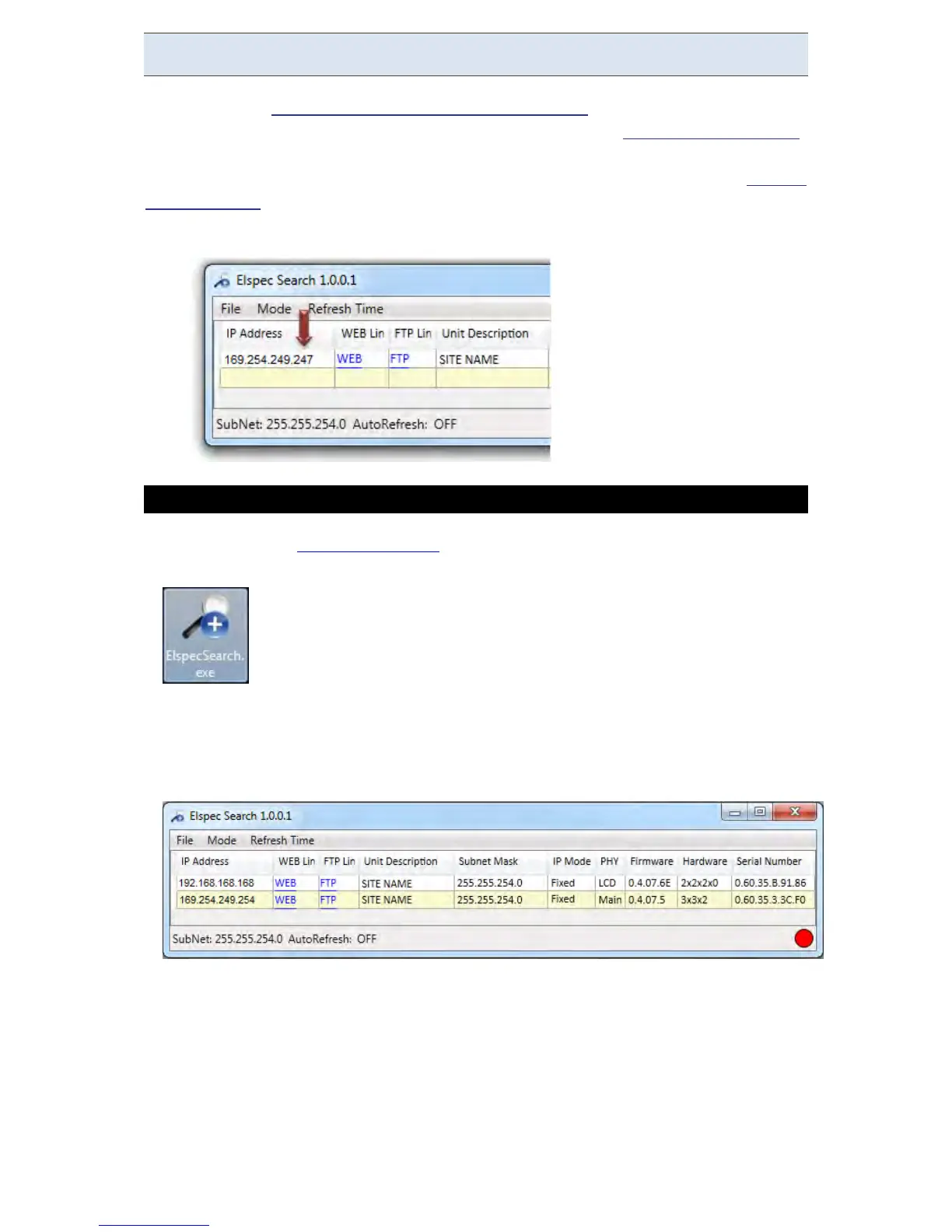
A s can p rocedure is in itiated; the E lspec S earch u tility a ppears as a g rid
displaying all BLACKBOX devices found on the intranet network:
www.GlobalTestSupply.com
Find Quality Products Online at: sales@GlobalTestSupply.com



 To Next Page