Phasors
A Phasor is a vector representation of the Voltages & Currents in the system. The
Phasor Window of the BLACKBOX Web Interface represents both Wye and Delta
Voltage Configurations in a Phasor format. Therefore, the Phasors are a vector
representation of the First Harmonic.
NOTE NOTE NOTE
In order to display the Phasor graph, ensure that you install the ActiveX plug-in
from G igasoft (downloadable either f rom Elspec's W ebsite's Support Section or
alternatively ca n be i nstalled d irectly f rom y our BLACKBOX C D). Y ou w ill
receive the following error message if the program is not installed:
For Internet Explorer 8/9 Users: Once y ou h ave in stalled G igasoft, e nsure
that the Internet Explorer is running in Compatibility View:
OPEN THE PHASORS WINDOW
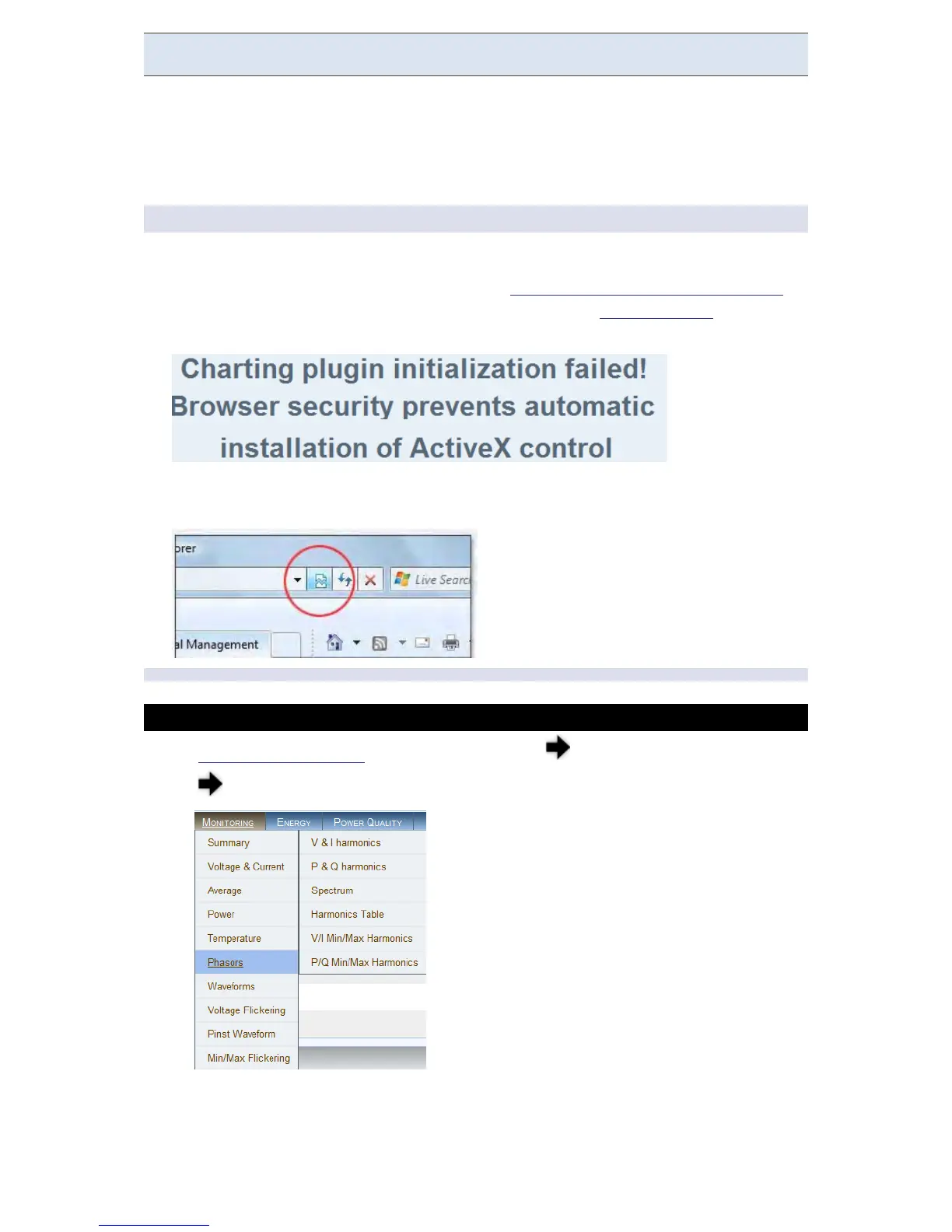
Access your G4K Unit via the Web Interface select Monitoring
Phasors:
www.GlobalTestSupply.com
Find Quality Products Online at: sales@GlobalTestSupply.com



 To Next Page