198
ELSPEC
G
G
4
4
K
K
F
F
i
i
x
x
e
e
d
d
P
P
o
o
w
w
e
e
r
r
Q
Q
u
u
a
a
l
l
i
i
t
t
y
y
A
A
n
n
a
a
l
l
y
y
z
z
e
e
r
r
U
U
S
S
E
E
R
R
&
&
I
I
N
N
S
S
T
T
A
A
L
L
L
L
A
A
T
T
I
I
O
O
N
N
G
G
U
U
I
I
D
D
E
E
Communication Configuration
After Communication h as b een E stablished & y ou h ave b een su ccessful in
Connecting t o t he D evice f or t he 1st T ime, y ou w ill n eed t o co nfigure t he
communication settings G4K device itself in Elspec's Web Interface. The procedure
includes:
Setting Web Entry Passwords & Providing Access to the FTP Server
Establish the G4K device's IP in your Network
Configure RS485/RS422 interface parameters in Serial Ports
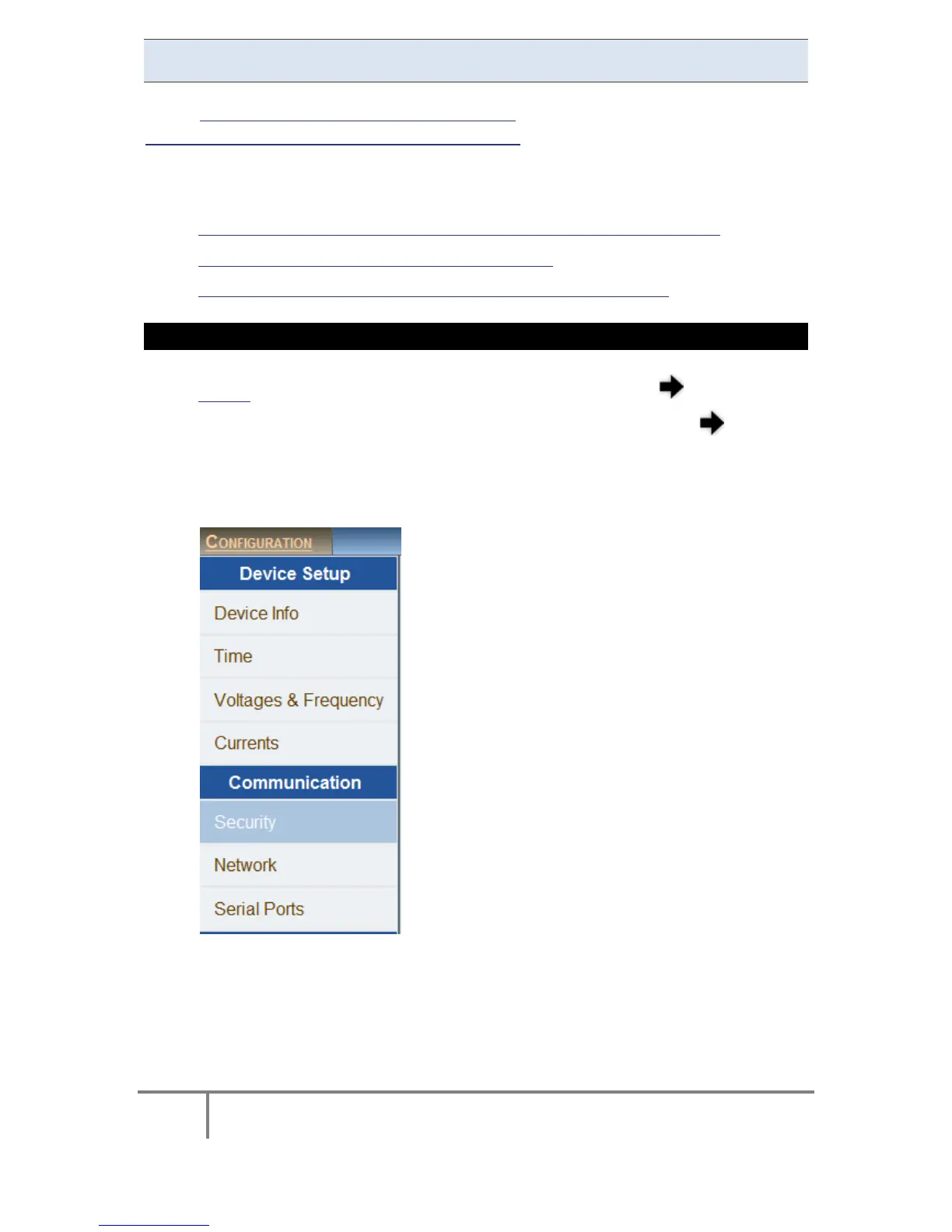
ACCESS THE G4K'S COMMUNICATION CONFIGURATIONS
Access the G 4K D evice via Elspec's Web Interface log o n as t he
Administrator (Manufacturer’s D efault P assword is : 12345) select t he
Configuration Tab
All t he C ommunication C onfigurations a re lo cated u nder the
Communication Tab:
www.GlobalTestSupply.com
Find Quality Products Online at: sales@GlobalTestSupply.com



 To Next Page