Establish 1st Time Connection
In order to establish communication between your G4K & the Network Server, the
device may be connected using the LAN1 Port directly to an existing local LAN (if
one e xists). Alternatively, y ou m ay co nnect t he d evice directly t o t he P C t o
establish initial communication.
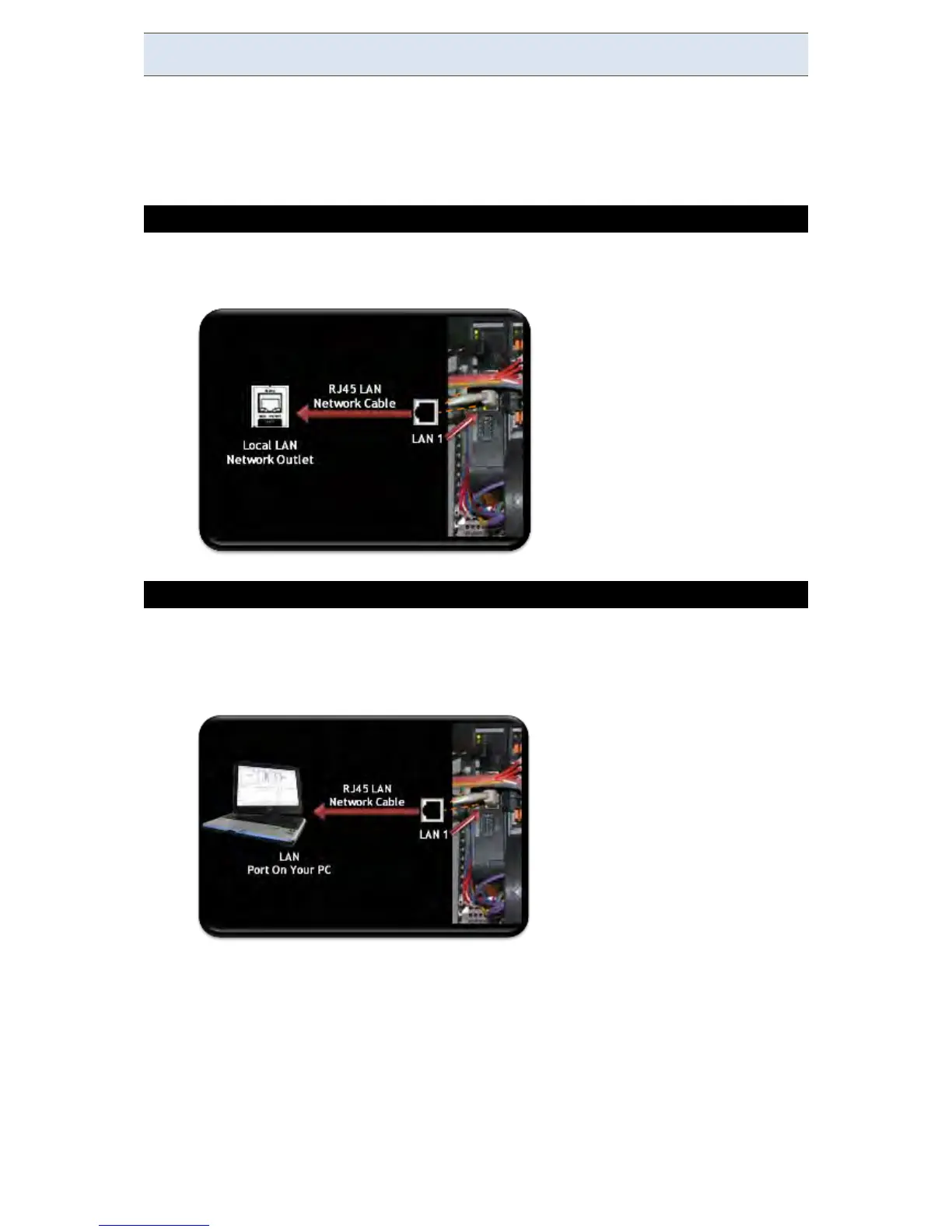
CONNECT THE DEVICE TO THE LOCAL NETWORK
Simply connect a RJ145 LAN Network Cable to the LAN1 Port on the G4K's
CPU Module to your LAN Local Network Outlet:
CONNECT THE G4K DIRECTLY TO THE PC
Disconnect the network cable linking your PC/Laptop to the server network
Using the same cable (RJ45 LAN Network Cable), connect to the port
marked LAN1 G4K's CPU Module:
The green link-LED of the LAN1 connector begins to flash as Windows begins
communicating with the unit
Wait for about 2 minutes as the Windows operating system reverts to the
default "No Server" IP configuration
www.GlobalTestSupply.com
Find Quality Products Online at: sales@GlobalTestSupply.com



 To Next Page