NOTE NOTE NOTE
The W ebsite is optimized t o w ork w ith I nternet E xplorer 7 , 8 or 9 in
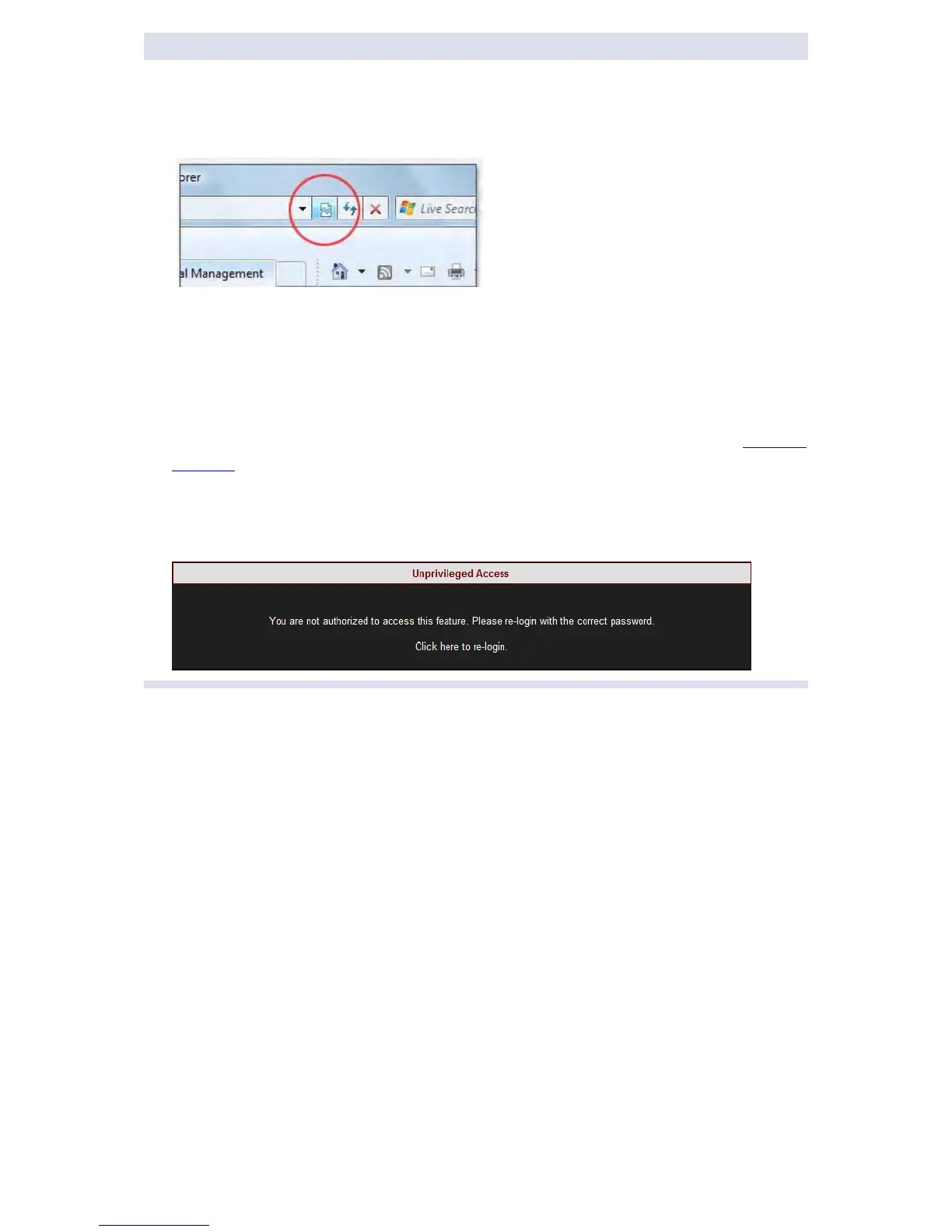
“Compatibility Vi ew”. Ensure th at t he I nternet Ex plorer i s r unning i n
Compatibility View:
Other w eb b rowser ap plications can l imit some f unctionality and/or s how a n
incorrect layout.
For l ocal ne tworking the b rowser s hould b e c onfigured a s w orking w ithout a
proxy server. Refer to Disable Proxy Server in Internet Explorer.
The p asswords ab ove ar e f actory d efault values. Y ou are ad vised t o m odify
Admin password if extended s ecurity m easures ar e r equired (See Security
Settings).
If you are not logged on as the Administrator, you will not be able to change
any o f t hese s ettings & y ou w ill r eceive t he following er ror m essage in y our
attempt to do so:
www.GlobalTestSupply.com
Find Quality Products Online at: sales@GlobalTestSupply.com



 To Next Page