255
ELSPEC
G
G
4
4
K
K
F
F
i
i
x
x
e
e
d
d
P
P
o
o
w
w
e
e
r
r
Q
Q
u
u
a
a
l
l
i
i
t
t
y
y
A
A
n
n
a
a
l
l
y
y
z
z
e
e
r
r
U
U
S
S
E
E
R
R
&
&
I
I
N
N
S
S
T
T
A
A
L
L
L
L
A
A
T
T
I
I
O
O
N
N
G
G
U
U
I
I
D
D
E
E
Operation: Defines t he r ule o r mathematical o peration t o ap ply f or
Activation or Deactivation o f condition. User V alue en ables t he u ser
to edit his own reference value
Operation Logic (And / Or): This o peration l ogic f ield d efines t he
logic t o b e ap plied b etween 2 o perations for en abling a ctivation o r
deactivation i n accordance. B y using two o perations & a l ogical
operation in between, the user can define a more complex condition
rule
Second Deviation: This f ield d efines t he a dditional D eviation ( "D"%)
value us ed i n t he o peration f ormula. N ote tha t s ome o perations do
not contain a deviation, & in these instances the configured deviation
is not utilized
Second Operation: This o peration l ist d efines t he ad ditional
mathematical o peration t o a pply f or A ctivation/Deactivation o f
condition
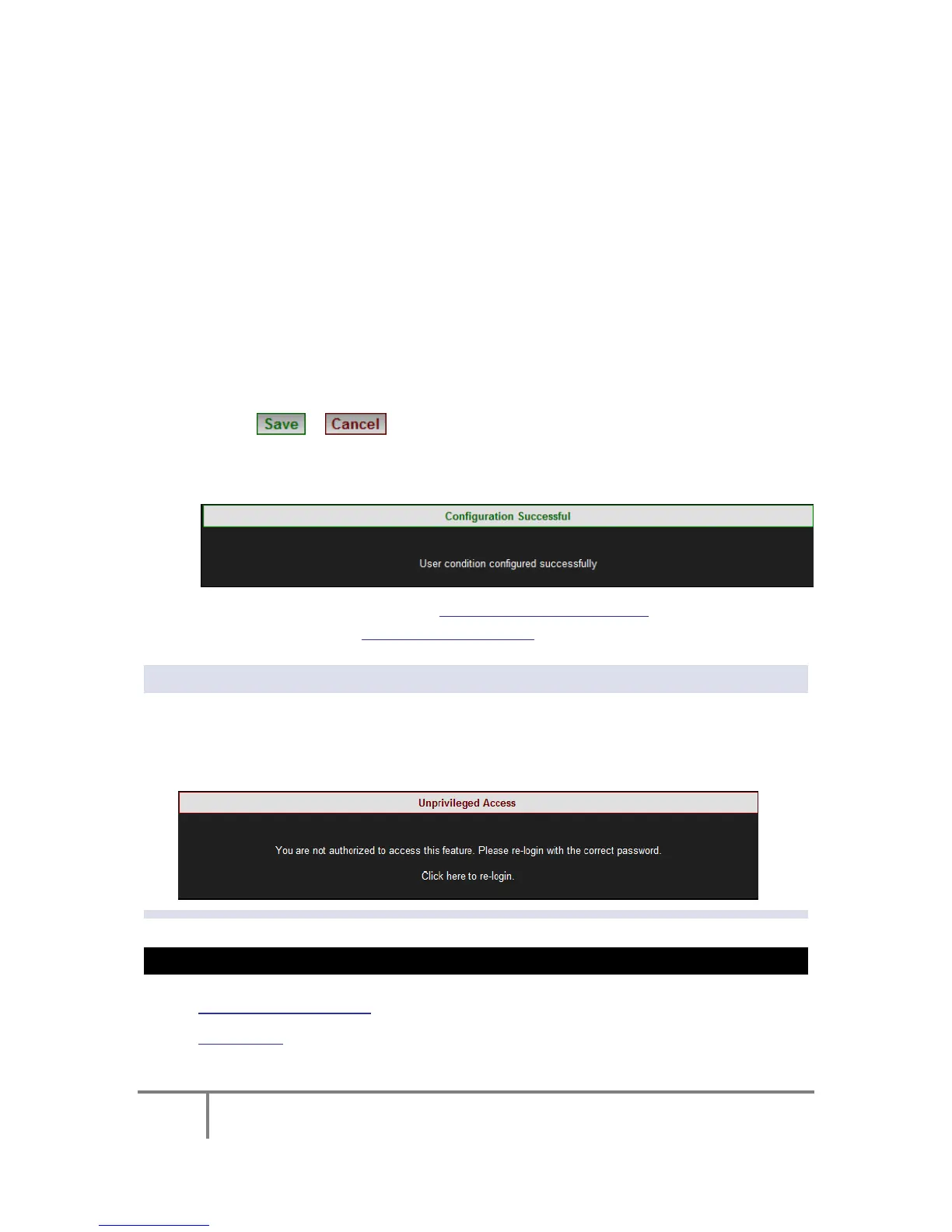
Select / to S ave / C ancel y our c onfiguration i n Condition
Configuration
You will receive the following Success Message:
Proceed e ither t o c reating Multiple T ype C onditions or c onclude your
configuration as per Create Custom Events
NOTE NOTE NOTE
If you are not logged on as the Administrator, you will not be able to change
any o f th ese s ettings & y ou will r eceive t he f ollowing er ror m essage in y our
attempt to do so:
SEE ALSO:
Create Custom Events
Events List
www.GlobalTestSupply.com
Find Quality Products Online at: sales@GlobalTestSupply.com



 To Next Page