288
ELSPEC
G
G
4
4
K
K
F
F
i
i
x
x
e
e
d
d
P
P
o
o
w
w
e
e
r
r
Q
Q
u
u
a
a
l
l
i
i
t
t
y
y
A
A
n
n
a
a
l
l
y
y
z
z
e
e
r
r
U
U
S
S
E
E
R
R
&
&
I
I
N
N
S
S
T
T
A
A
L
L
L
L
A
A
T
T
I
I
O
O
N
N
G
G
U
U
I
I
D
D
E
E
The supported languages are:
English (Default)
Russian
German
Spanish
French
Chinese
(For other languages – please contact your local Elspec distributor)
The Password field defines user level/privileges. The user levels are Viewer
/ Administrator (See Security S ettings). The d efault p assword in cluding
privileges for each level are:
Viewer is 123 (Read on ly, can choose in terface l anguage o nly, n o
operations related changes are allowed)
Administrator is 12345 (Administration, setup & full control)
NOTE NOTE NOTE
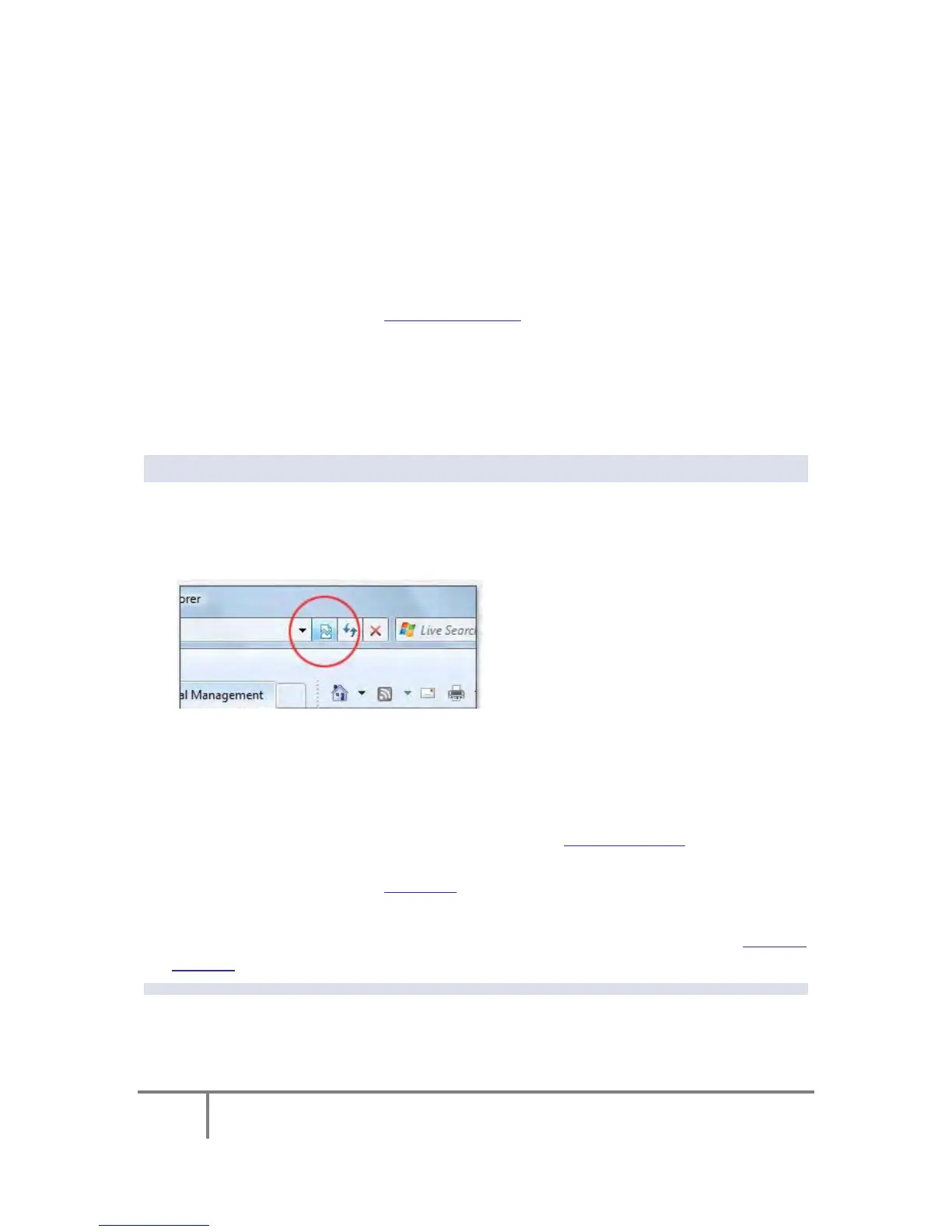
The W ebsite is o ptimized t o w ork w ith I nternet E xplorer 7 , 8 or 9 in
“Compatibility Vi ew”. Ensure t hat t he I nternet Ex plorer i s r unning i n
Compatibility View:
Other w eb b rowser a pplications c an l imit some f unctionality and/or s how a n
incorrect layout.
For l ocal ne tworking the browser s hould b e c onfigured a s w orking w ithout a
proxy server. Refer to Disable Proxy Server in Internet Explorer.
Should you be running Skype simultaneously with Elspec’s Search, you will not
be able to access the device via the Web Link. Close Skype & access Elspec’s
Search again to follow the Web Link.
The p asswords ab ove ar e f actory d efault values. Y ou are ad vised t o m odify
Admin password if extended s ecurity m easures ar e required (See Security
Settings).
www.GlobalTestSupply.com
Find Quality Products Online at: sales@GlobalTestSupply.com



 To Next Page