NOTE NOTE NOTE
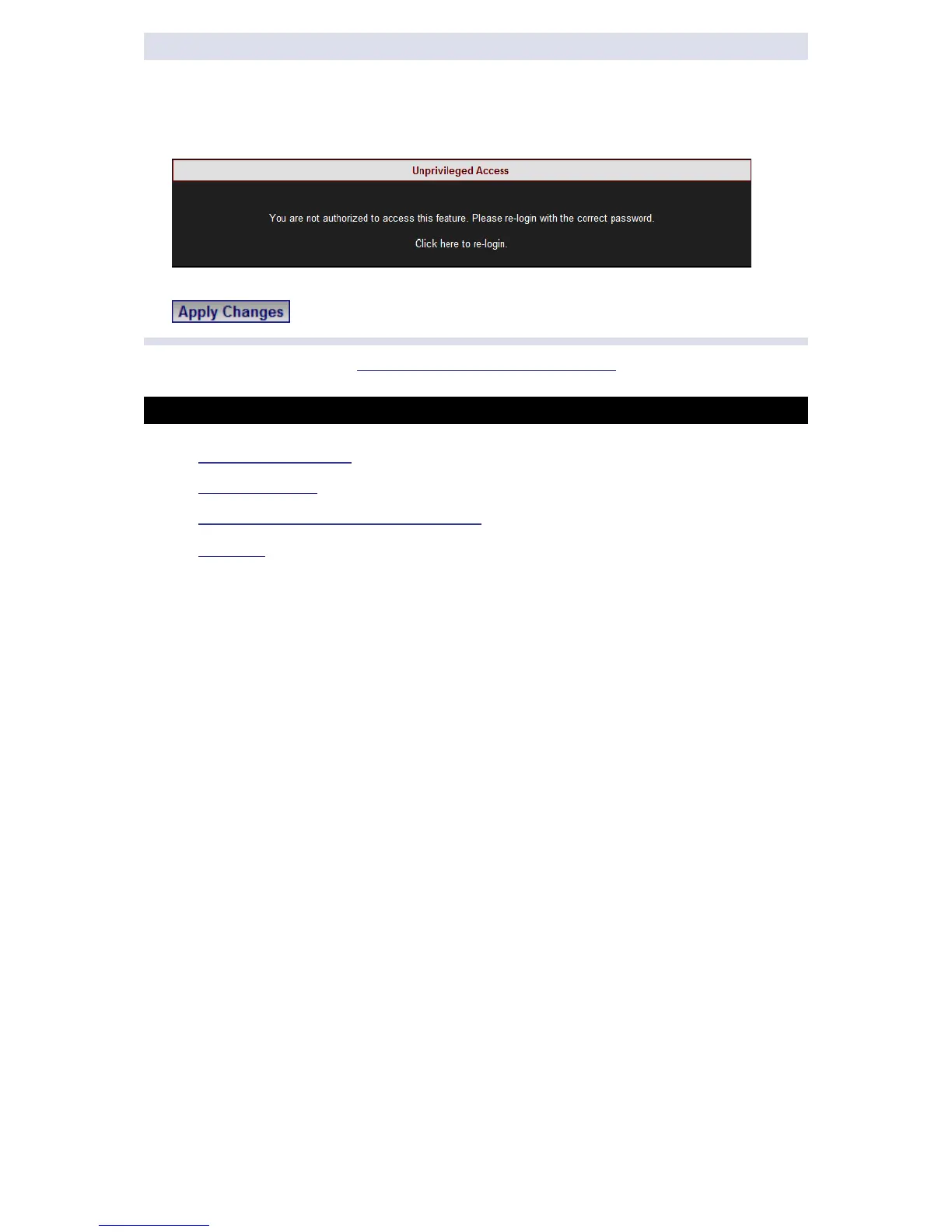
If you are not logged on as the Administrator, you will not be able to change
any o f t hese s ettings & y ou w ill r eceive t he f ollowing er ror m essage in y our
attempt to do so:
Once y ou h ave s igned o n at t he Administrator ensure t hat y ou se lect
to affect your changes.
Go to the next step Configuring Voltage & Frequency
SEE ALSO
Instrument Settings
G4K Unit Setup
Voltage & Frequency Configurations
Currents
www.GlobalTestSupply.com
Find Quality Products Online at: sales@GlobalTestSupply.com



 To Next Page