5
ADVANCED USER GUIDE
Commander SX
IP66/Nema 4X variable speed drive
CONTROL TECHNIQUES
3854 en - 03.2008 / b
Explanation of symbols used in this document.
1.06 : A shadowed number in bold refers to a parameter.
: Refers to a drive input or output terminal.
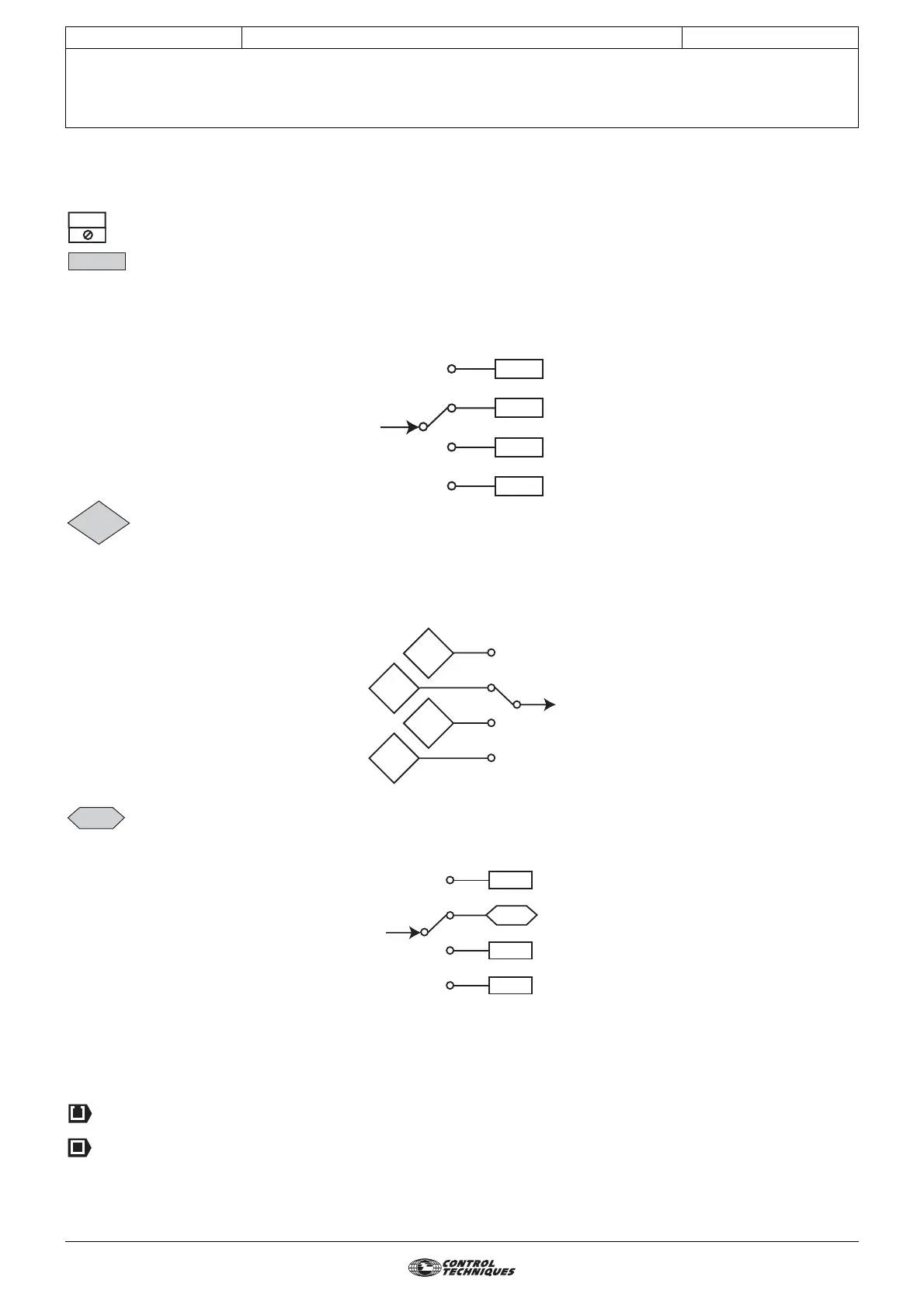
: Parameters which appear in a rectangle or identified R-W are parameters with Read and Write access.
They can be designated as an assignment destination for connection to:
- digital inputs for bit parameters
- analog inputs for non-bit parameters
- outputs of internal functions (comparators, logical or arithmetical operations, etc.)
Parameters identified R-W/P cannot be assigned.
: Parameters which appear in a diamond or identified RO/P are parameters with Read Only access which are
write-protected. They are used to provide information concerning operation of the drive and can be designated as an
assignment source for connection to:
- digital outputs for bit parameters
- analog outputs for non-bit parameters
- inputs of internal functions (comparators, logical or arithmetical operations, etc.)
: Parameters which appear in a hexagon or identified by R-A are parameters which can only be assigned to:
- digital inputs for bit parameters
- analog inputs for non-bit parameters
0 (Disabled) (OFF): The values of "bit" parameters can correspond to a value 0, 1, 2, etc. via the serial link, to a
mnemonic of up to 32 characters using the LCD console, or to a mnemonic of 4
characters maximum using the drive display. These values and labels are given for each
parameter concerned.
: Indicates a parameter used when the drive is configured in open loop Flux Vector Control mode or
U/F.
: Indicates a parameter used when the drive is configured in closed loop Flux Vector Control mode.
ADI1
1.21
1.01
1.36




 To Next Page