RECLOSER CONTROL EVRC2A-N6,NT http://www.entecene.co.kr
68
ENHANCED
TECHNOLOGY
Initial String
In order to set “Initial String”, “PRIMARY, ALTERNATE or EDITBANK SETTING / RELAY
SETUP / COMMUNICATION / DIALUP MODEM-1 or DIALUP MODEM-2/ INITIAL
STRING” menu.
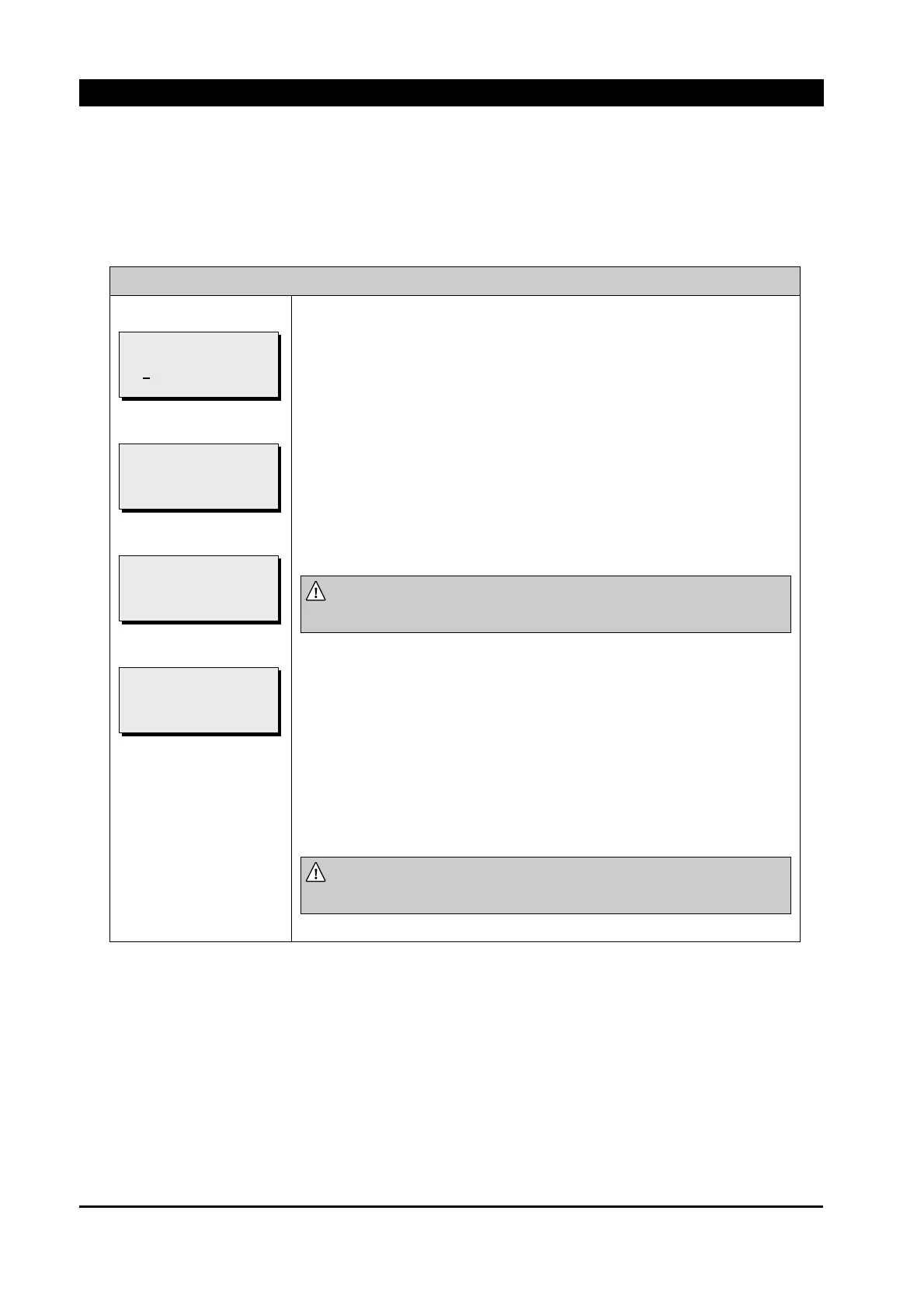
COMMUNICATION / DIALUP MODEM / INITIAL STRING
①
②
③
④
Modem can be initialized by inserting total 30 figures of number,
character, space or special character.
EVRC2A should be reset before making a phone call(connection).
※
Continuous double Space or ‘/’ shall ignore next String.
Insert “Initial String” which a user wants on ①.
1) Use [▲], [▼] button to change each number, alphabet, space or
special character and use [◀], [▶] button to move a cursor.
2) Press [ENT] button after changing and then ② is shown.
NOTE :
continuous double spaces or the character next to “\” is
ignored.
“Initial String” is changed if [ENT] button is pushed. Changing setting
is completed and then ③ is shown.
If the [ESC] button is pushed at ②, ④ is shown, but changed setting is
not applied yet.
NOTE :
The changed setting is effective after it is saved at
“*.SAVE SETTING”
menu.
[NEW INITIAL STRING]
AT+FCLASS=0
!!! SAVE ABORT !!!
[NEW INITIAL STRING]
AT+FCLASS=0
!!! SAVE OK !!!
[NEW INITIAL STRING]
AT+FCLASS=0
PRESS ENTER TO SAVE
[INITIAL STRING]
ATQ1E0M1&C1&D2S0=1
<A
T+FCLASS=0 >
< >



 To Next Page