C8-B/C12-B Service Manual Maintenance Disclosure Scope: Maintenance Trained Personnel Only
(C) Seiko Epson Corporation 2-101 Rev.1
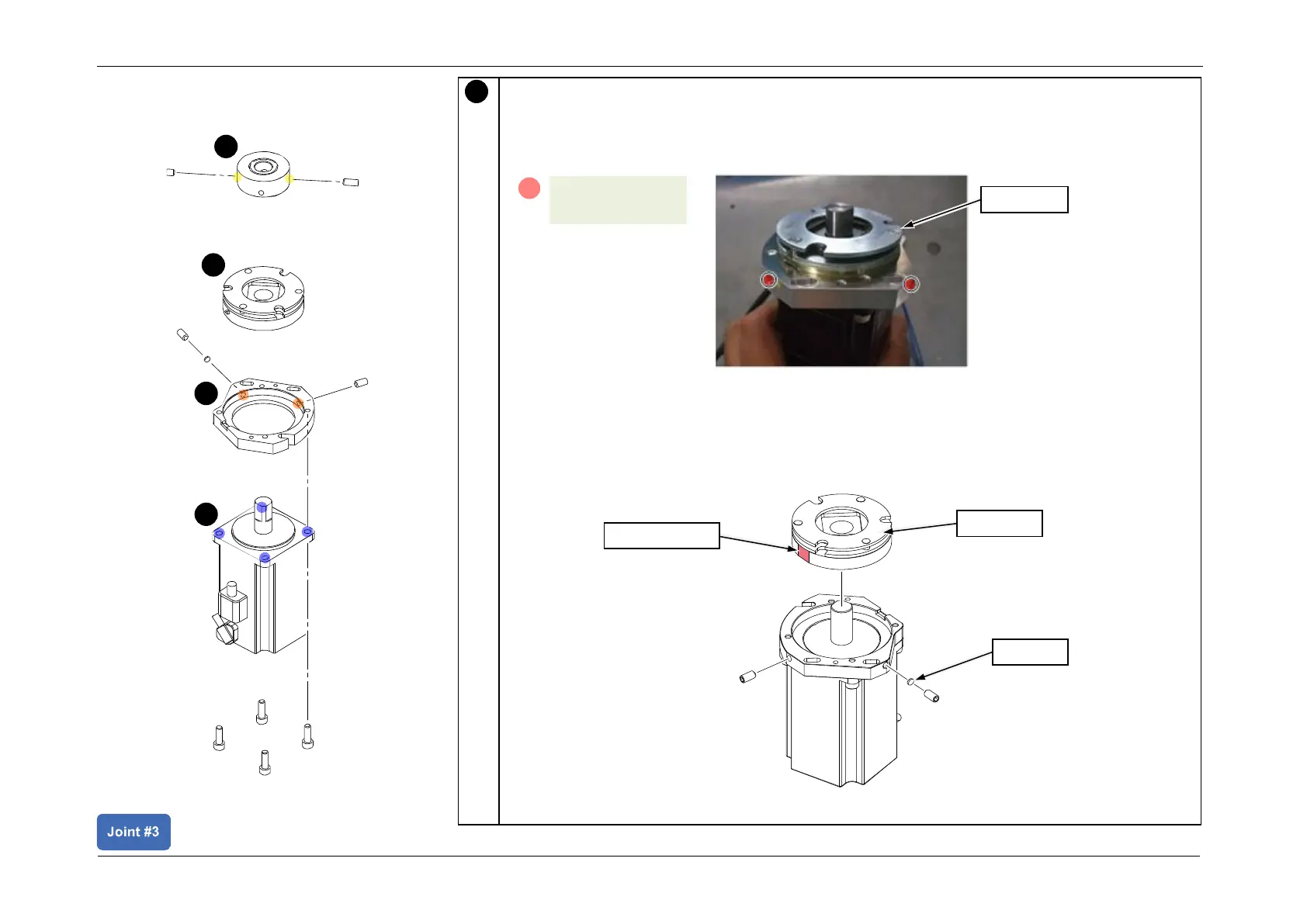
Install the J3 brake.
CAUTION
If the screw positions are incorrect or the bushing is not set, this may cause damage on
the side, and may result in the part being unable to be removed.
POINT
• Install the J3 brake according to the orientation shown in the figure.
• Install the bushing on the side without the D-cut.
• Tighten the screws while pressing the J3 brake against the Motor Plate.














 To Next Page