C8-B/C12-B Service Manual Maintenance Disclosure Scope: Maintenance Trained Personnel Only
(C) Seiko Epson Corporation 2-191 Rev.1
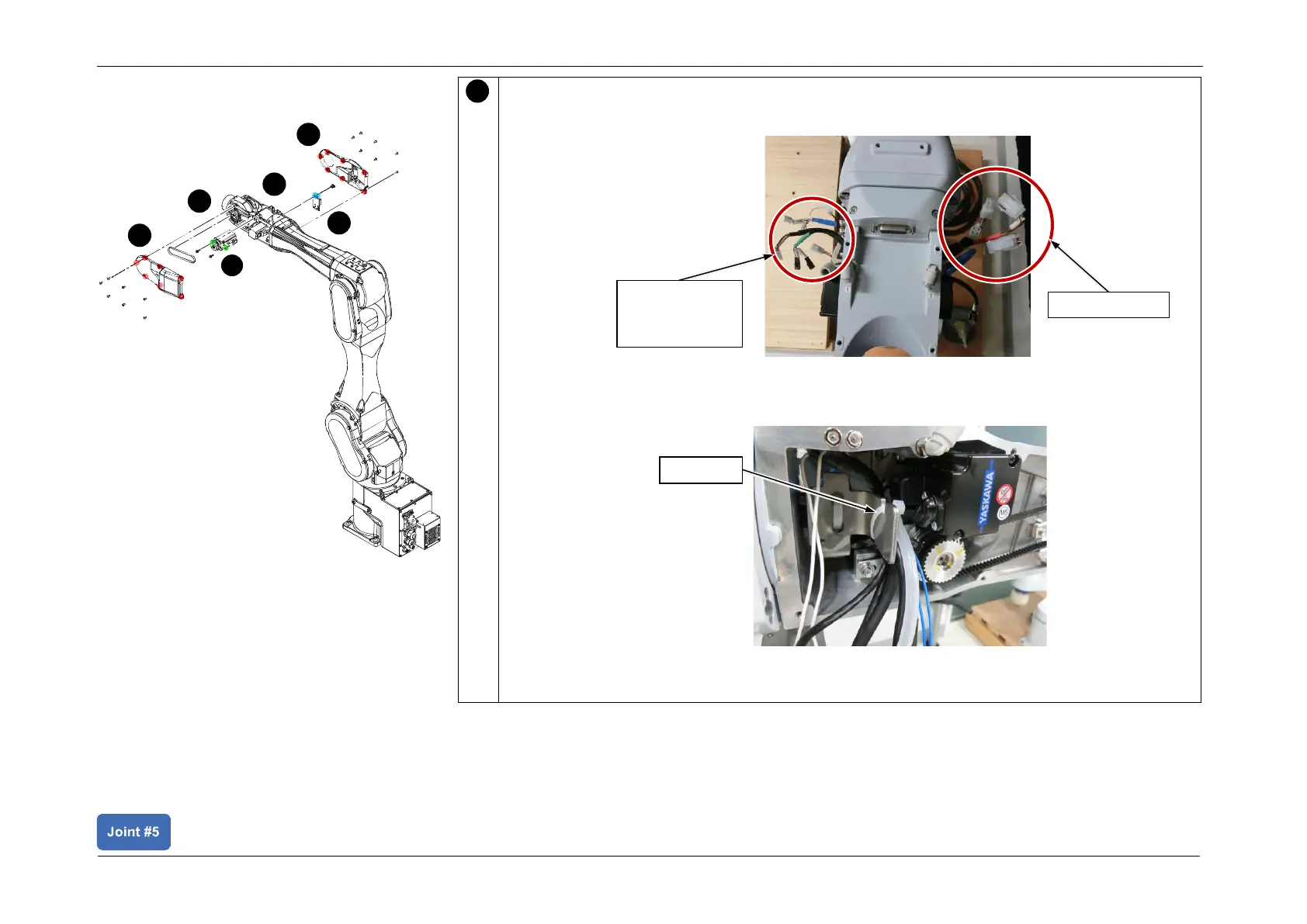
Connect the J5 Motor Connectors, and secure the cables protection plate to Arm4.
1. Pull out each connector as shown in the figure below.
2. Secure the following cables to the cable fixing plate using the wire tie (AB200).
Force sensor connector, Air Tube, CN351/CN361, CN450/CN460, CN451/CN461
3. Connect the following connectors.
CN351, CN361, CN450, CN460, CN451, CN461, CN151, CN161














 To Next Page