C8-B/C12-B Service Manual Maintenance Disclosure Scope: Maintenance Trained Personnel Only
(C) Seiko Epson Corporation 2-231 Rev.1
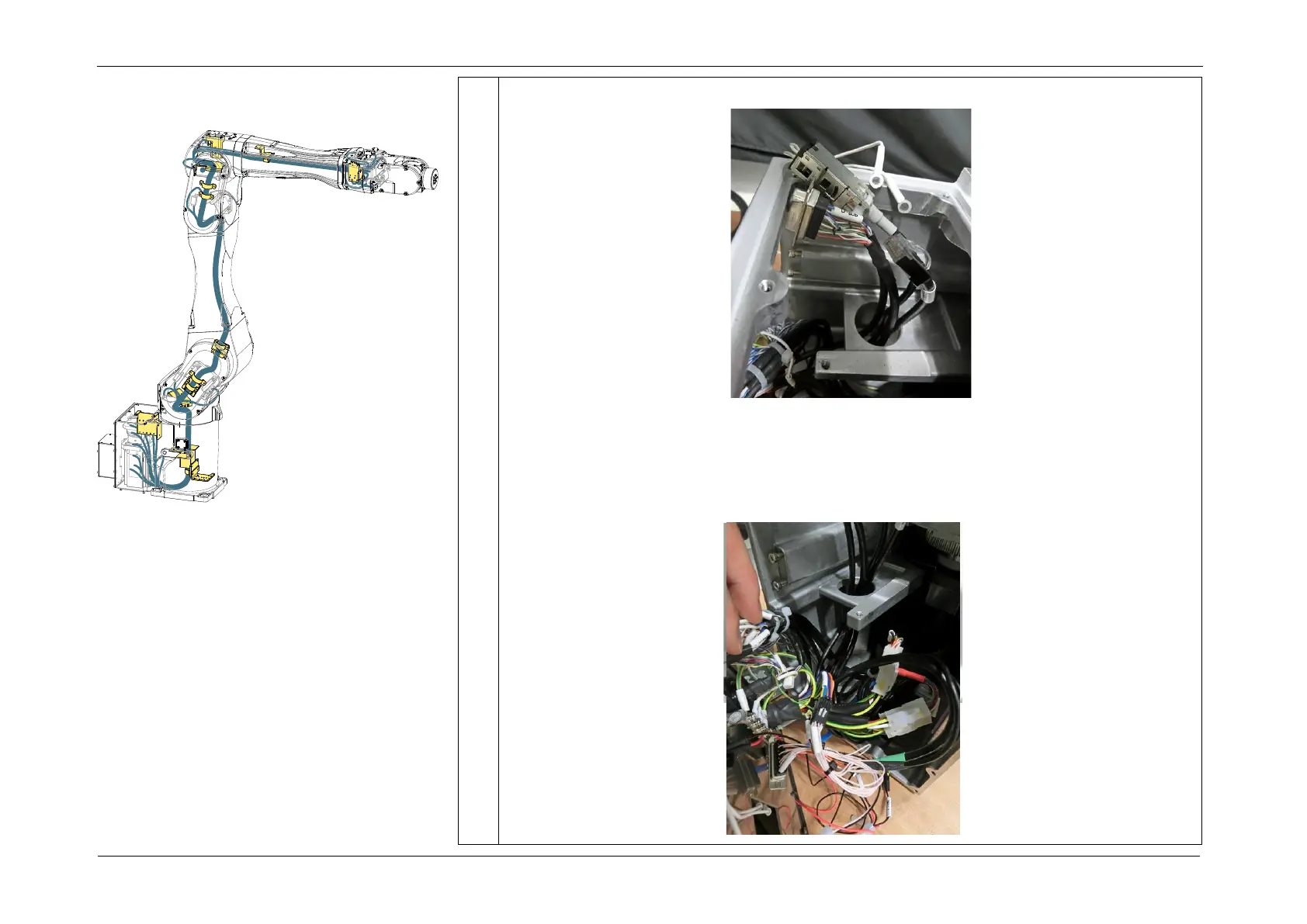
9. Pull the following cables and connectors down through the hole in the base.
10. Disconnect the connectors (CN111, CN311, CN410, CN411 (motor/brake), CN3L,
CN202, CN312, CN200, CN300, CN201, CN301, CN3G0).
POINT
Press the connector clip, and pull out.














 To Next Page