C8-B/C12-B Service Manual Maintenance Disclosure Scope: Maintenance Trained Personnel Only
(C) Seiko Epson Corporation 2-236 Rev.1
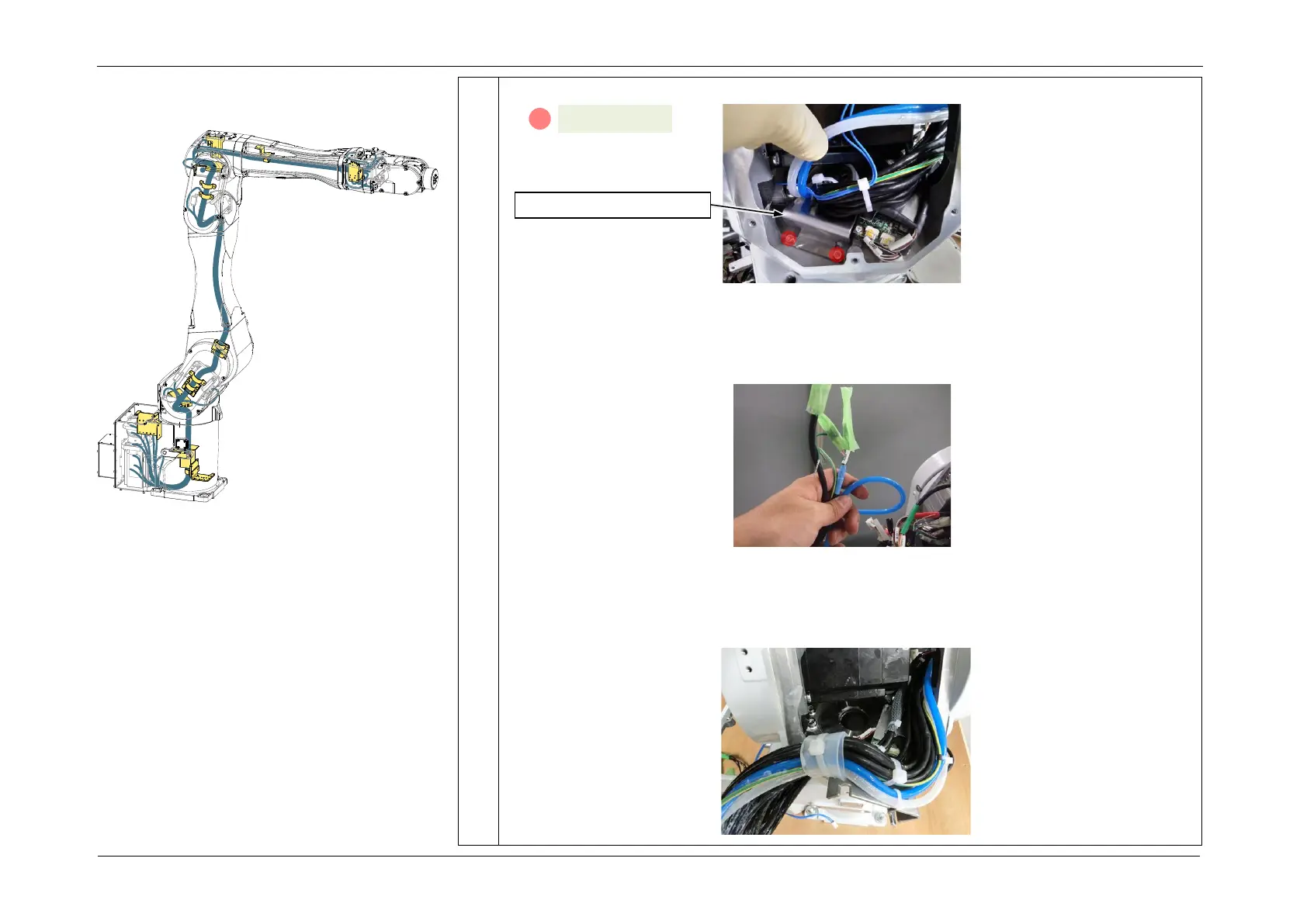
3. Remove the J1 cable fixing plate.
4. Protect the connectors disconnected from parts such as the Connector Plate with
masking tape or similar.
POINT
This protects connector clips from breaking and adherence of grease during work.
5. Pull out the internal cables from the base side toward the Arm1 side.
CAUTION
Attempting to pull out all the cables at once may break the cables, so disconnect the cables one by
one in order from the one with the smallest connector to the largest one.














 To Next Page