C8-B/C12-B Service Manual Maintenance Disclosure Scope: Maintenance Trained Personnel Only
(C) Seiko Epson Corporation 2-251 Rev.1
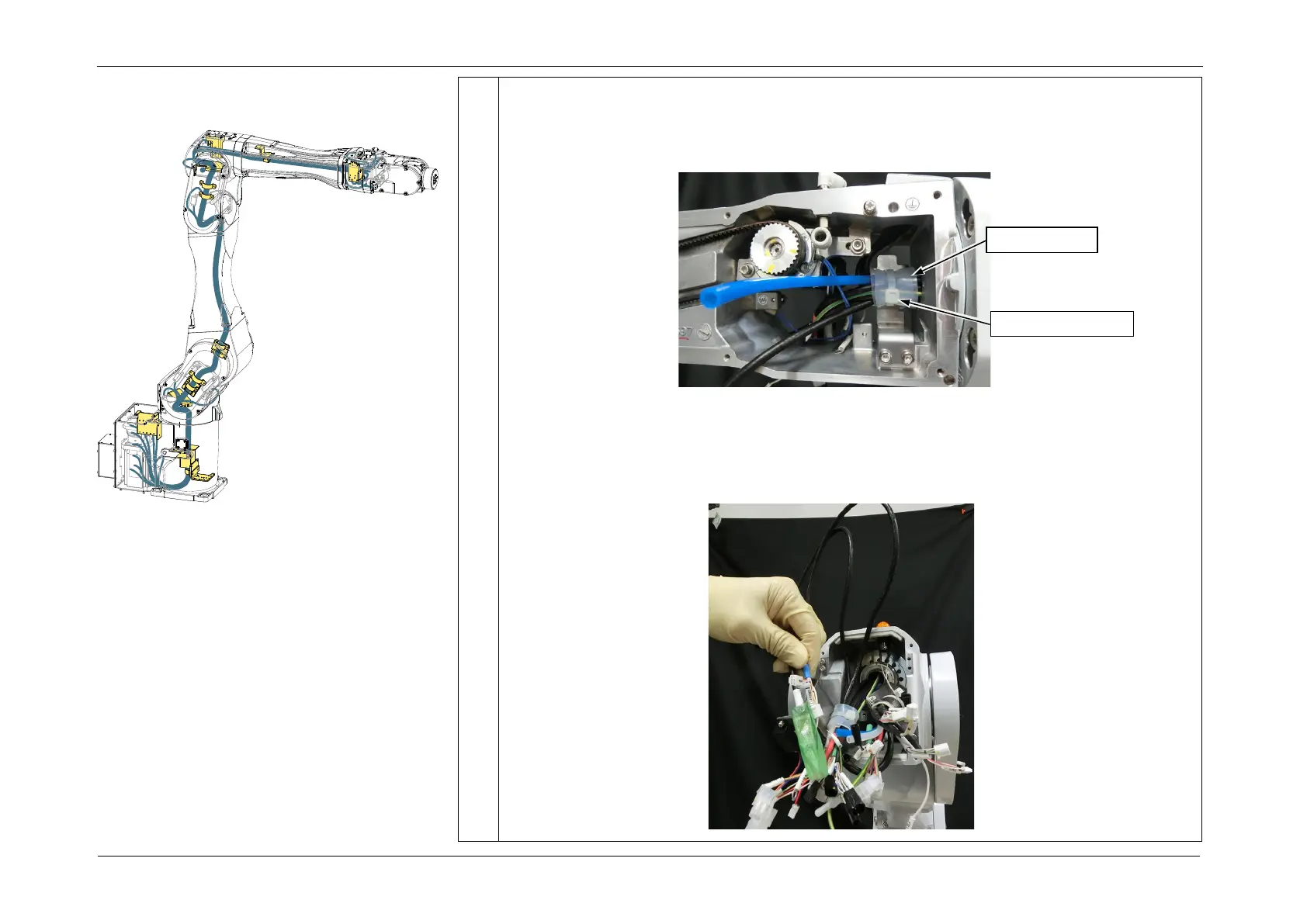
8. Cut the wire tie (AB300) from the Arm4 cable fixing plate, and remove the Silicone
Sheet.
POINT
The Silicone Sheet will be used again during installation. Store it and do not dispose of it.
9. Pull out the following cables in order from the Arm4 side to the Arm3 side.
1. Air Tubes (blue/white)
2. LAN cable (CN581-3)
3. CN351/CN361/FB14 cable














 To Next Page