C8-B/C12-B Service Manual Maintenance Disclosure Scope: Maintenance Trained Personnel Only
(C) Seiko Epson Corporation 2-257 Rev.1
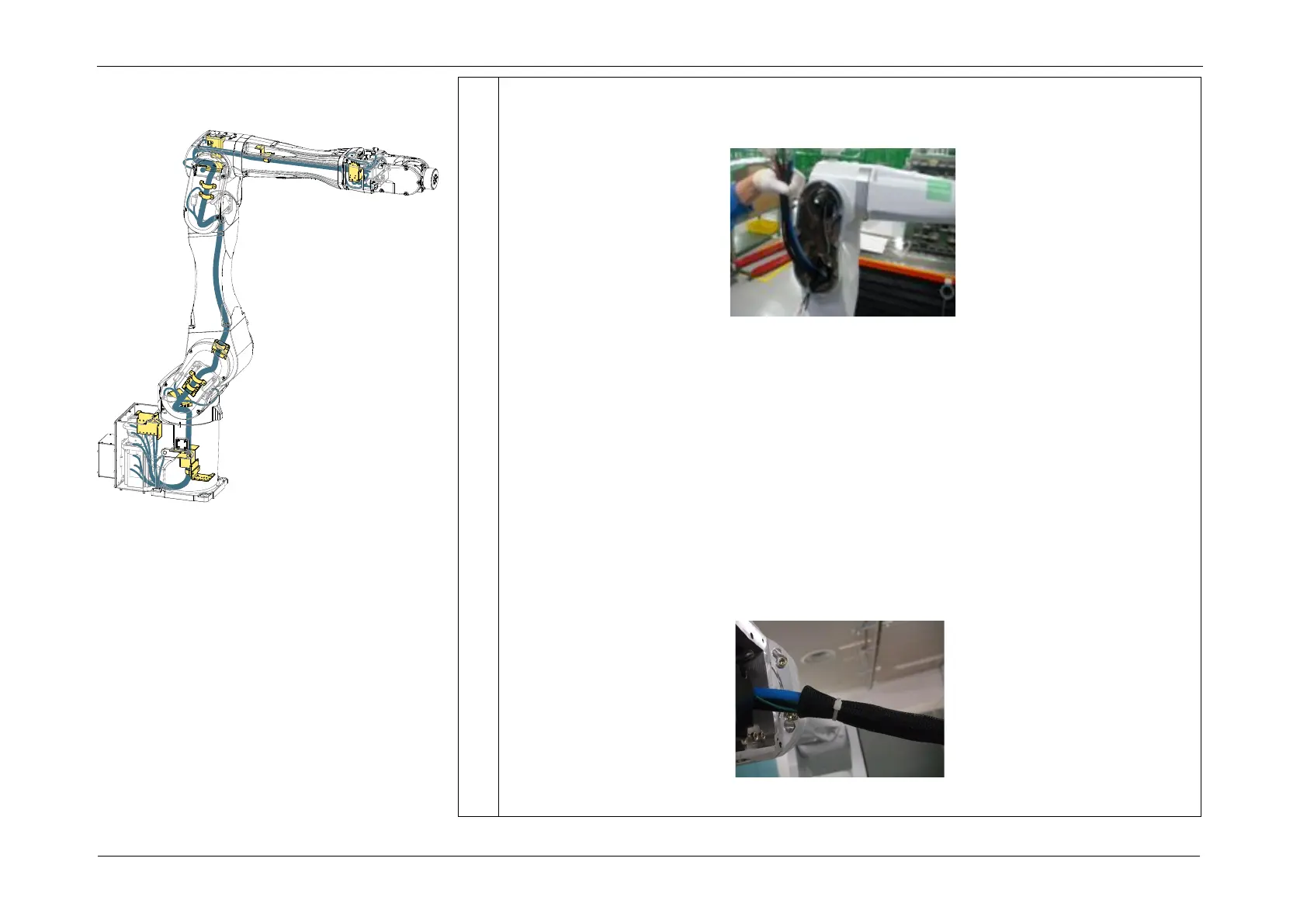
3. Pass the following cables from the Arm3 side to the Arm4 side.
CAUTION
Forcibly pulling on the cables may cause the connectors to disconnect, damage the
connectors, or break the cables.
• CN351/CN361/FB14 cable
• LAN cable (CN581-3)
• Air Tubes (blue/white)
POINT
1. Pass the braid tube from the Arm4 side to the Arm3 side. Insert the connectors
through the braid tube, as shown in the figure, and secure the tube with the wire
tie so that connectors are not pulled out.
Use a braid tube.














 To Next Page