C8-B/C12-B Service Manual Maintenance Disclosure Scope: Maintenance Trained Personnel Only
(C) Seiko Epson Corporation 2-258 Rev.1
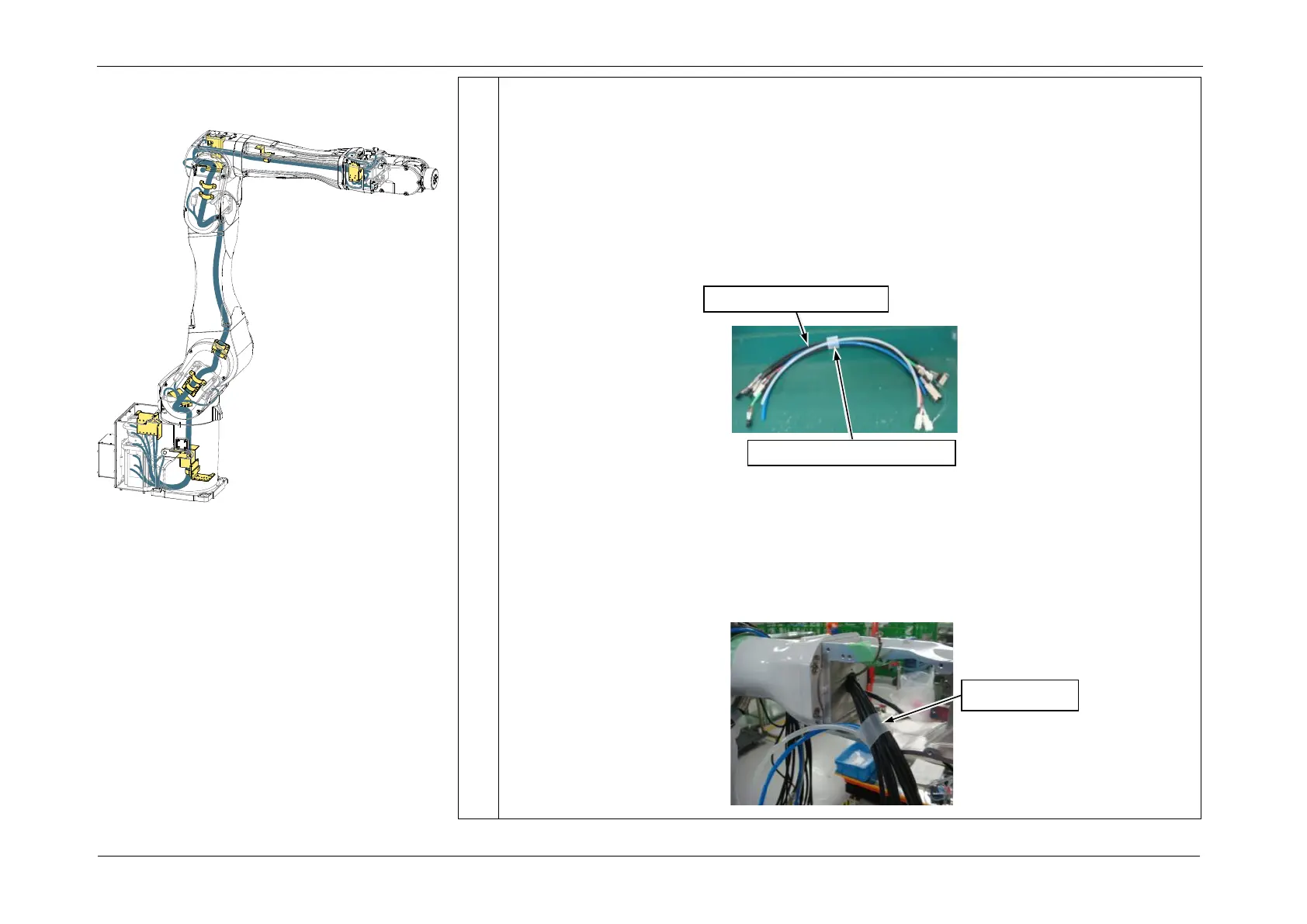
2. While feeding cables from the Arm3 side, pull the braid tube from the Arm4 side
to pass the cables through the tube.
If it is difficult to pass the cables through the tube, pass the cables one by one in
the order below. When doing so, securing the connector to the tip of a long wire
makes the work easier to perform.
CN351-1 cable, CN361-1 cable, LAN cable, Ground Wire, Air Tubes (blue/white)
4. Pass the Cable Unit (Arm4 side) separated in <Preparation> Step 2 through Arm4 to
Arm3.
POINT
<C8XL only>
Pass the following cables passed from the Arm3 side through the silicone tube.
• CN351/CN361/FB14 cable
• LAN cable (CN581-3)
• Air Tubes (blue/white)














 To Next Page