C8-B/C12-B Service Manual Maintenance Disclosure Scope: Maintenance Trained Personnel Only
(C) Seiko Epson Corporation 2-262 Rev.1
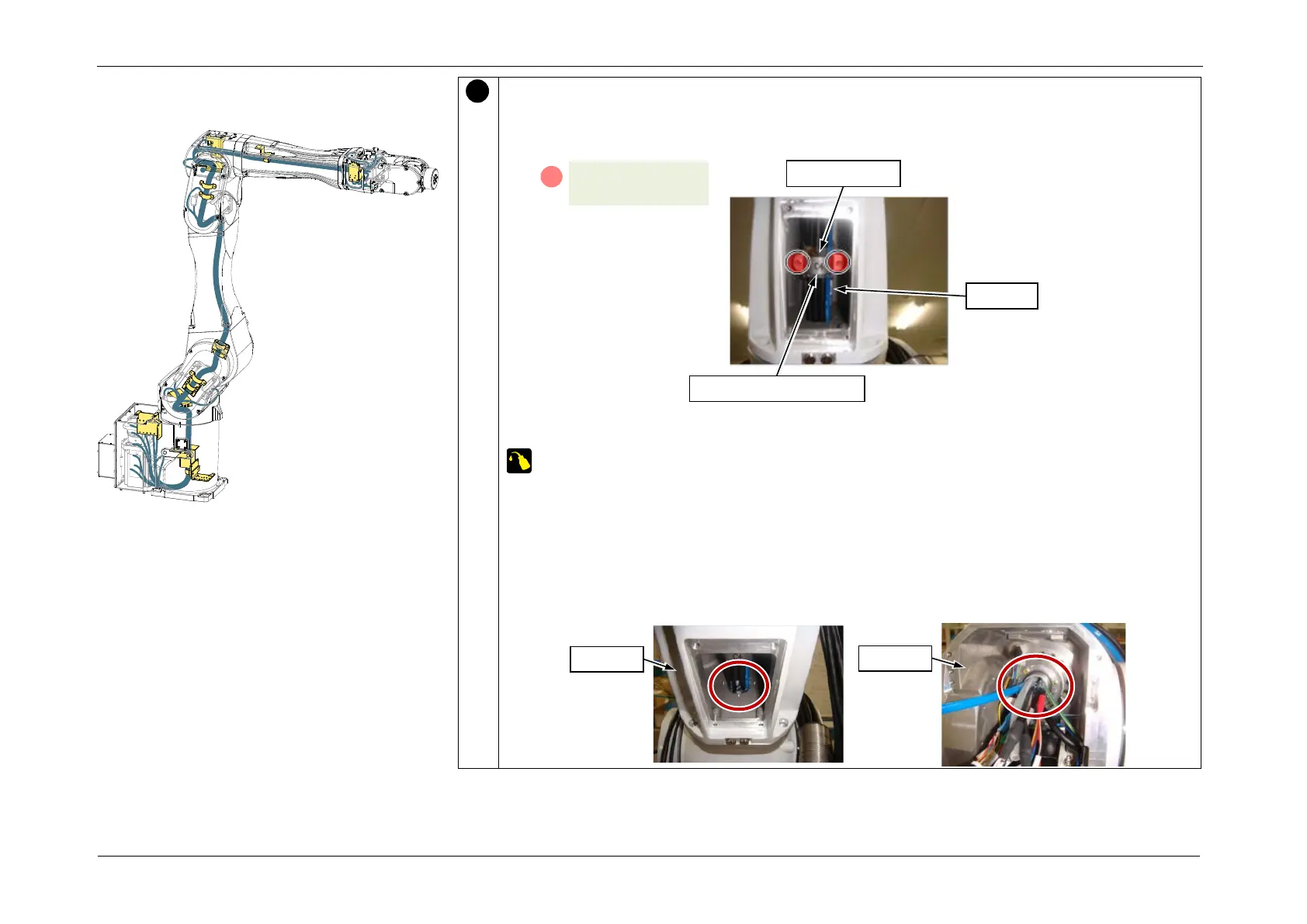
Secure the Cable Unit to the Arm4 extension part.
1. Wrap the Silicone Sheet around the cables.
2. Install the cable bracket (C4) so that it presses down on the Silicone Sheet.
3. Apply grease at the location shown in the figure.
Krytox: Approx. 3 g
POINT
Apply half of the specified amount from the Arm4 side, and the remaining half from the
Arm3 side.
CAUTION
Take care that the grease does not adhere to the cable fixing area and connectors inside
Arm3.














 To Next Page