Special Functions 53
Parameters may be filtered so you can choose which types of parameters to play, for example you could
choose to only play the position part by turning off (filtering) the other parameters such as beam.
You may mix one intensity look with another parameter look to make a new combination look.
Time/ Rate
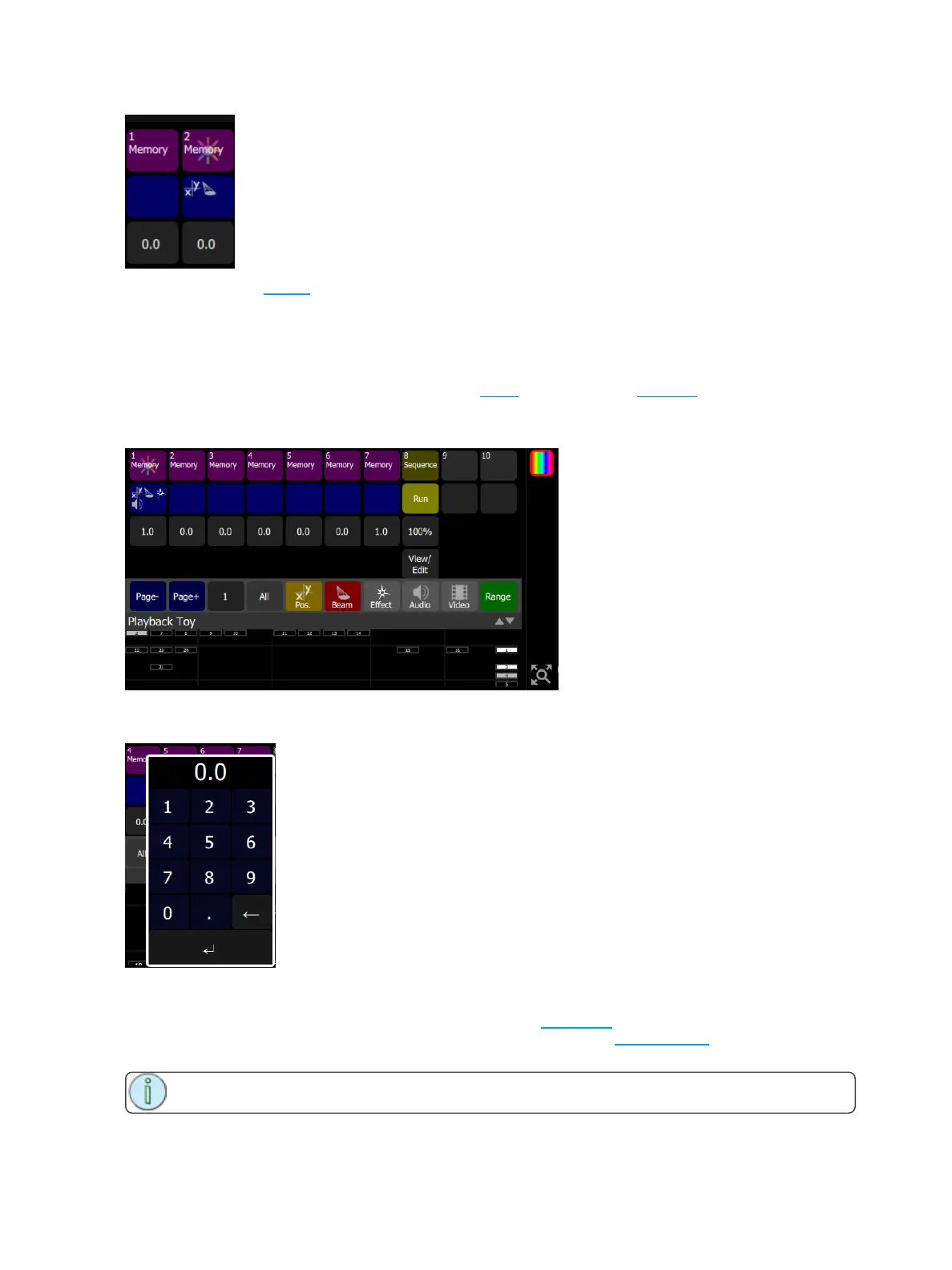
Playbacks may be given a fade time. When either a bump or Playback Toy Intensity button is pressed, the
intensity and parameter parts will fade in at the rate set on the Time button, shown in gray.
If the playback contains a sequence, the gray button will indicate the rate.
Holding down the gray button will open a keypad to alter the time (for playbacks) or the Rate (for
sequences).
Playback Page Selection, Minus
Picks the playback page to switch to. There are ten pages of playbacks. The page will change for the next
time a fader is raised from the zero position or a playback is launched in Playback Toy on a mauve or blue
button.
Note: Faders that are up at a level will not change immediately and must first be taken to zero.



 To Next Page