DTP CrossPoint 84 Series Matrix Switchers • Matrix Software 77
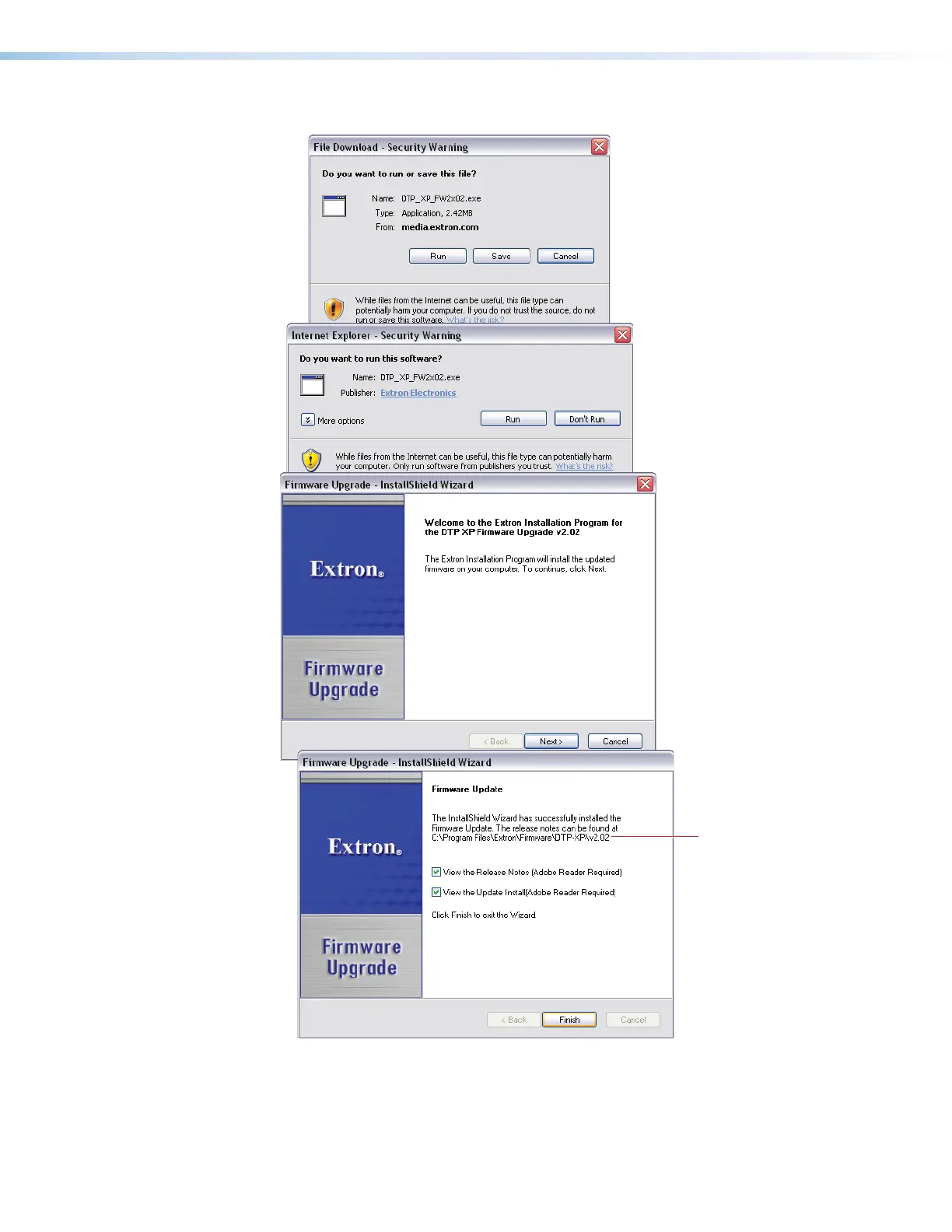
4. Click Finish to exit the program (
3
).
Folder
Firmware is
Saved.
11
1111
1111
11
1111
1111
22
2222
2222
33
3333
3333
Figure 38. Extracting Firmware Upgrade Files
5. Connect the computer to the switcher rear panel LAN port (see figure2 on page11
and LAN port [non-IPCP model] (
Q
) or IPCP Pro 350 processor [IPCP models] (
R
)
both on page15) or front panel Configuration port (see figure16 on page21).
34



 To Next Page