Eyecon 9420 & 9430 Instruction Manual 109
4.5 Practices common to all modes
If the final Back Count achieved doesn’t match the expected Back Count amount, the
count window background color will be yellow if it is lower and red if it is over.
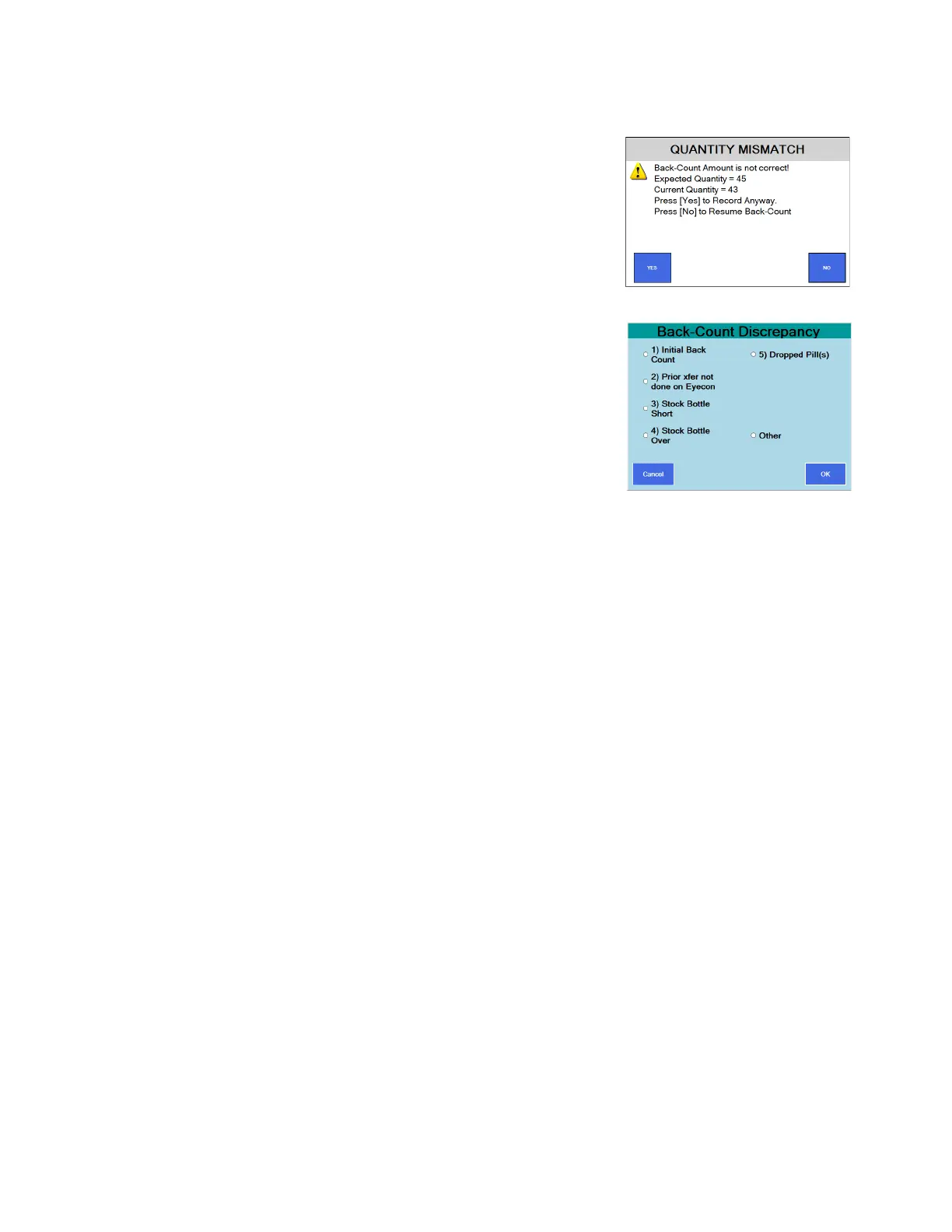
• If Finish is pressed, and the amount
is a mismatch, the warning message
at right appears.
If all of the pills in the open bottle for
the NDC have been counted, press
the YES or
Press NO to return to the Counting
Pills screen.
• If Require Adjust Reasons was
selected in the Double Check menu
on page 48, a reason menu will be
displayed. See the example at right.
Select a reason and press the OK button. The
display will return to Scan Vial Label.



 To Next Page