Eyecon 9420 & 9430 Instruction Manual 29
3.2 General menu
3.2.3 Auto Close Transaction Recorded Message
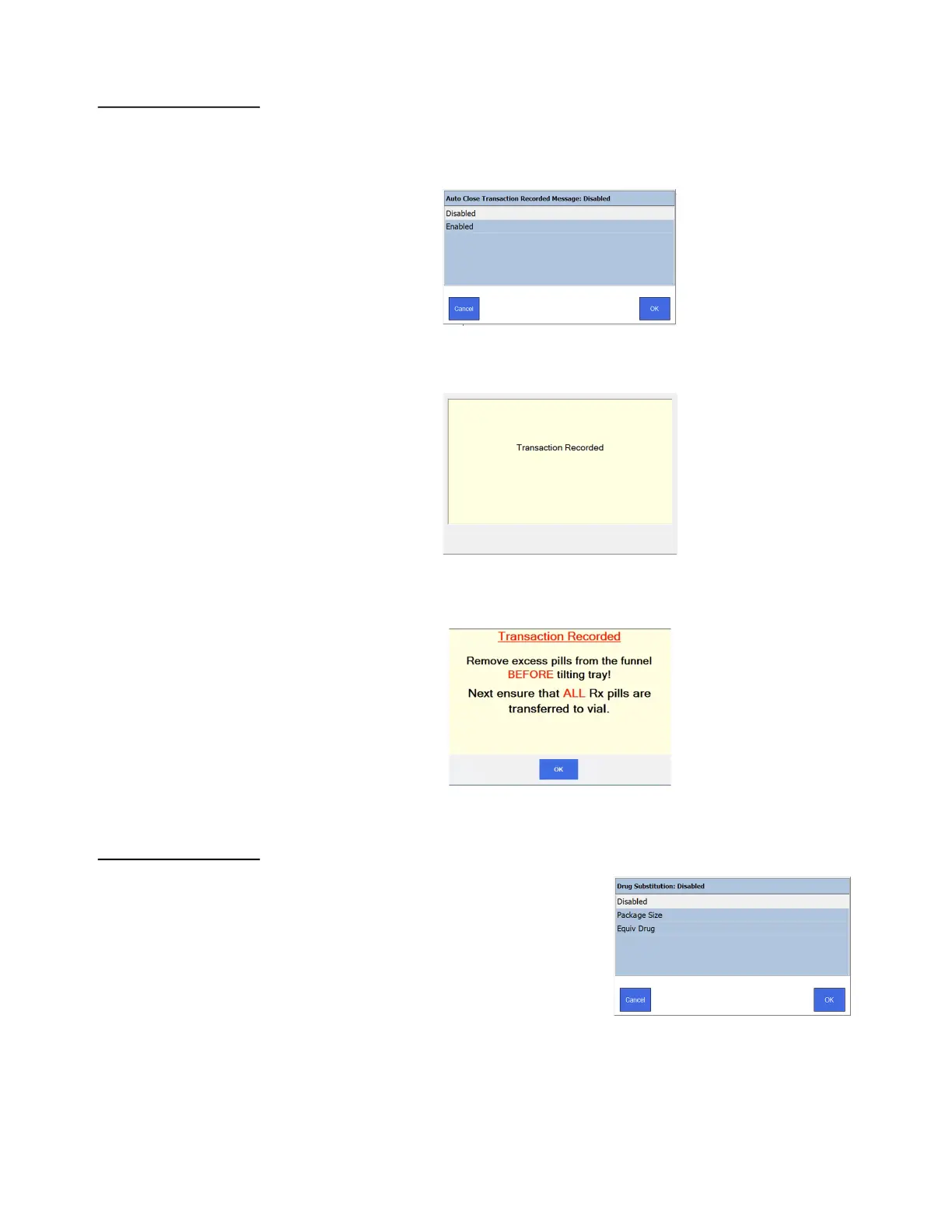
The next item in the General menu, shown below, allows you to enable or disable the
Auto Close Transaction Recorded Message. Tap your choice and press OK to accept
the change or Cancel to abort a change.
If enabled, the screen below is displayed saying the transaction has been recorded.
This message will appear briefly after every counting transaction.
If disabled, the alternate message, shown below, is displayed reminding the user to
dispense all of the pills from the tray and into the vial. Press OK to proceed in this case.
3.2.4 Drug Substitution
This is the next menu item in the General menu.
The Eyecon can substitute a different stock item
(NDC) if you run out of the drug specified in the
Rx fill request. Refer to the following options.
• Touchscree
• If Disabled, drug substitution is not allowed
• If Package Size is selected, the user will be
prompted to approve the substitution if the package size of the scanned item differs
from the drug specified for the Rx.



 To Next Page