112 Eyecon 9420 & 9430 Instruction Manual
Audit reports
6 Audit reports
Audit reports can be viewed from the Eyecon display or copied to a computer via USB
memory stick. There is also a Windows-based application that you can install on your
pharmacy computer that offers the same functionality with the added benefit of being
able to print directly from the PC. The Remote Auditor is free and can be installed in as
many of your pharmacy Computer(s) as necessary. For more information on the
remote auditor, see Remote Auditor.
The audit report automatically starts with the most recent data.
6.1 Access Eyecon Auditor
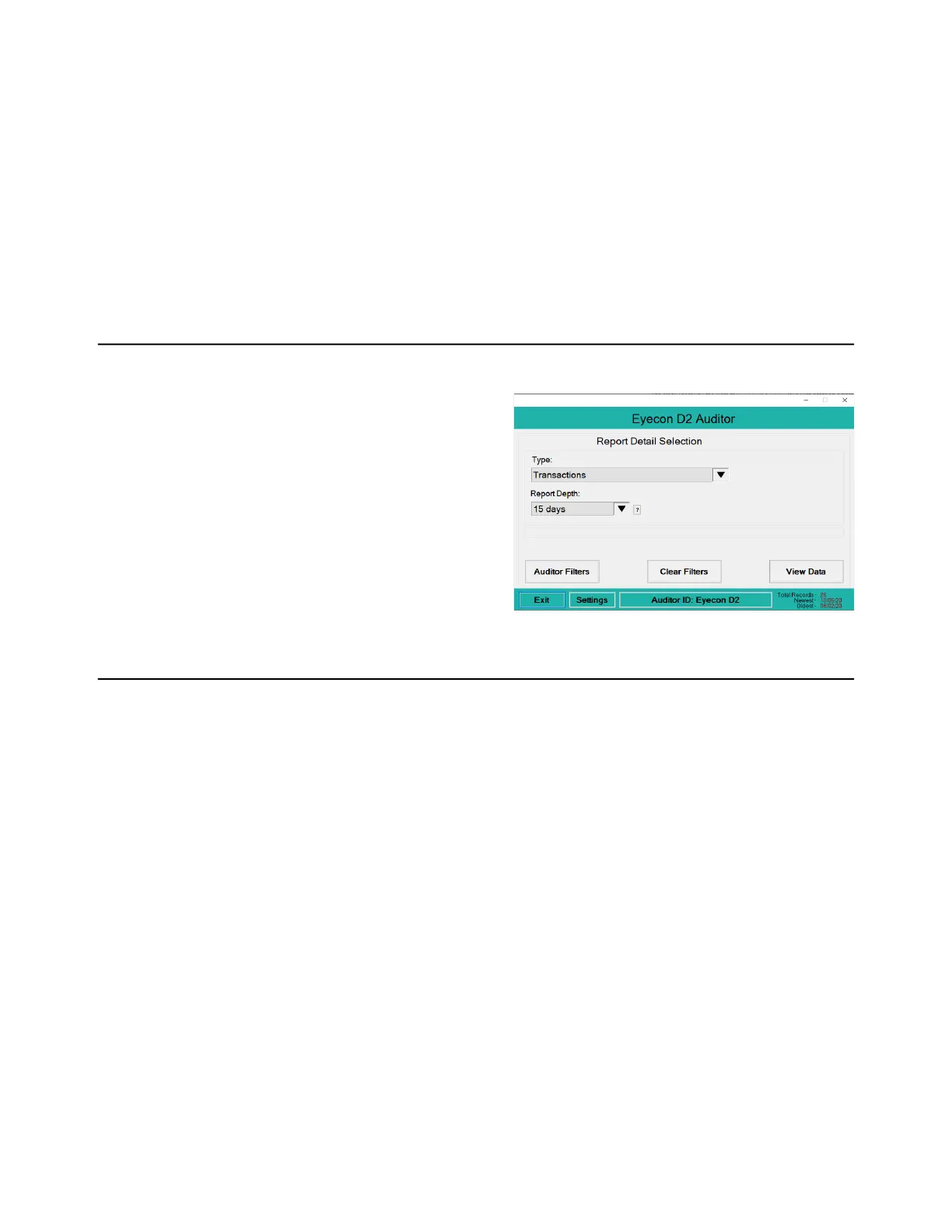
1. Press the Auditor button on the START screen …
The Auditor window
appears, shown at
right.
6.2 Initial use
The first time you use the Auditor, it is suggested the Eyecon be named. This will
ensure that any reports saved are appropriately named so the source of the data can
be identified.
1. Press the Auditor ID button at the bottom of the screen and a text entry screen
appears.
2. Enter a unique name for this Eyecon, such as Store 123, and press the OK
button to accept it …
The Auditor window appears again.



 To Next Page