80 Eyecon 9420 & 9430 Instruction Manual
Eyecon operation
4.2 Count Only mode
The Count Only mode is used to count pills quickly when you don’t have a method to
validate the Rx, such as when there is no validation barcode or a pharmacy system
interface. This mode can also be used to preform a quick check of any pills.
Click on Count Only to enter this mode; you may be asked to scan in or manually enter
your login ID. This is determined by the settings for Count Login on page 53. Follow
the onscreen prompts when asked for an ID.
At the bottom of the screen, you also have the following options:
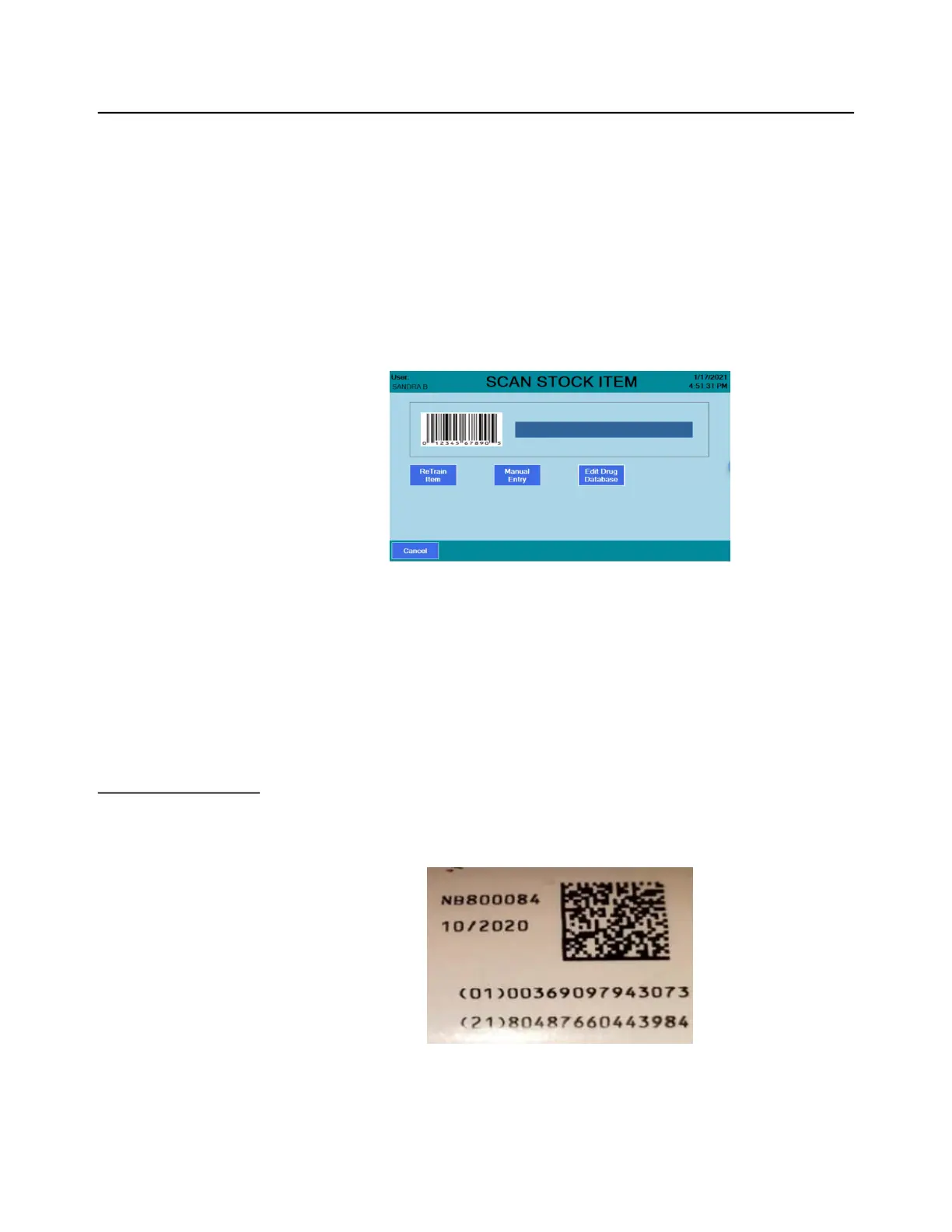
Retrain Item: Click this button before scanning the stock item barcode if you are having
difficulty counting a particular stock item. This will replace the currently trained pill
shadow images with new shadow images. See Train or Retrain a pill image on page
105.
Manual Entry: Select this option if the stock item barcode is not able to scan properly.
Then enter the number manually. See Manual NDC entry on page 97.
Edit Drug Database: Click this button before scanning the stock item barcode if you
need to change or update any information about the drug. See Edit drug database on
page 98.
The steps below assume you log in or scan out when requested by the Eyecon. Those
steps are skipped for brevity.
4.2.1 Counting
Stock bottles with 2D barcodes are becoming the norm and they are now required by
the Drug Supply Chain Security Act (DSCSA). These barcodes contain the UPC code
as well as the serial number, lot number and expiration date of the stock item.



 To Next Page