54 Eyecon 9420 & 9430 Instruction Manual
Settings menu
3.8 Double Check menu
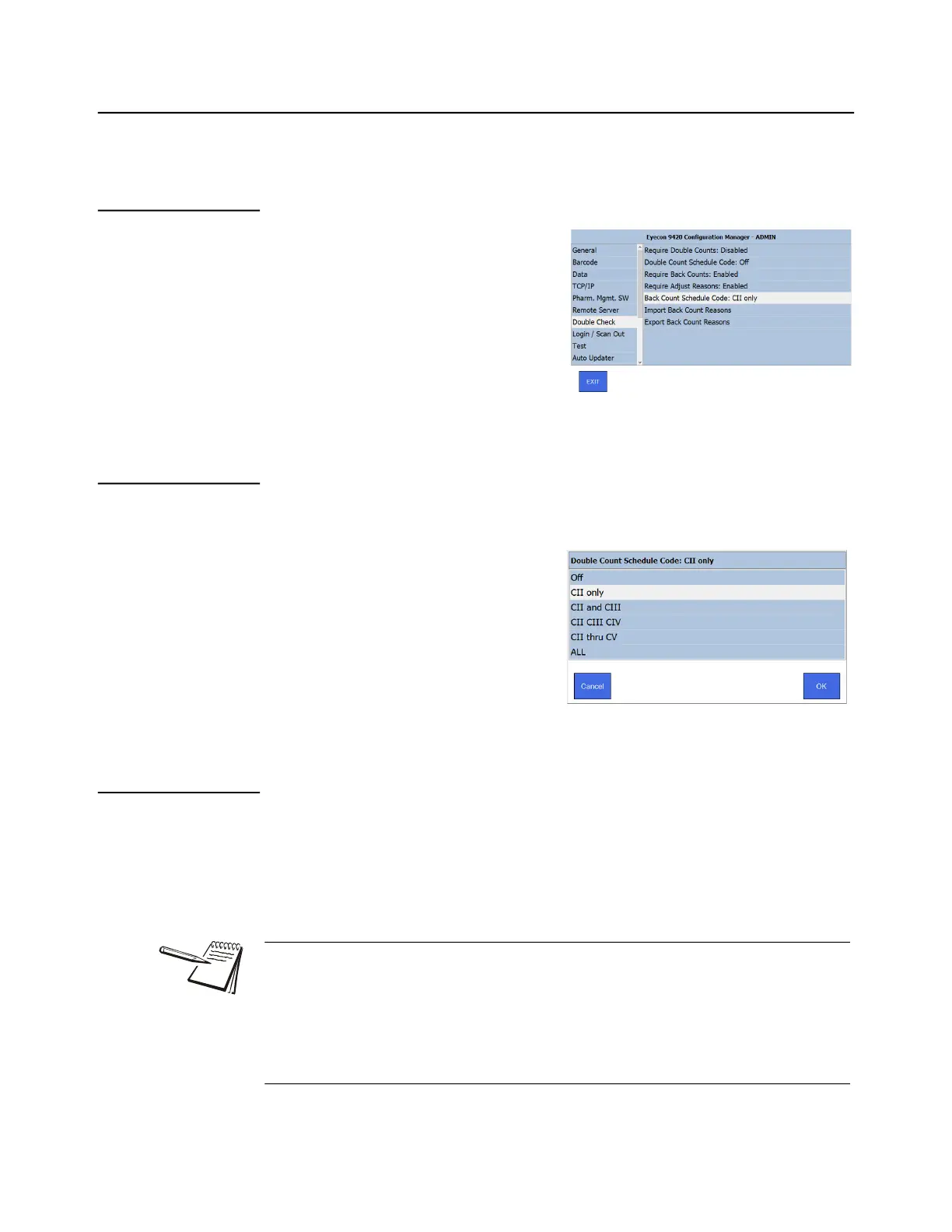
The Double Check menu is shown at right. The choices are explained below.
3.8.1 Require Double Counts:
Enable or disable the requirement to
preform double counts.
3.8.2 Double Count Schedule Code:
Specify which controlled substance should result in the user being prompted to perform
a 2nd count of the item being dispensed.
Choose the Schedule Code from the list
that appears, shown at right. Tap OK to
accept the change or Cancel to abort a
change and return to the Double Check
menu.
3.8.3 Require Back Counts:
Enable or disable the requirement to perform back counts. Back counts only apply to
the quantity of pills remaining in the currently open stock item bottle. If a new bottle was
opened to fill the Rx, the back count calculation will take that into account. It will then
indicate how many pills should be left in the newly opened bottle after filling the Rx.
Your Eyecon will calculate and display the Expected Back Count by subtracting the
amount dispensed from the most recent back count of the drug number being
dispensed, If the drug has not been previously back-counted on the Eyecon, ‘???’ will
be displayed for the first back-count of each drug. If you have multiple Eyecon’s in
your pharmacy, we recommend that you enable Database Sharing as described in
Section 3.4 to allow all Eyecons to share a single transaction table where the prior
back-counts are recorded.



 To Next Page