42 Eyecon 9420 & 9430 Instruction Manual
Settings menu
3.4.2 Delete Report Data
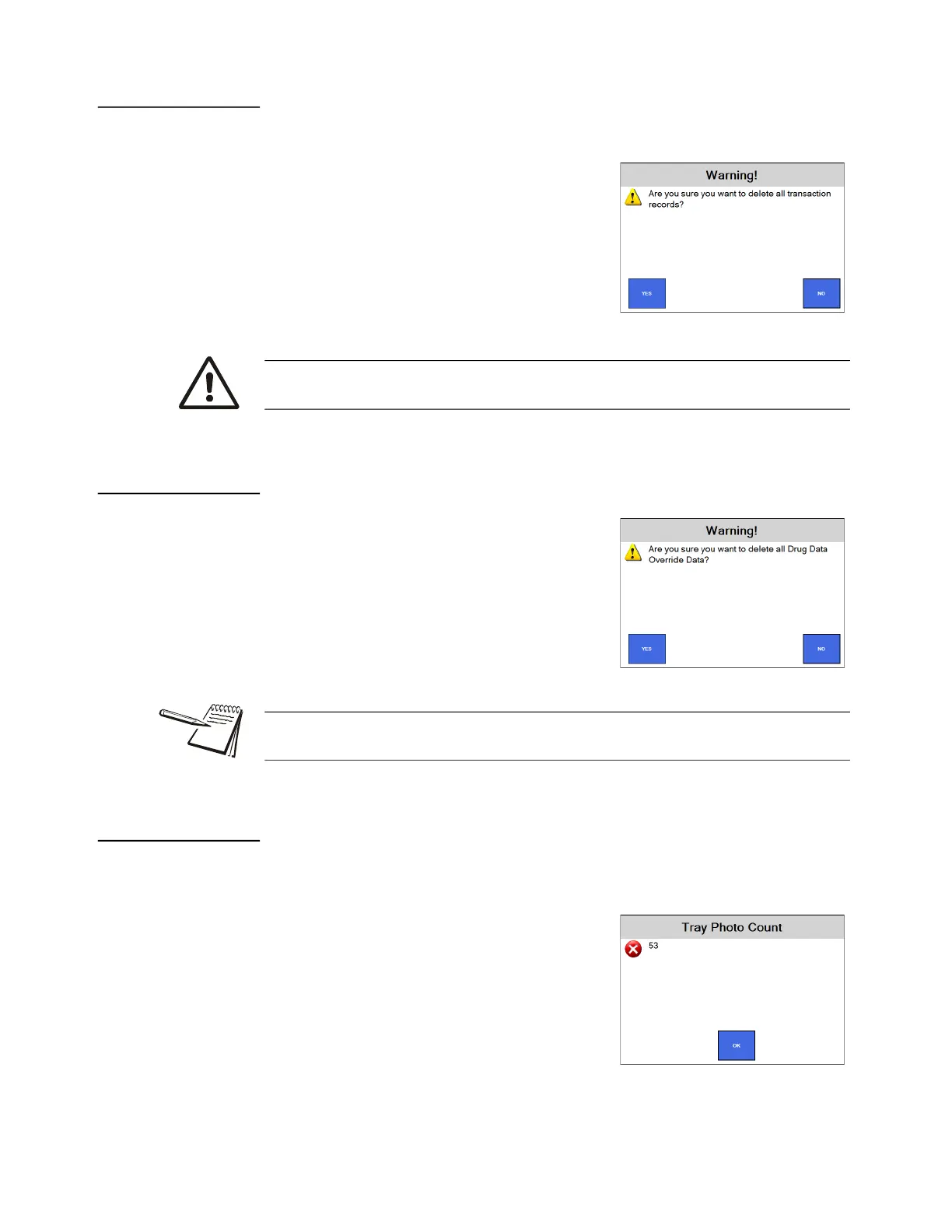
1. Tap Delete Report Data and the screen at right is displayed.
2. Tap YES to delete all transaction records
or NO if you do not want them deleted.
The screen returns to the Data
menu.
3.4.3 Delete Drug Data Override Data
1. Tap Delete Drug Override Data and the
screen at right is displayed.
2. Tap YES to delete all drug override data
or NO if you do not want to delete it.
The screen returns to the Data
menu.
3.4.4 Tray Photo Count
Knowing the Tray Photo Count can be useful in determining the amount of database
memory used by these photos.
1. Tap Tray Photo Count to see the number of
tray photos currently saved on this
Eyecon. See image at right for an
example.
2. Press OK to return to the Data menu.
Deleting report data will delete all transactions currently viewable in Eyecon’s
Auditor Transaction Table, including tray photos.
The Drug Override Data includes any edits to the Eyecon supplied Medi-Span drug
data as well as any new drugs that were manually entered into the Eyecon.



 To Next Page