32 Eyecon 9420 & 9430 Instruction Manual
Settings menu
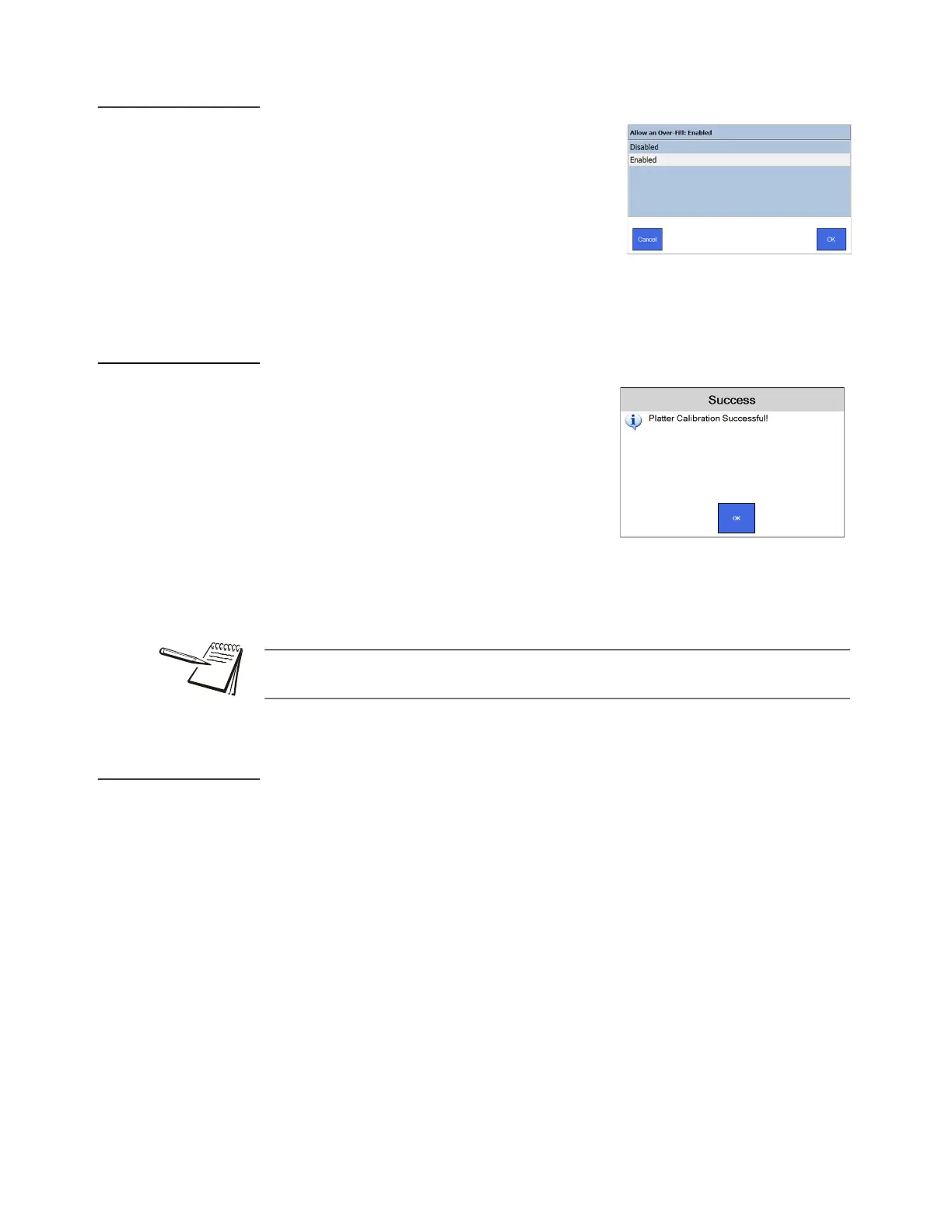
3.2.7 Allow an Over-Fill
This item lets you enable or disable the ability to
allow an over-fill of an Rx. (While not commonly
done, some pharmacies have requested this
capability. If an overfill is attempted, the user will
be given a warning before the transaction is
recorded.)
Tap your choice and press OK to accept the
change or Cancel to abort a change. Display
returns to the General menu.
3.2.8 Calibrate Platter
This function is used to calibrate and clean the
counting platter viewing area if the count is
unstable.
1. Remove all foreign objects and clean the
counting platter.
2. Press the Calibrate Platter menu item and
the platter will be automatically calibrated.
3. Platter Calibration Successful will be
displayed when the calibration is complete, shown at right.
4. Press OK to return to the General menu.
3.2.9 Set Eyecon Device Name
This is used to change the computer name of the Eyecon. Most users should not
change this, however, some IT professionals may opt to customize the name,
depending on their network requirements as the computer name is shown during
various network operations if your Eyecon is connected to a network.
The default name is “EYEC-” followed by a numeric portion of your Eyecon’s serial
number. Any valid computer name can be used, but certain special characters such as
“/” should NOT be used in the name. The name change will take effect after the Eyecon
reboots.
Press CANCEL to return to the General menu without saving changes or press OK to
save any changes made before returning to the General menu.
If the Error Calibrating Platter! message appears, clean surface of counting platter
and light diffuser. Try the Calibrate Platter process again.



 To Next Page