Eyecon 9420 & 9430 Instruction Manual 41
3.4 Data menu
3.4 Data menu
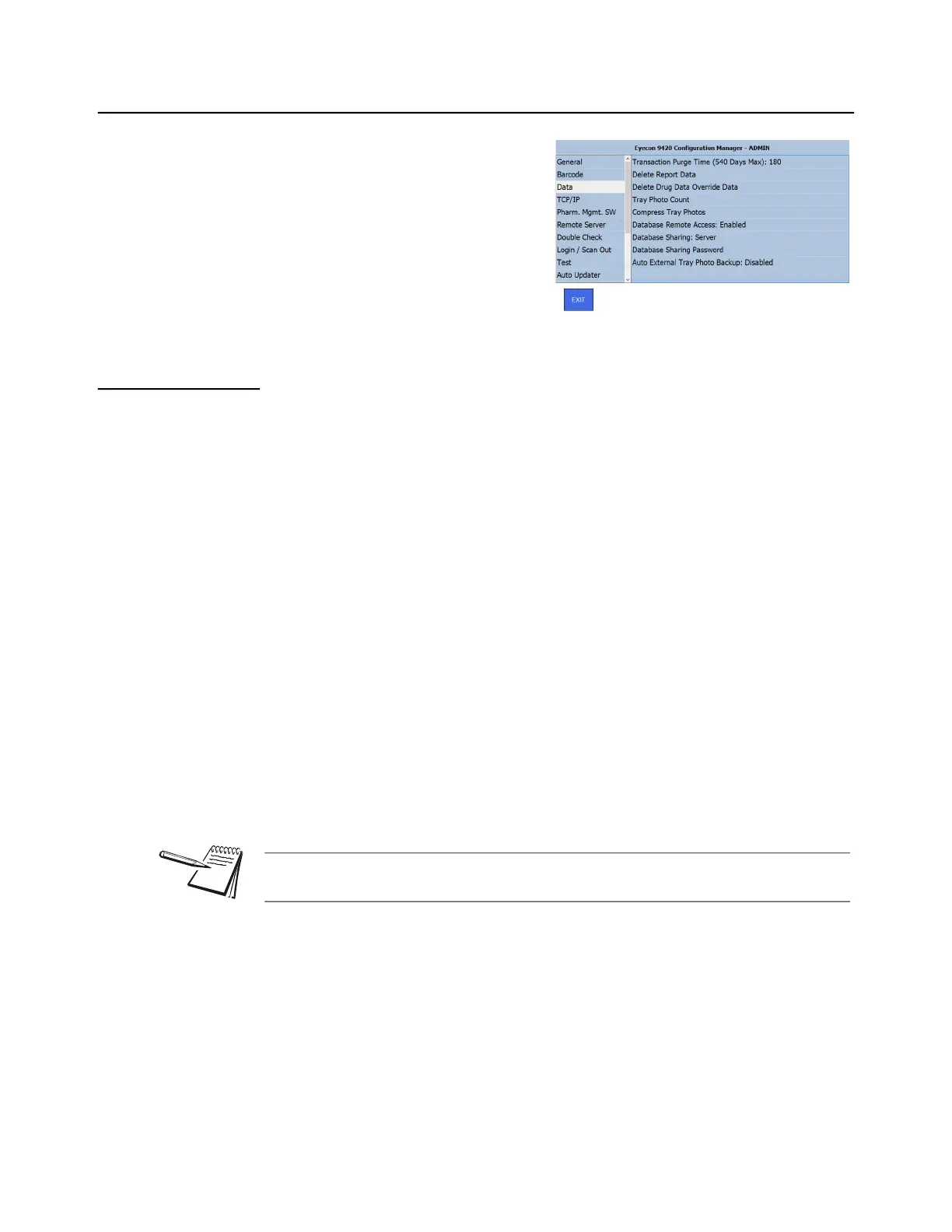
Click on Data to see the menu choices
shown at right and explained below:
3.4.1 Transaction Purge Time
Transaction purge time refers to the length of time that transaction data such as text
details and saved tray photos, is kept in the Eyecon’s database.
The Eyecon’s SQL table used to store all of the data saved on Eyecon has a storage
limit of 10 GB. If the database size reaches 9 GB, a warning is displayed advising the
user to reduce the Transaction Purge Time. If the database continues to grow to 9.5
GB, the Eyecon will automatically reduce the purge time by 10%.
Example:
If the purge time was 180 days, the purge time would be reduced to 162 days. If this
change does not result in sufficient reduction in database size, additional reduction
warnings will occur.
Use the following steps to configure the Transaction Purge Time.
1. From the Data menu, tap Transaction Purge Time to bring up the numeric
keypad.
2. Key in the number of days (between 1 and 540) to hold data before it is
purged.
3. Tap OK to accept the change or Cancel to abort a change.
The display returns to the Data menu.
To prevent loss of any transactional data, consider using the Auditor to save older
transaction data and annotated tray photos.



 To Next Page