Eyecon 9420 & 9430 Instruction Manual 43
3.4 Data menu
3.4.5 Compress Tray Photos
If the database on the Eyecon is approaching the 10 GB limit, compressing the tray
photos may help by reducing the amount of space these photos occupy.
Tap Compress Tray Photos. The photos are automatically compressed with no need to
confirm. You may see a screen flash, depending on how much space the photos
occupy, however, the Data menu will remain on screen.
3.4.6 Database Remote Access
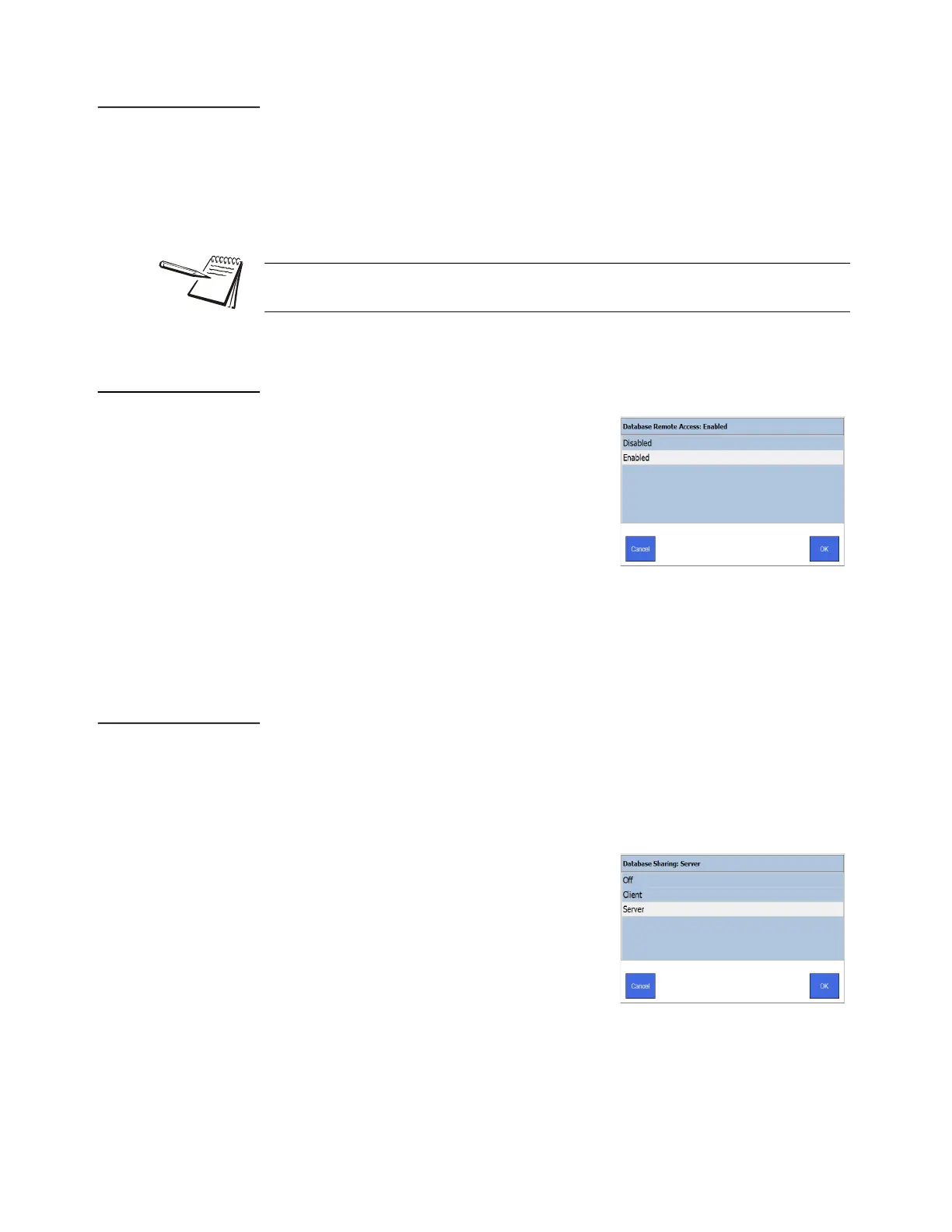
Enabling this option allows remote connections
access to the Eyecon database. This is used
when using the database sharing feature, when
multiple Eyecons share a single database, and
for the Remote Auditor PC software to access the
database on the Eyecon.
1. From the Data menu, tap Database
Remote Access.
The screen at right is displayed.
2. Tap Enabled to allow remote access.
3. Tap OK to return to the previous screen.
3.4.7 Database Sharing
Database sharing allows an Eyecon to be set as the server Eyecon. The server Eyecon
can then share its database with many client Eyecons. Client Eyecons must be able to
access the server Eyecon’s IP address on the network for this feature to work. Check
with the Eyecon support team for a detailed document on the setup and use of
Database Sharing.
Any Eyecon on the network that is set up to use
database sharing can complete a partial fill
performed on any other Eyecon in the network.
1. From the Data menu, tap Database
Sharing.
The screen at right is displayed.
2. Tap the appropriate choice for your setup
and network.
Off - no database sharing. All data will be stored locally.
Client - set this Eyecon as a client.
Server - set this Eyecon as the server.
Tray photos are automatically compressed on the Eyecon.This parameter is only
relevant to older photos on the Eyecon before this was changed in 2019.



 To Next Page